Nano Banana Edit: Ten References In, One Remixed Image Out
Google's lightweight editor blends a base photo with up to nine more references — products, styles, people, palettes — from a single plain-language instruction, in seconds.
A sharp default for natural-language photo edits, product adjustments, and style changes.
Enable
Enable
Enable
Enable
Enable
Enable
Enable
Enable
Enable
Your generated image will appear here.
Enter a prompt and click 'Generate' — or start from an example:
Examples
Nano Banana Edit before and after examples
Drag the handle to compare each source and result, or open the viewer for a closer look.
BeforeAfter
photo editing, identity lock
Outdoor headshot variant
Prompt: Move this woman into a sunlit park for a relaxed outdoor headshot: soft golden-hour backlight, blurred green foliage behind her, a gentle breeze in her hair. Keep her face, hairstyle, blazer, white shirt, and warm confident smile exactly the same so she is unmistakably the same person.
BeforeAfter
product edits
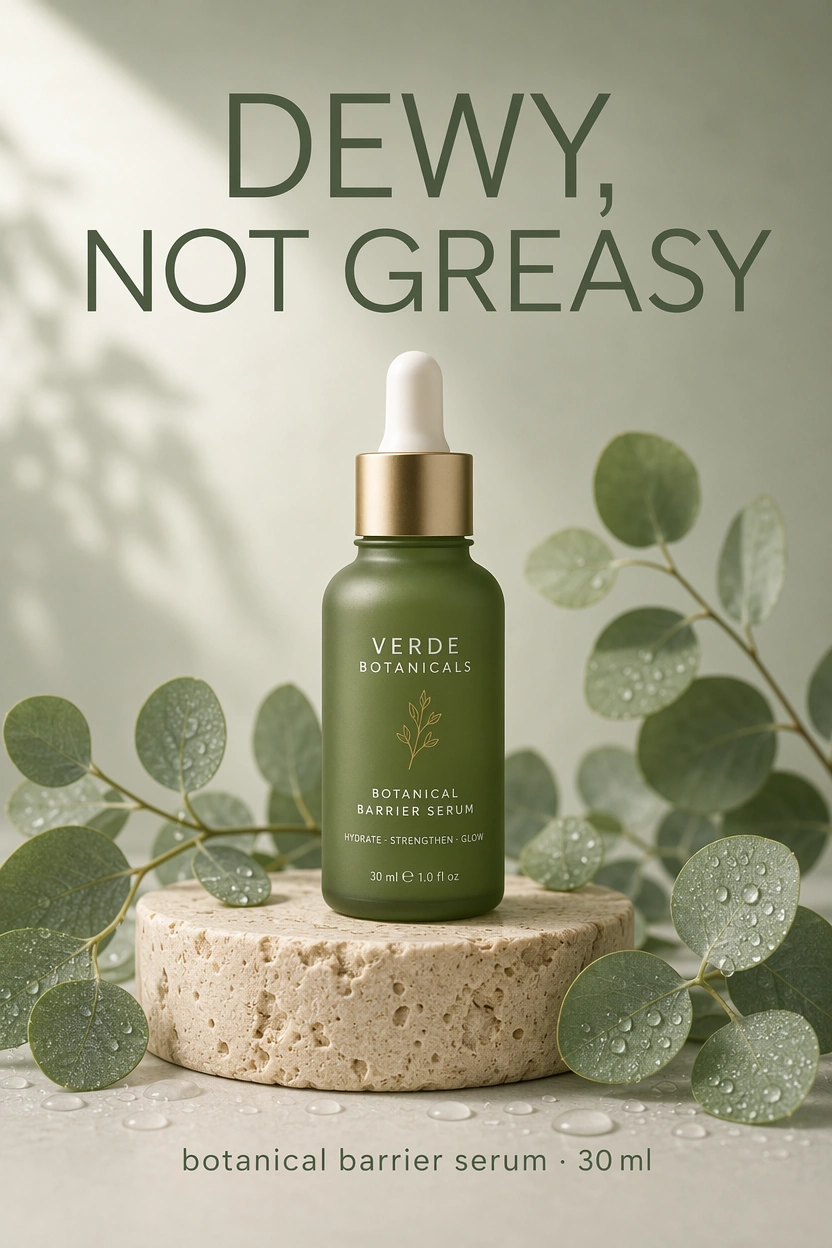
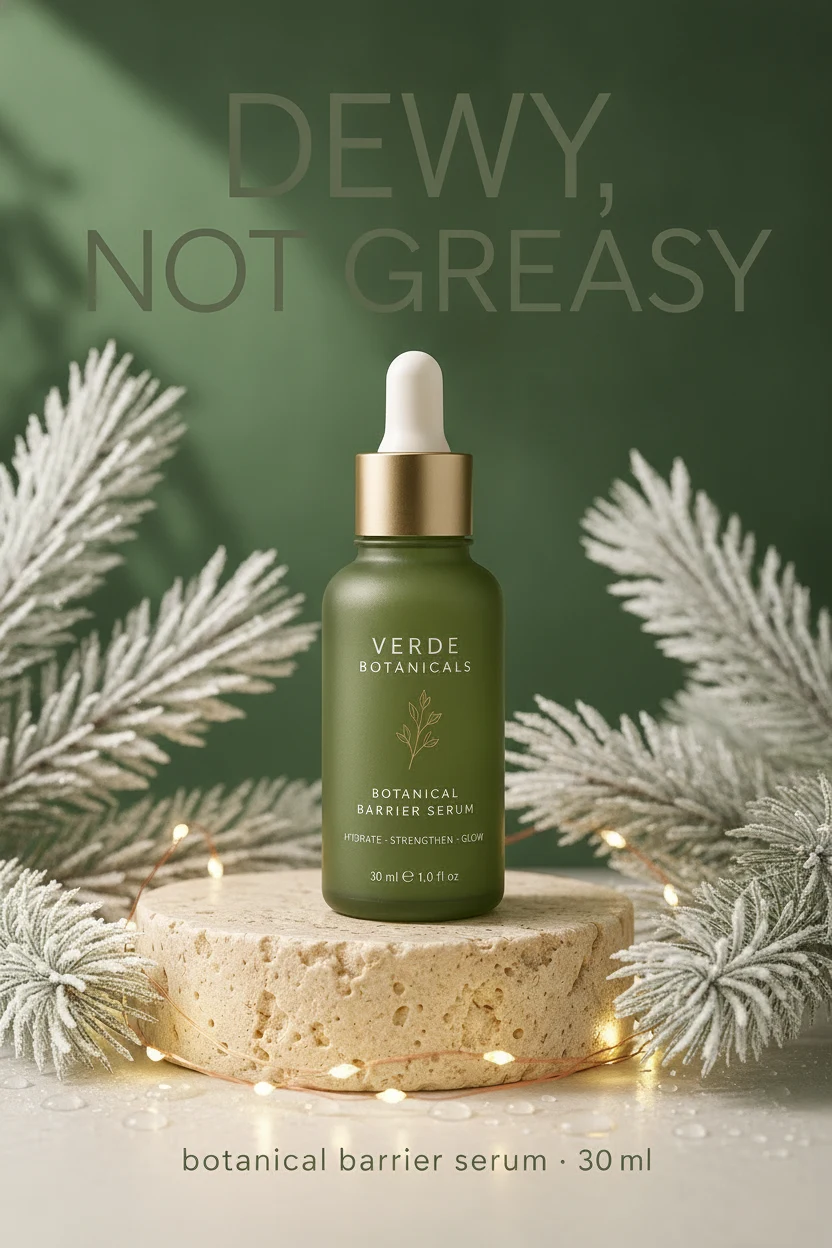
Seasonal product ad variant
Prompt: Restyle this skincare ad as a cozy winter-holiday variant: replace the eucalyptus leaves with frosted pine sprigs, scatter a few tiny warm fairy lights at the base, and shift the pale sage background to a deep forest green. Keep the bottle, gold cap, travertine pedestal, the headline "DEWY, NOT GREASY", and the label text exactly the same and perfectly legible.
BeforeAfter
photo editing
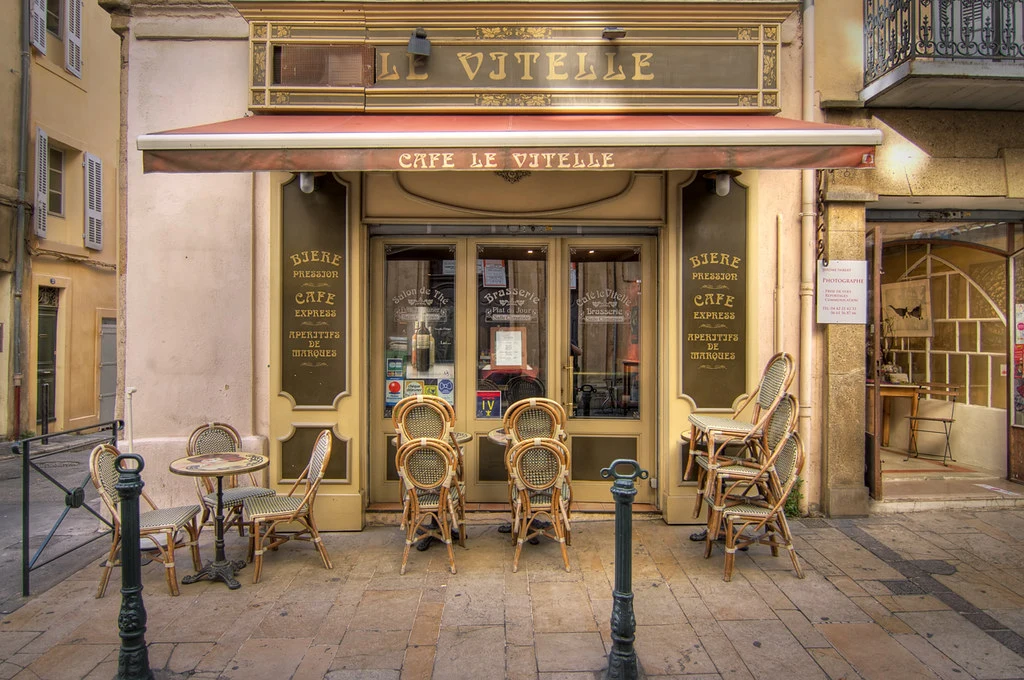
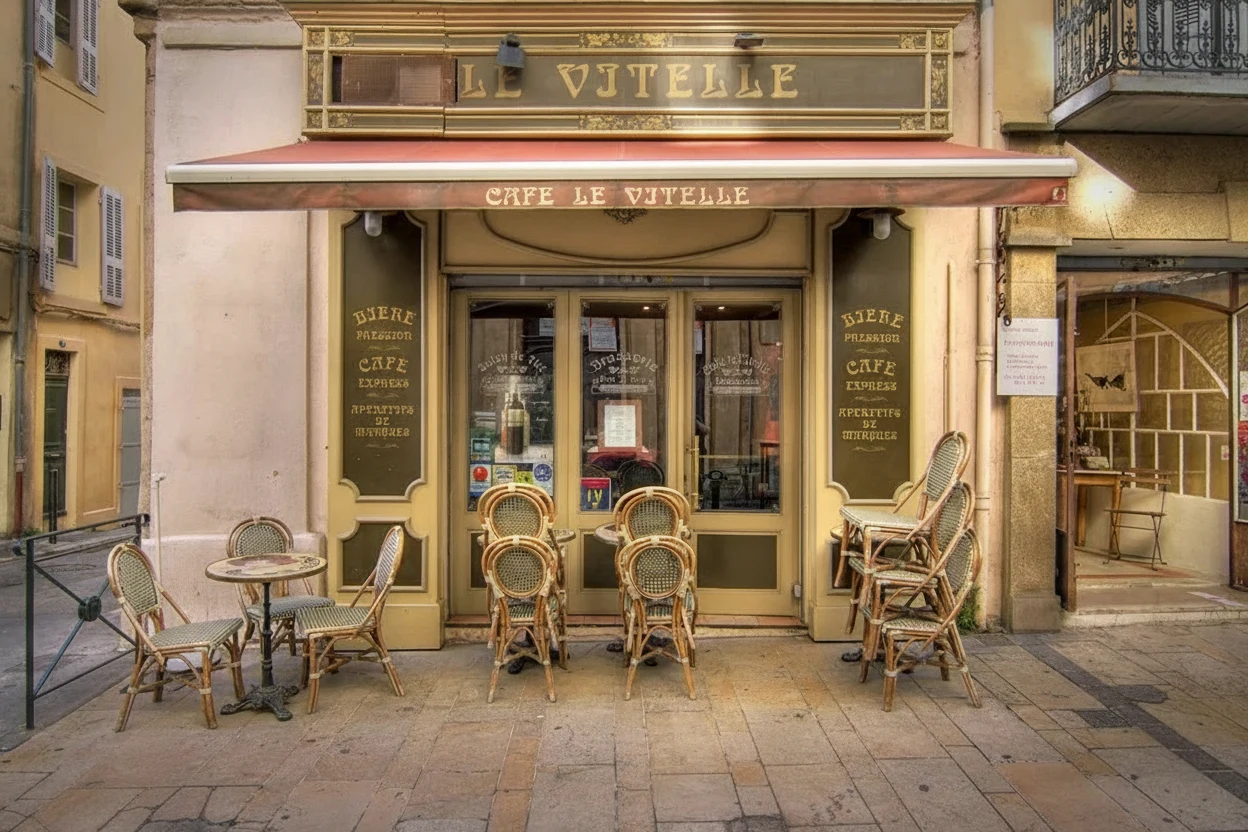
Scene cleanup
Prompt: Remove the two dark metal bollards from the foreground and any litter or stains on the pavement, rebuilding the cobblestones where they stood. Keep the café façade, the rattan chairs, the signage, the lighting, and the colors exactly the same.
Source: decar66 — CC-BY 2.0 via Flickr.
BeforeAfter
style changes
Photo to flat-lay illustration
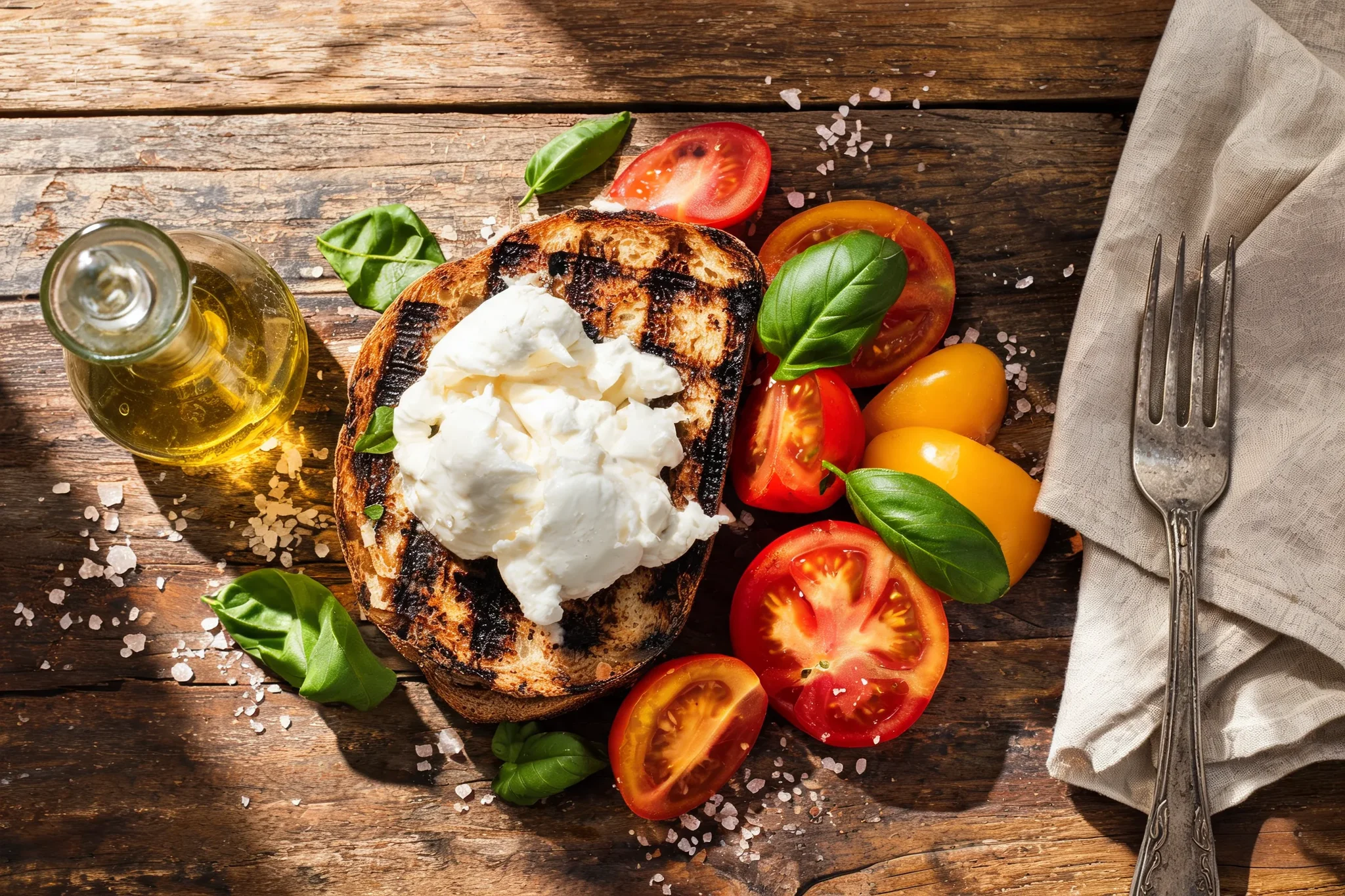
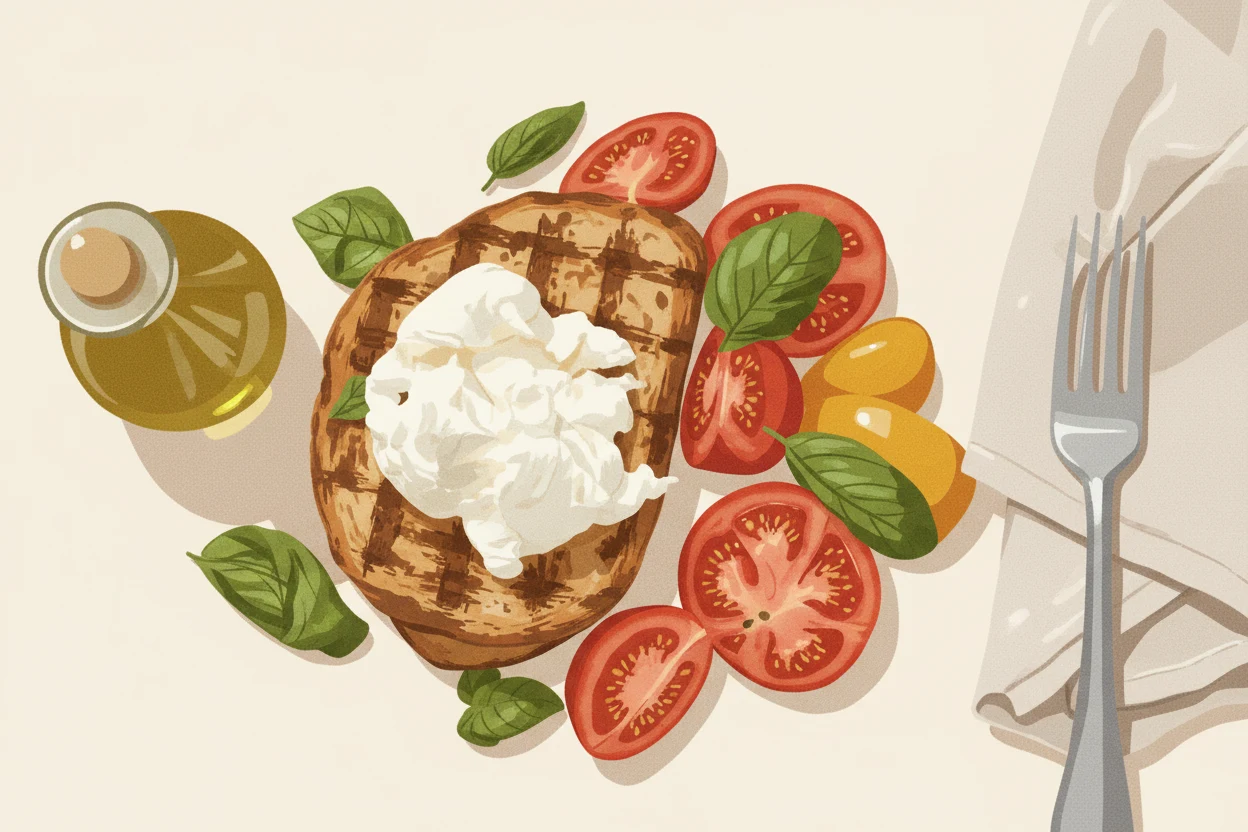
Prompt: Restyle this overhead lunch photo as a modern flat-lay illustration: clean vector-like shapes, soft grain texture, a warm cream background, and a terracotta, olive, and mustard palette. Keep the same composition — toast with burrata at the center, tomatoes and basil to the right, olive oil carafe to the left, napkin and fork at the edge.
BeforeAfter
product edits
Background replacement for ecommerce
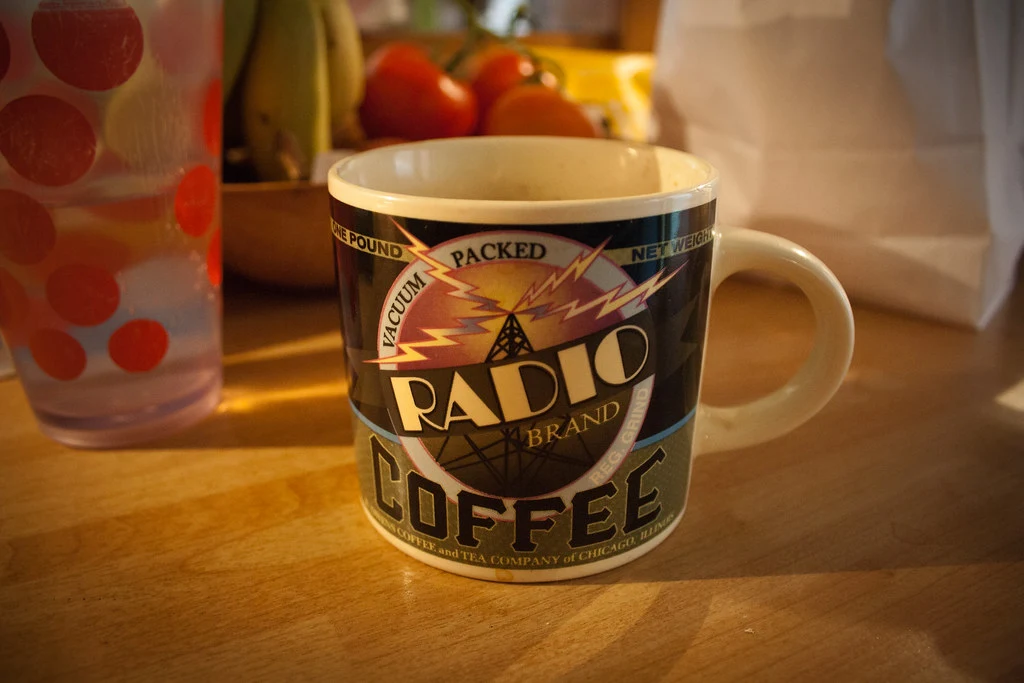
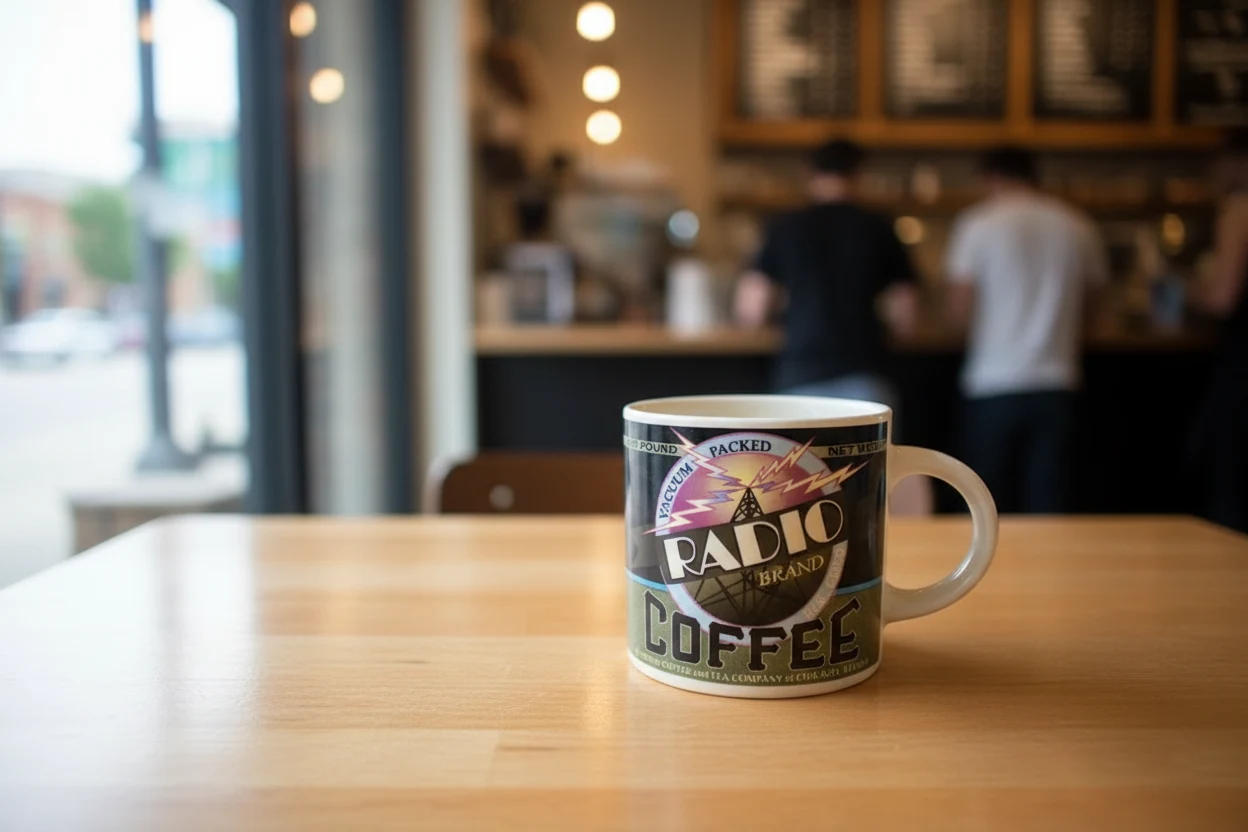
Prompt: Place the mug on a bright café table by a large window: soft daylight, a blurred espresso bar in the background, a faint reflection on the tabletop, and a natural contact shadow under the mug. Keep the mug itself — color, handle position, lettering, small imperfections — exactly as in the original photo.
Source: RandalWhitmore — CC-BY 2.0 via Flickr.
BeforeAfter
style changes + character consistency
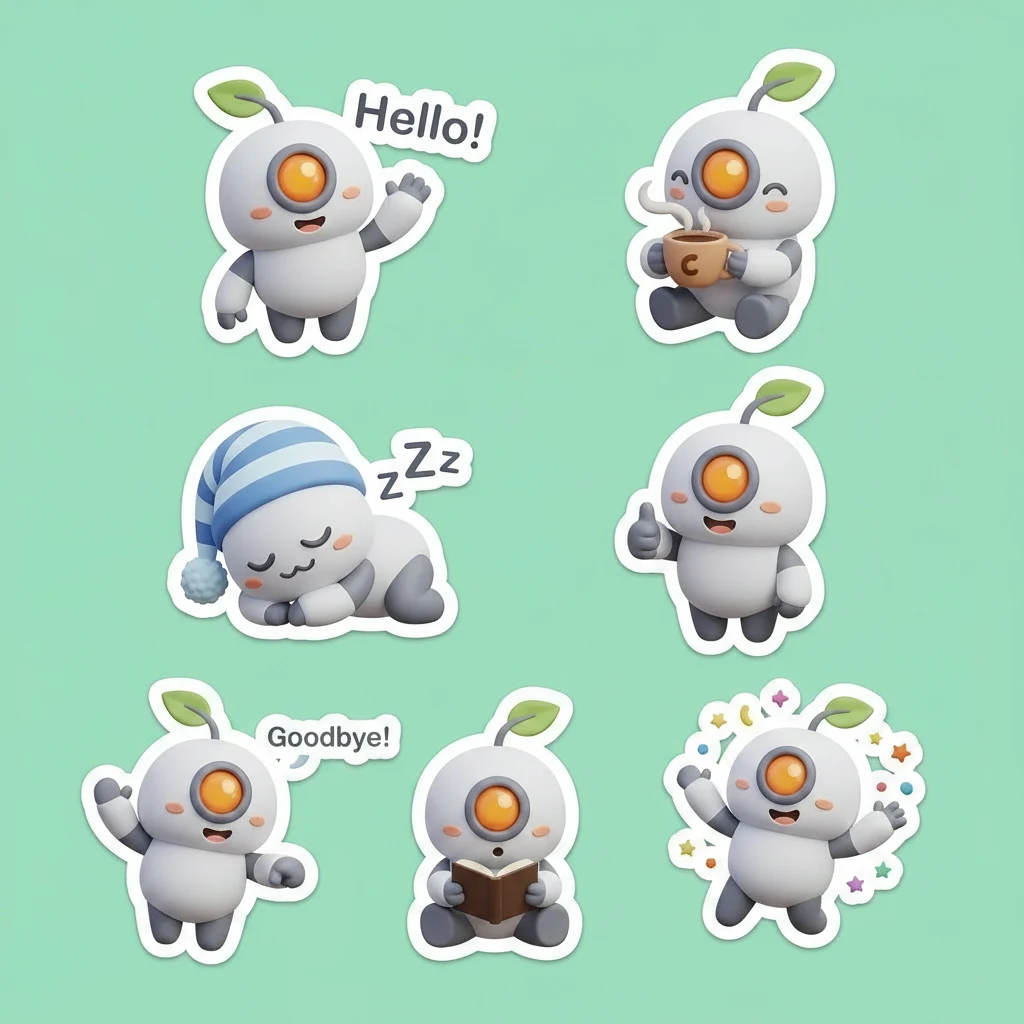
Sticker sheet extension
Prompt: Extend this robot mascot sticker sheet with a third row of three new stickers in the same style: the robot waving goodbye, the robot reading a tiny book, and the robot jumping with joy. Keep the same round white robot design, orange eye, leaf antenna, thick white sticker outlines, soft flat 3D style, and mint background perfectly consistent.
BeforeAfter
·
What is Nano Banana Edit built to remix?
Nano Banana Edit is Google's lightweight image editing model, and its defining skill is combination: it accepts up to ten input images at once and weaves what it finds in them into a single coherent result. A base photo supplies the scene, and the other slots contribute whatever you point at — the jacket from image two, the lighting from image three, the palette from a moodboard frame.
On RenderFlow AI, the image editor canvas exposes all ten reference slots plus a PNG/JPEG export choice at 5 credits per image. The model answers in seconds, which makes it the fastest way on the platform to test whether two visual ideas actually work together before committing to a slower premium edit.
Why Nano Banana Edit is the fastest way to combine references
Combination is the core skill, not a side feature. Ten input slots mean a stylist can place a model from one photo into the set from another, wearing the garment from a third, without touching a compositing tool. Naming each image's role in the prompt is what keeps the references straight.
Combination is the core skill, not a side feature. Ten input slots mean a stylist can place a model from one photo into the set from another, wearing the garment from a third, without touching a compositing tool. Naming each image's role in the prompt is what keeps the references straight.
Speed changes how you iterate. Nano Banana Edit returns results fast enough to treat remixing as exploration: swap the reference, rerun, compare. A marketing team can walk through a dozen "our product in their lifestyle scene" mockups in one working session.
Speed changes how you iterate. Nano Banana Edit returns results fast enough to treat remixing as exploration: swap the reference, rerun, compare. A marketing team can walk through a dozen "our product in their lifestyle scene" mockups in one working session.
Characters and products stay recognizable. Given a clear reference, the model holds identity and product details while everything else changes — useful
Characters and products stay recognizable. Given a clear reference, the model holds identity and product details while everything else changes — useful for putting the same spokesperson or SKU across a week of social visuals without a reshoot.
Plain language replaces masking. Instructions like "seat the person from image 1 at the café table in image 2, golden-hour light" stand in
Plain language replaces masking. Instructions like "seat the person from image 1 at the café table in image 2, golden-hour light" stand in for selection tools and layer work, which is why non-designers reach for it first.
Remix jobs that suit Nano Banana Edit
AI image editing
Background replacement
Product photo edits
Creative restyling and visual cleanup
Building a multi-reference edit with Nano Banana Edit
Anchor the edit with Input Image 1
Upload the photo that should define the composition — the person, the room, the scene — as the first input. Nano Banana Edit treats it as the base that the other references modify, so choose the frame whose layout you want to keep.
Add only the references the edit needs
Enable Inputs 2–10 for the elements you are pulling in: a product shot, a garment, a style frame, a palette. Fewer, clearer references beat a full rack — every extra image is another thing the model can confuse, so toggle on slots deliberately.
Name each image's role in the prompt
Write the instruction with explicit assignments: "put the jacket from image 2 on the person in image 1, lit like image 3." Role-naming is the single biggest lever for getting the right element from the right reference.
Choose PNG or JPEG on export
The canvas offers both formats. Take PNG when the result feeds further design work or needs maximum fidelity; take JPEG for quick social posting where file size matters more.
Chain the result, or drop to a single-image editor
Keep a good output as the new base image and issue the next instruction to build on it. When a job only involves one photo with no references to blend, Qwen Image Edit at 3 credits is the cheaper tool for that pass.
Frequently Asked Questions
How many images can Nano Banana Edit use at once?
Up to ten inputs on the RenderFlow AI canvas: one required base image plus nine optional references. Give each reference a distinct job — garment, background, style, palette — and the model blends them into a single coherent result.
What is the difference between Nano Banana and Nano Banana Edit?
Nano Banana generates images from a text prompt alone, while Nano Banana Edit starts from your uploaded images and changes or combines them. If you have source material to preserve or remix, you want the Edit page; if you are creating from scratch, use the generator.
Can Nano Banana Edit keep the same character across multiple images?
Yes — character consistency is one of its strengths. Provide a clear portrait as a reference, describe the new scene or styling, and the person stays recognizable; reusing the output as the next base image tightens consistency further across a series.
Should I export PNG or JPEG from Nano Banana Edit?
Both are offered in the canvas. PNG preserves maximum detail for assets headed into design tools or further edits; JPEG produces smaller files that are fine for social posts and quick reviews.
Why did Nano Banana Edit mix up my references?
The usual cause is too many similar images or an instruction that never says which image does what. Cut the reference count to what the edit truly needs and rewrite the prompt with explicit roles — "background from image 2, product from image 3" — and the confusion almost always clears.
Is Nano Banana Edit good for product photography mockups?
It is one of its best uses: upload the packshot as one input and a lifestyle scene as another, then ask for the product placed in the scene with matching light. Review labels and fine print closely, and rerun with a sharper packshot if small packaging text softens.