Image generation
Generate campaign-ready images
Create product visuals, portraits, illustrations, posters, and social creative from a text prompt.
Generate an image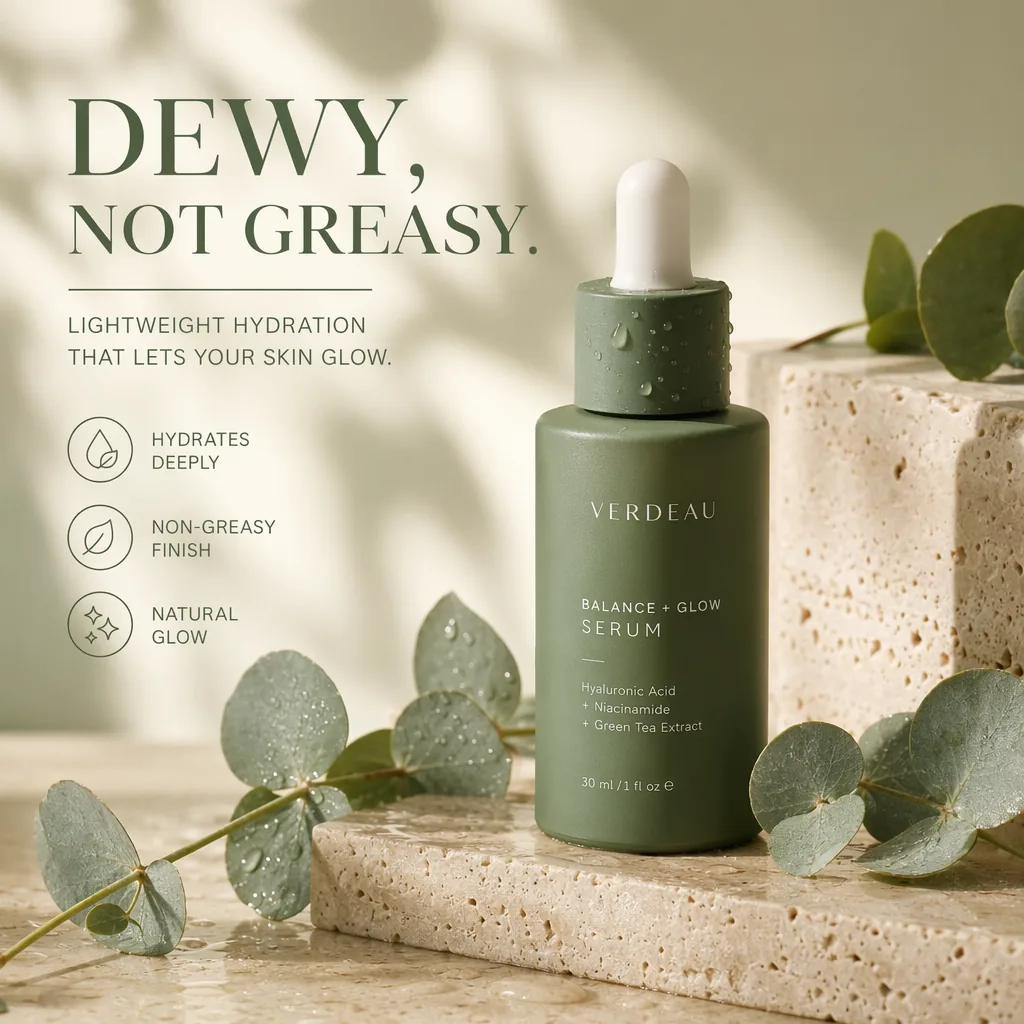
RenderFlow AI creative tools
Generate, edit, and animate with GPT Image, Nano Banana, Seedream, Kling, Seedance, and more—without juggling provider accounts or API keys.
Explore all modelsReal output
Generated with GPT Image 2
Models from leading AI teams, available through RenderFlow AI
A simple process
Choose what you want to create and start with the right model.
Start with image, video, editing, or avatar creation, then choose the model that fits the job.
Write a clear prompt, add a reference, or upload the media you want to transform.
Review the result, adjust your direction, and continue into another workflow when needed.
Image, video, editing, and avatars
Choose the job you need to complete, then open the right generator with relevant models already in view.
Image generation
Create product visuals, portraits, illustrations, posters, and social creative from a text prompt.
Generate an image Video generation
Build cinematic clips, product shots, and social video with controllable movement and pacing.
Generate a video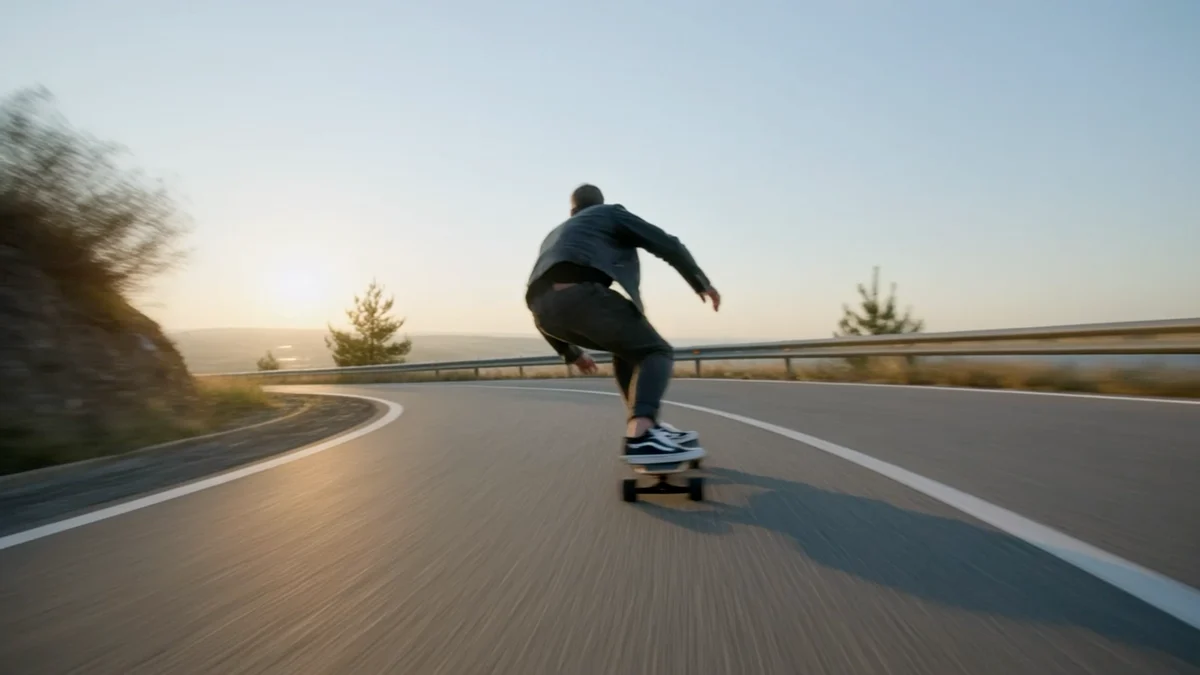
Prompt-based editing
Replace backgrounds, update details, and preserve the parts of an image that already work.
Edit an image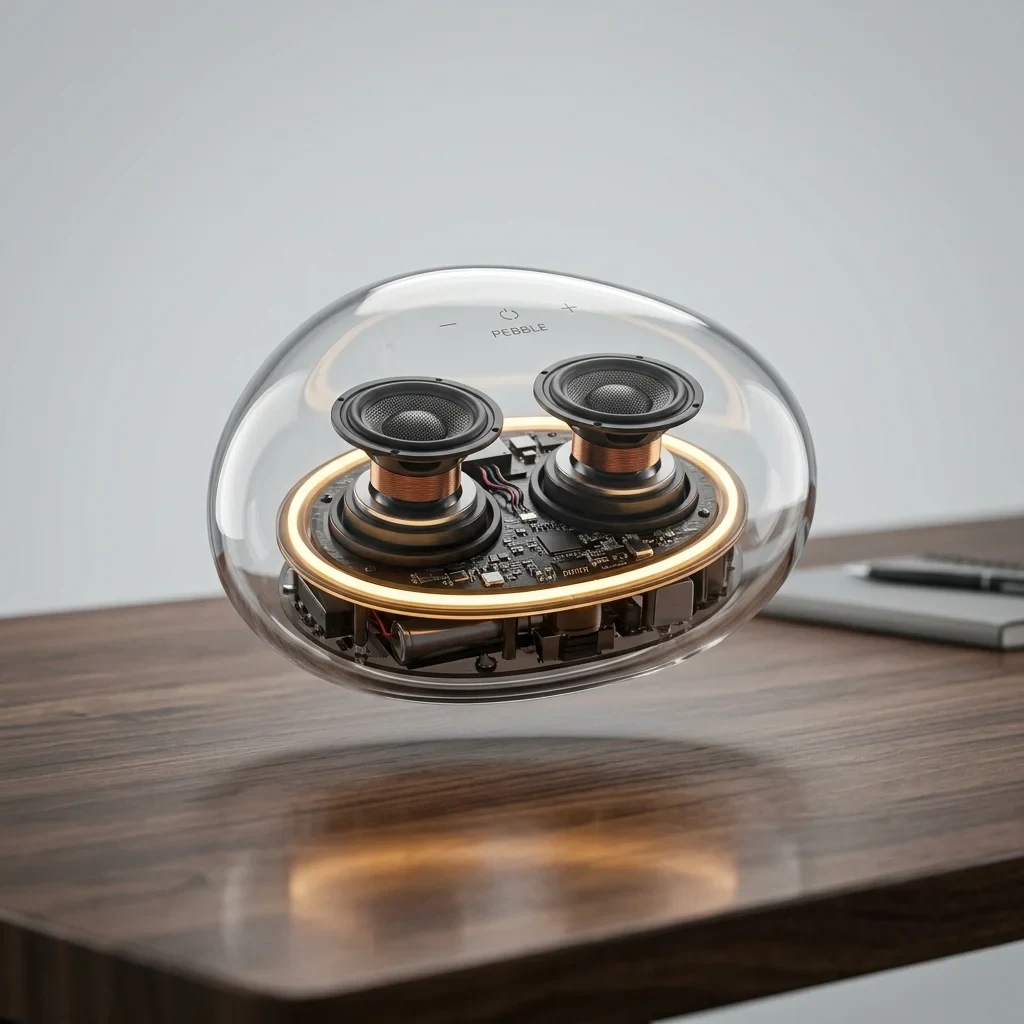
Avatar generation
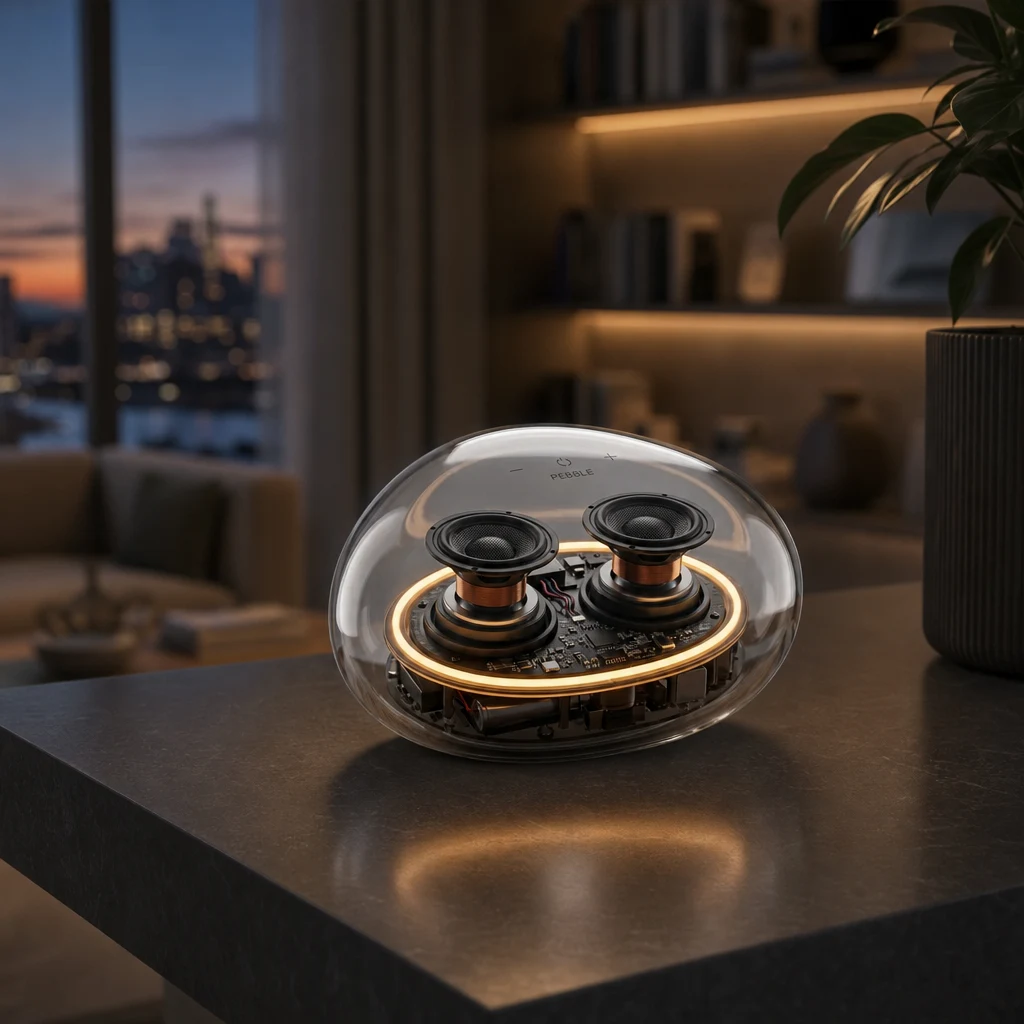
Animate a portrait from audio for explainers, presentations, and creator content.
Create an avatar
Curated picks
Four useful starting points—each with a real output and a direct path to the model.
Best overall
OpenAI
The best overall choice right now. It follows detailed instructions, renders readable typography, and offers three quality tiers with output up to 4K for everything from fast drafts to polished campaign assets.
View model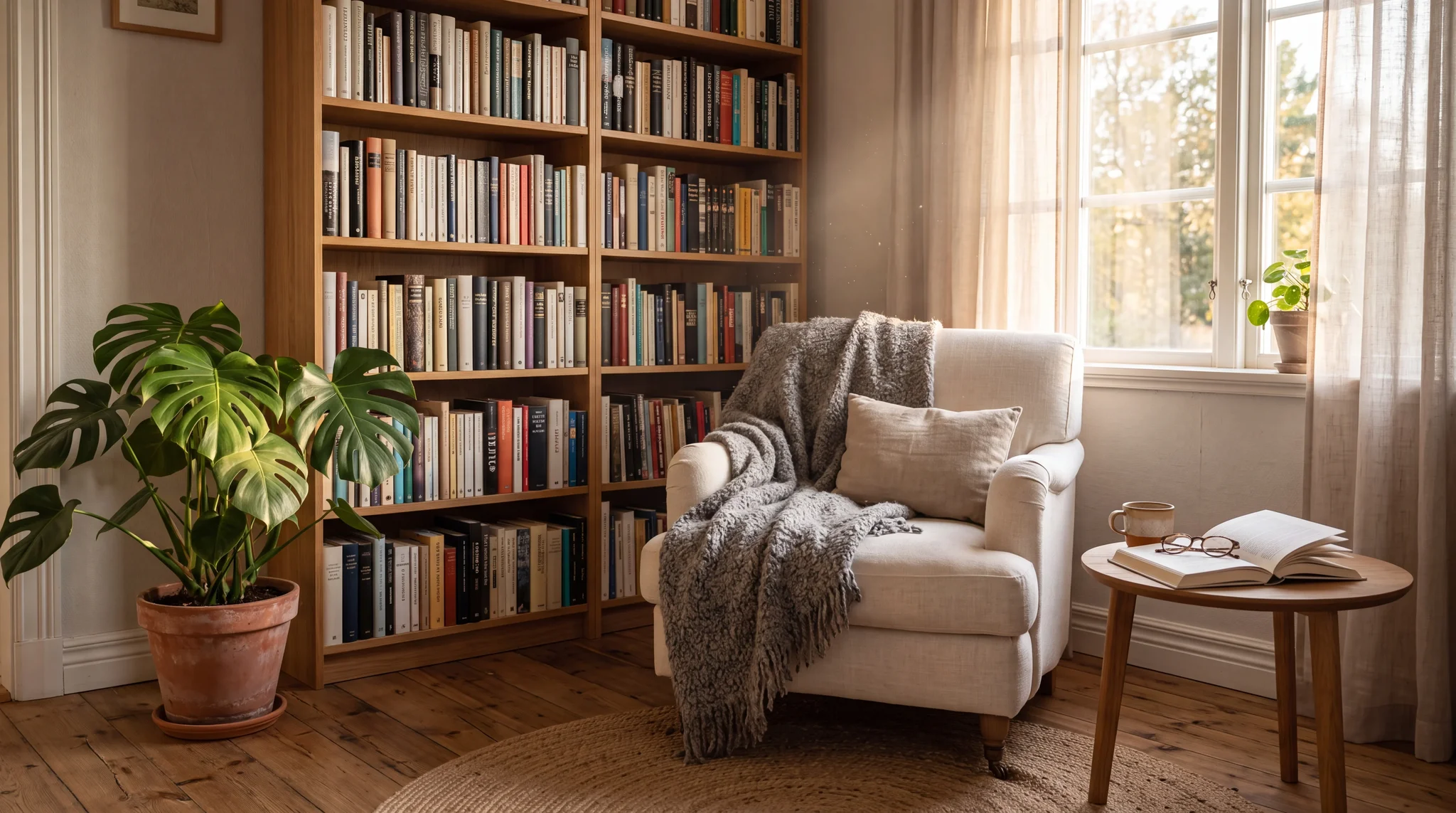
Typography and identity
A strong all-rounder for identity consistency, typography, and rapid iteration. It holds a character across poses and scenes and renders finished images up to 4K.
View model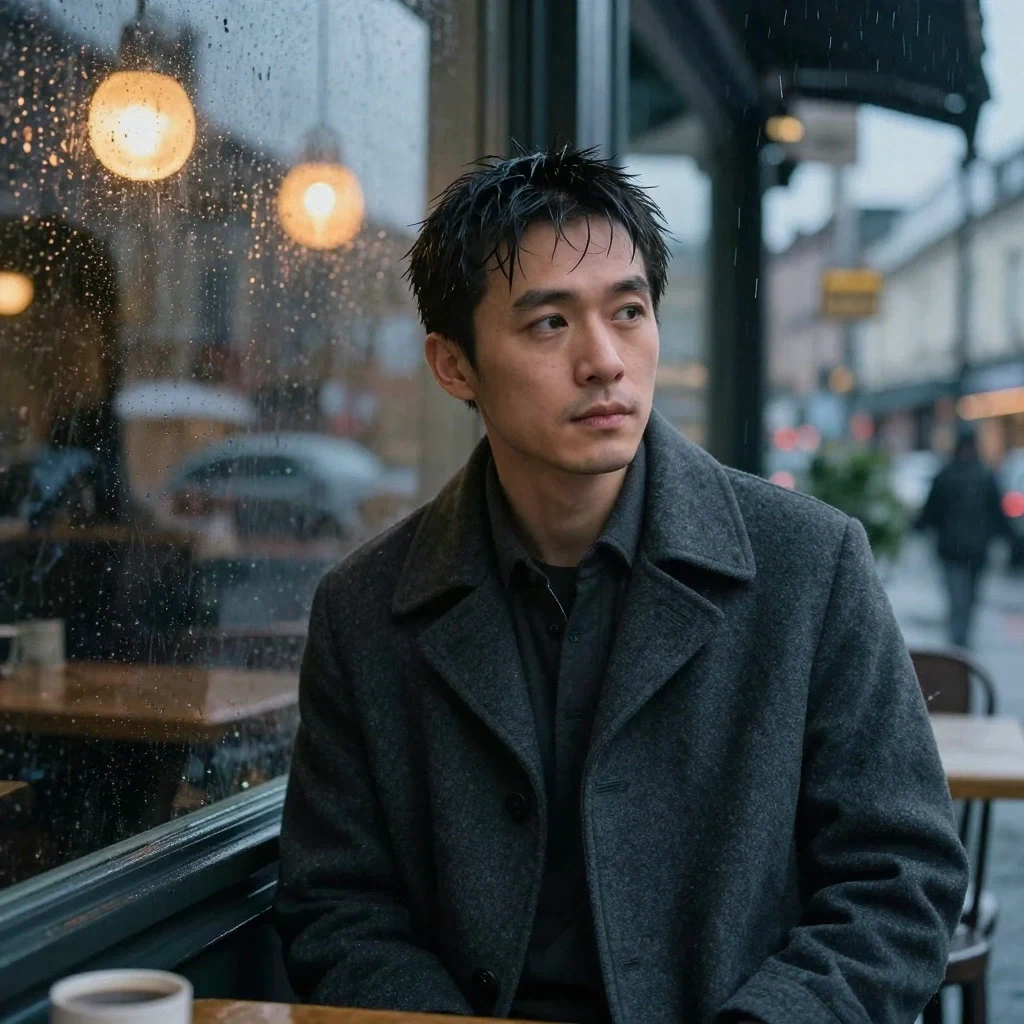
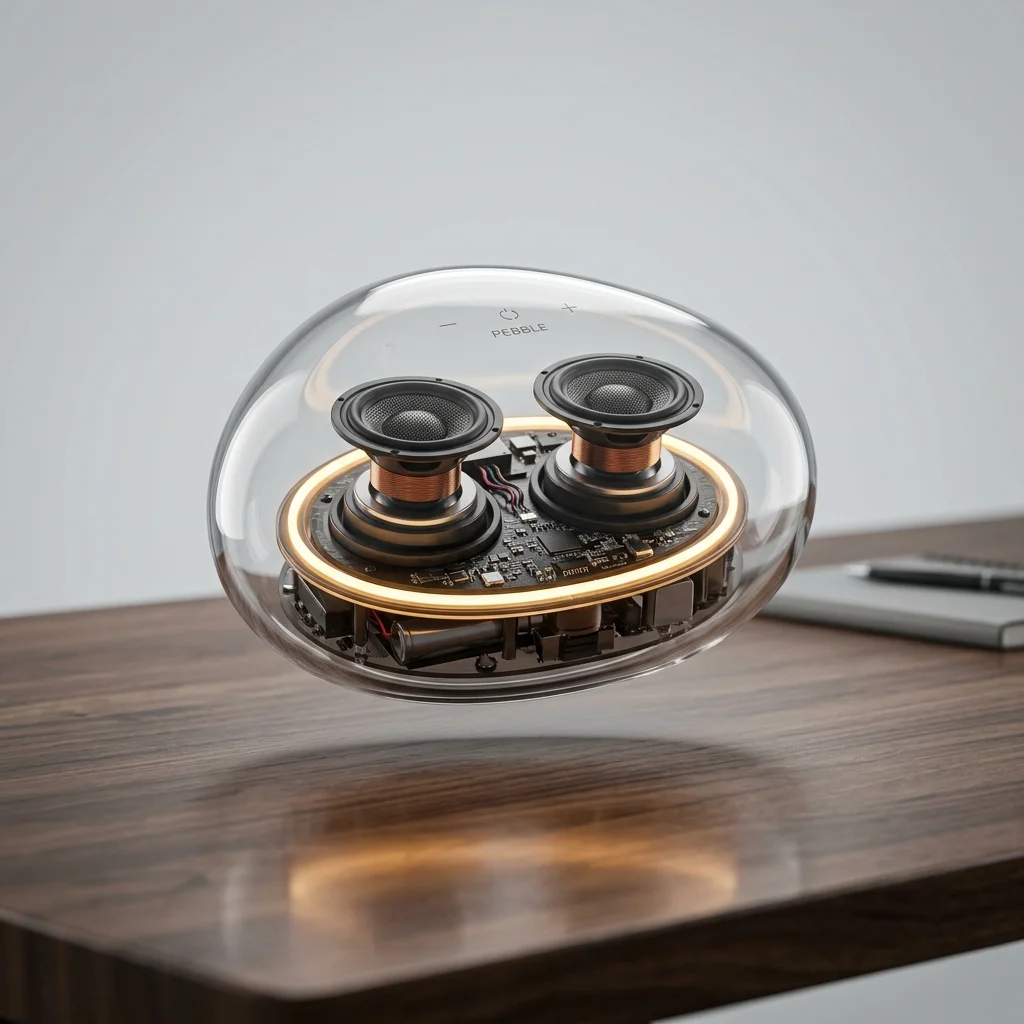
Fast iteration
WaveSpeed AI
A fast photorealistic model tuned for rapid iteration, concept exploration, and clean drafts before final production.
View model Cinematic video
Kuaishou
The cinematic camera. Slow orbits, fabric and water that move with real weight, and native ambient sound — for clips that have to feel shot, not generated.
View modelReal outputs, any style
See the output and the use case together. Switch between four creative directions without scrolling through four separate galleries.
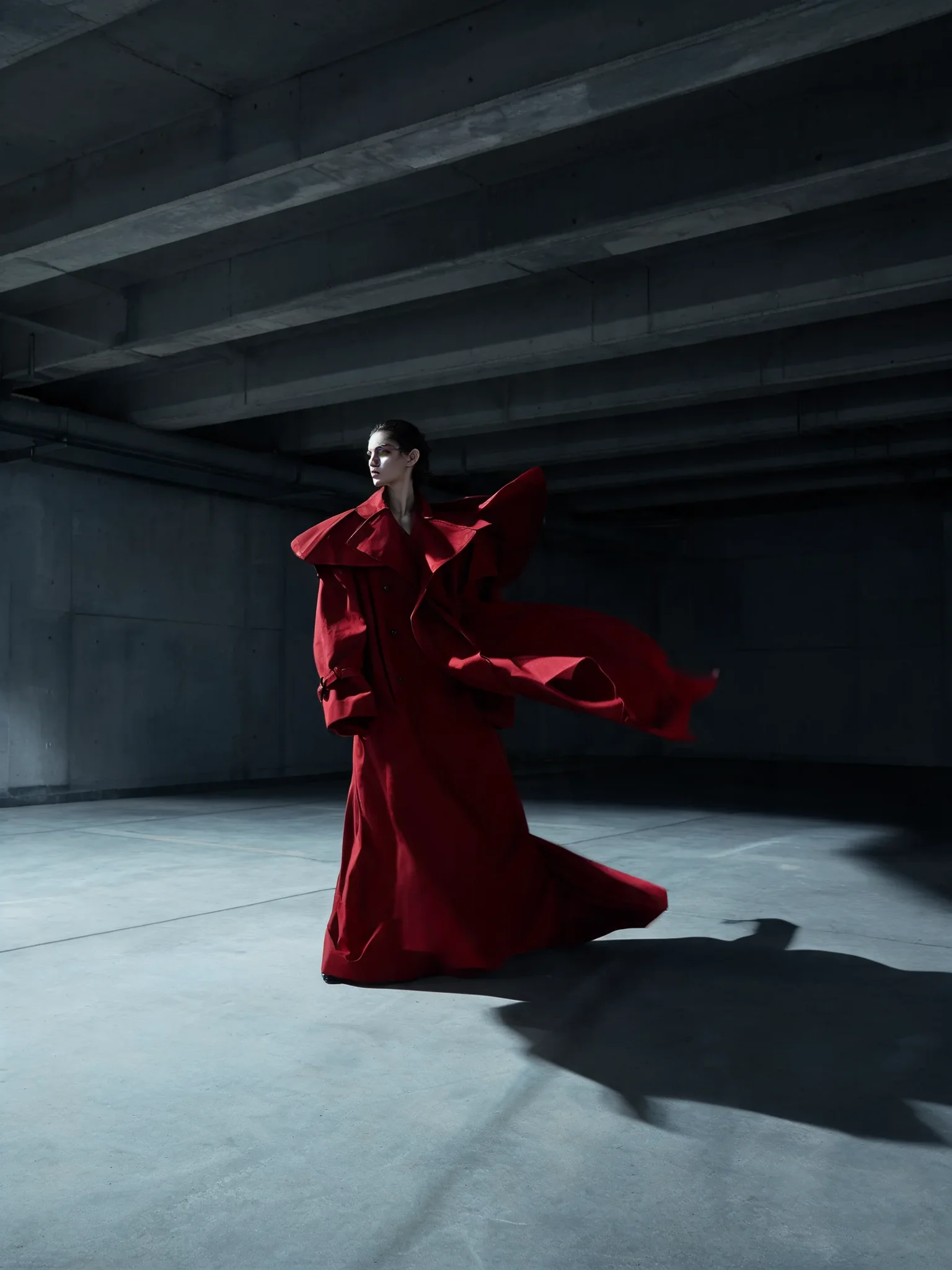
Real RenderFlow outputs
Build product, fashion, and brand visuals with controlled lighting, clear hierarchy, and room for campaign copy.
Create campaign images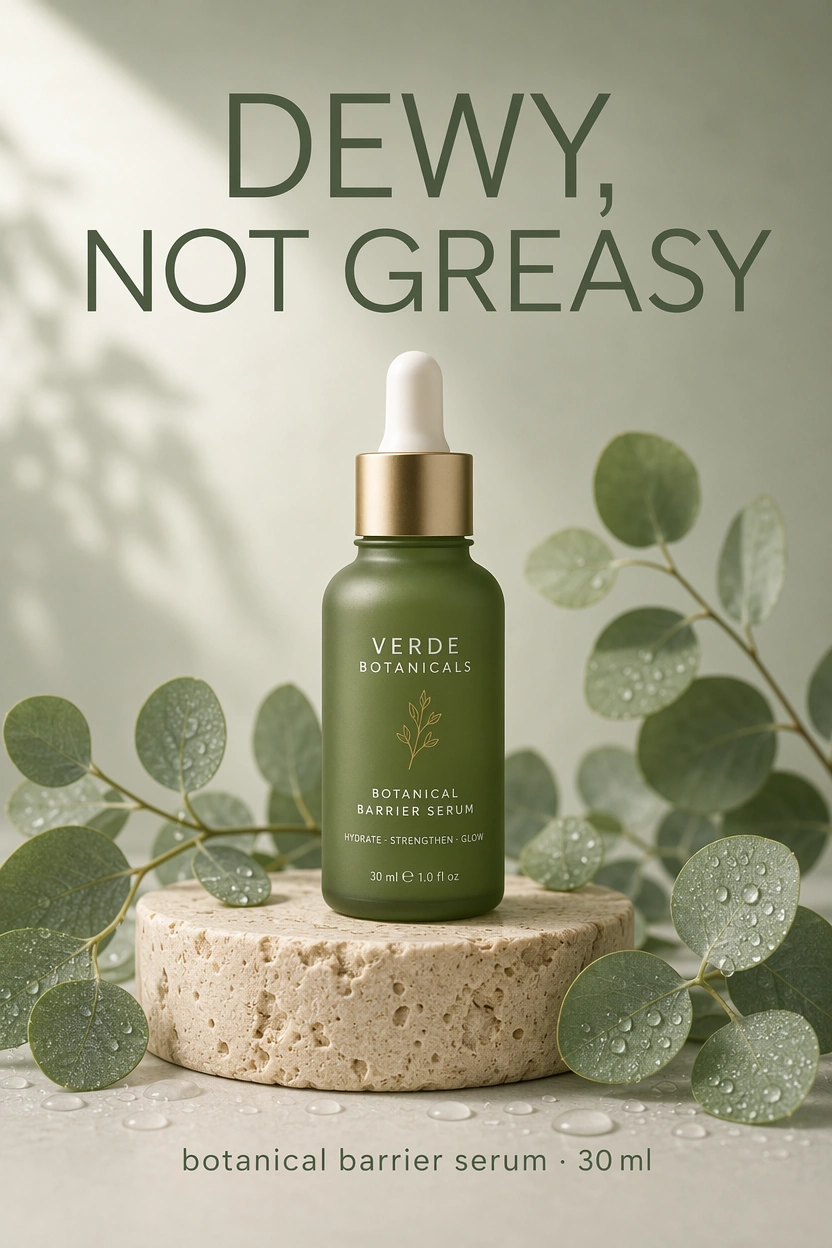
A clearer creative workflow
See the workflow, model choice, and credit cost before you commit to a generation.
01
Move between current image, video, editing, and avatar models without managing separate provider accounts or API keys.
02
Each generator shows the model and credit cost before you create, so the choice stays visible and intentional.
03
Generate a still, refine it in the editor, or use it as the starting point for video and avatar workflows.
Practical details
RenderFlow AI is a platform for generating and editing images, videos, and avatars with models from multiple AI providers.
Choose an image model, describe the subject, composition, lighting, and style you want, then generate and refine the result in the image generator.
RenderFlow AI offers a curated catalog of current image, video, editing, voice, and avatar models. The available catalog is shown in the relevant generator and on the models page.
Yes. New accounts receive 35 monthly credits on the Free plan, with no credit card required.
No. RenderFlow AI handles provider access so you can use the available models through one account and credit balance.
RenderFlow AI states that you retain ownership of assets you generate. You remain responsible for ensuring your prompts, inputs, and outputs comply with applicable law and do not violate third-party rights.
Start with an idea
Choose a workflow, compare the available models, and open the generator that fits what you want to create.
Looking for image-to-video inspiration? Explore examples and create videos at Seedance 2.5 AI Video Generator.