OpenAI
GPT Image 2 Edit
Natural-language image editing with strong instruction following, typography, and up to 4K output.
- precise edits
- text changes
- high-resolution output
7 credits per image.
Image to image
Upload an image, describe the change, and compare 5 current editing models in one image editor.
Your generated image will appear here.
Enter a prompt and click 'Generate' — or start from an example:
Model guide
Compare instruction following, reference support, speed, output resolution, and credit cost before you run an edit.
| Model | Best for | Credit cost |
|---|---|---|
| GPT Image 2 Edit OpenAI | precise edits, text changes, high-resolution output | 7 credits per image. |
| Nano Banana 2 Edit Google | multi-image edits, reference consistency, fast iteration | 5 credits per image. |
| P Image Edit Pruna AI | fast edits, low-cost iteration, multi-image references | 1 credit per image. |
| Qwen Image 2.0 Edit Alibaba | bilingual prompts, instruction following, multi-image edits | 3 credits per image. |
| Grok Imagine Quality Edit xAI | quality edits, creative transformations, high-resolution output | 7 credits per image. |
OpenAI
Natural-language image editing with strong instruction following, typography, and up to 4K output.
7 credits per image.
Fast multi-image editing with strong reference consistency, search grounding, and output up to 4K.
5 credits per image.
Pruna AI
A fast, low-cost editor for prompt-driven transformations using up to five reference images.
1 credit per image.
Alibaba
Bilingual image editing with improved instruction understanding and support for multiple references.
3 credits per image.
xAI
Quality-focused single-image editing with flexible aspect ratios and output up to 2K.
7 credits per image.
Use cases
Use the original as the visual anchor, then tell the editor exactly what to change and what to preserve.
Move a subject into a studio, lifestyle scene, or new environment while preserving the important details of the original.
Change colors, materials, props, labels, and composition for ecommerce images and campaign variations.
Use multiple inputs to carry a person, product, style, or setting into one coherent edited result.
Update clothing, lighting, expression, and art direction while keeping the person recognizable.
Examples
Each pair uses the featured model for the kind of edit it handles best. Drag the handle on any pair to compare before and after, or open the viewer for a closer look.
Precise edits, text changes, and high-resolution output
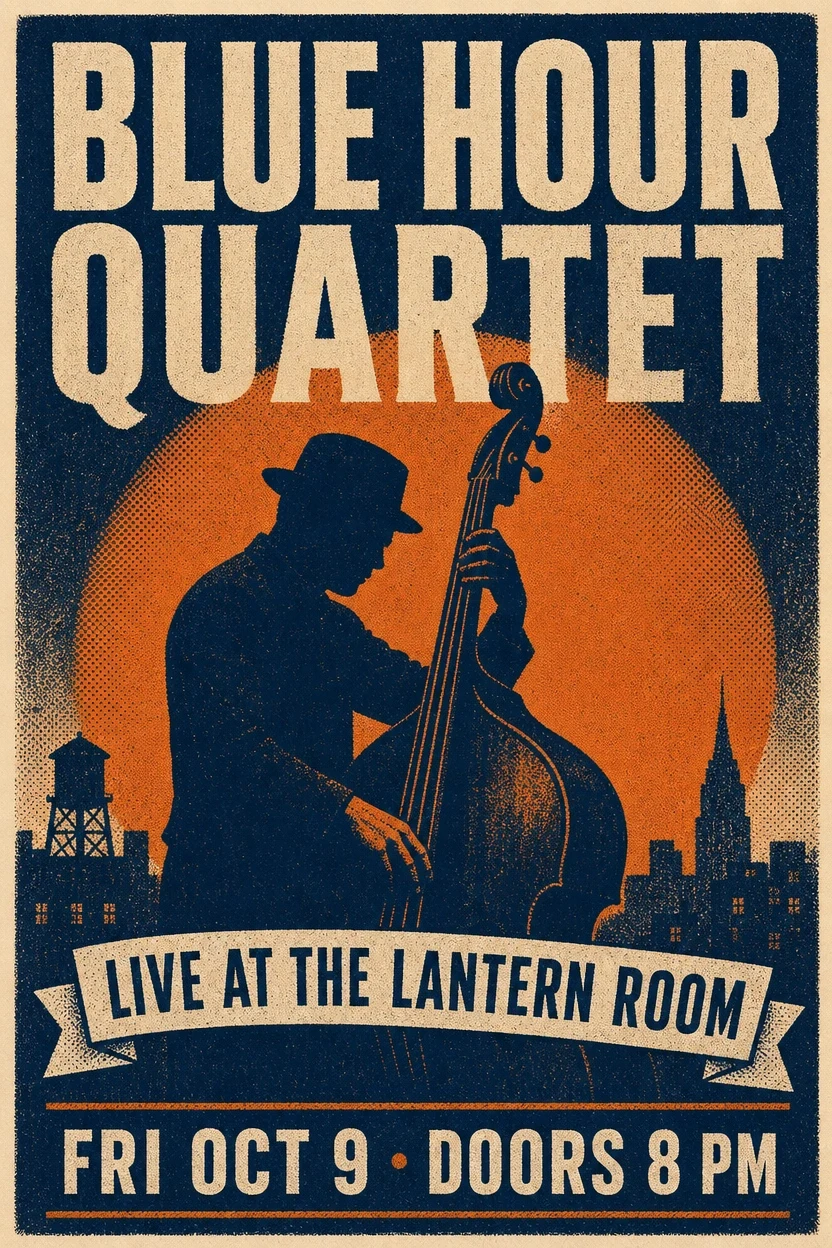
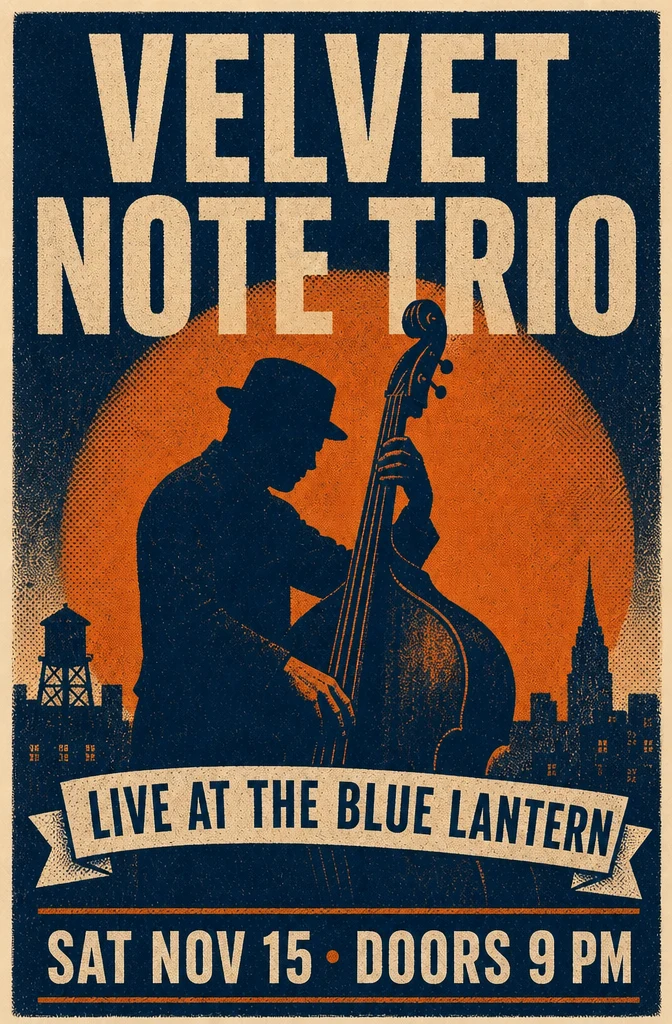
Text editing
Prompt: Change the band name to “VELVET NOTE TRIO,” the date to “SAT NOV 15 · DOORS 9 PM,” and the venue to “LIVE AT THE BLUE LANTERN.” Keep every other element unchanged.
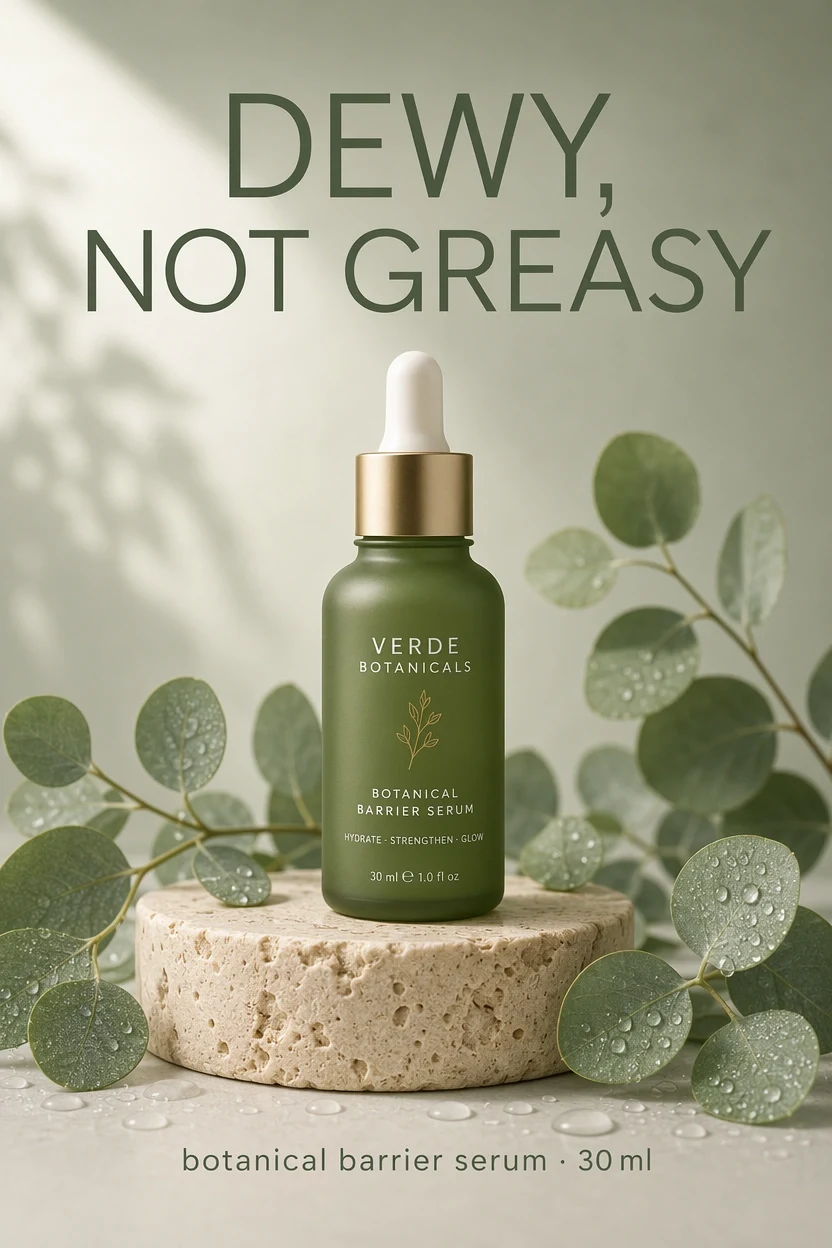
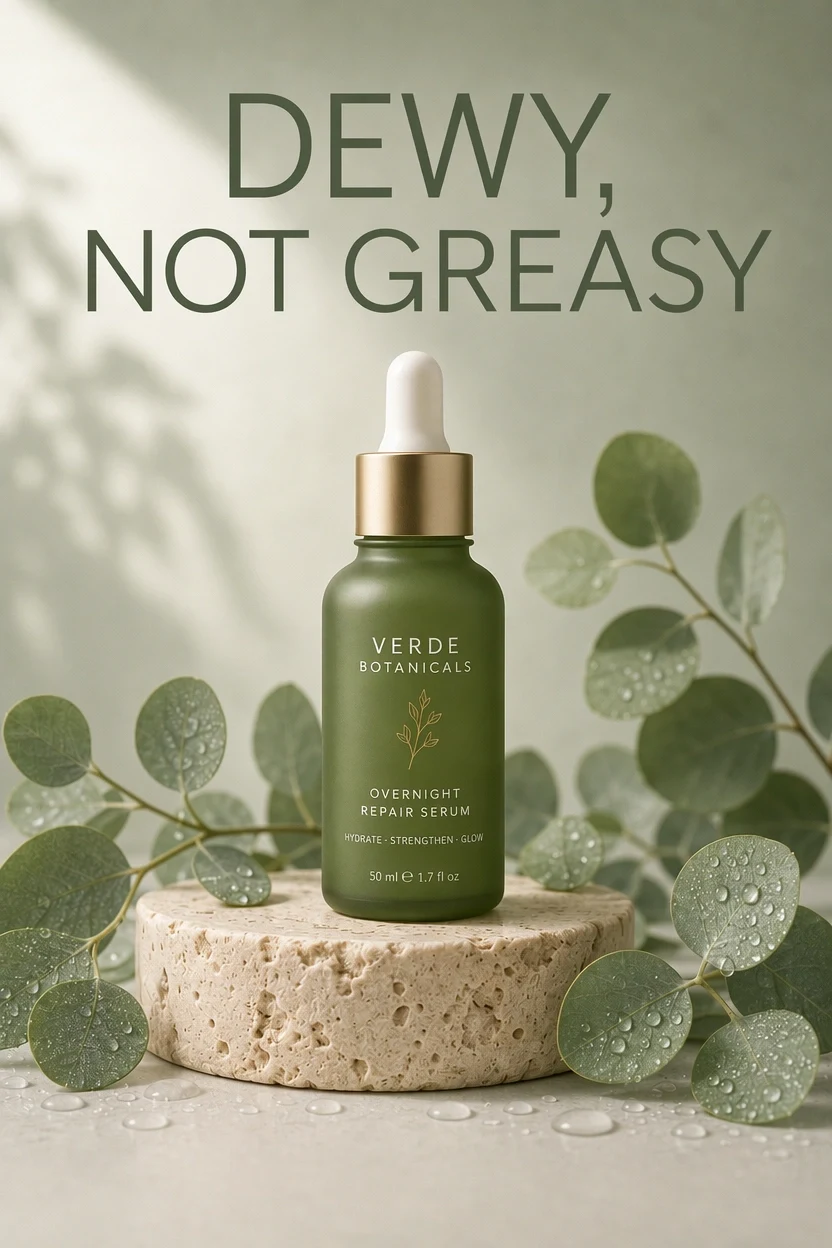
Ad editing
Prompt: Change the bottle label to “OVERNIGHT REPAIR SERUM” and the size to “50 ml.” Keep the headline, bottle, pedestal, leaves, droplets, and lighting unchanged.
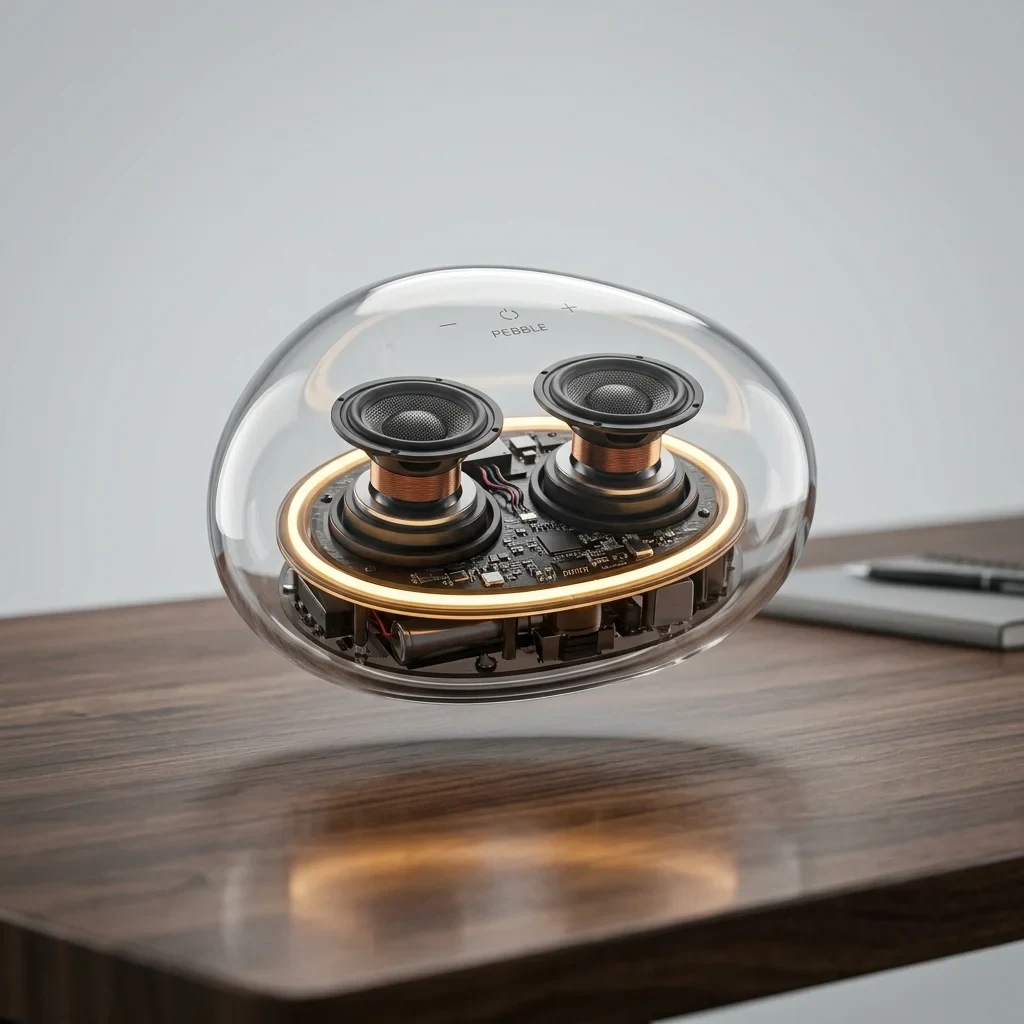
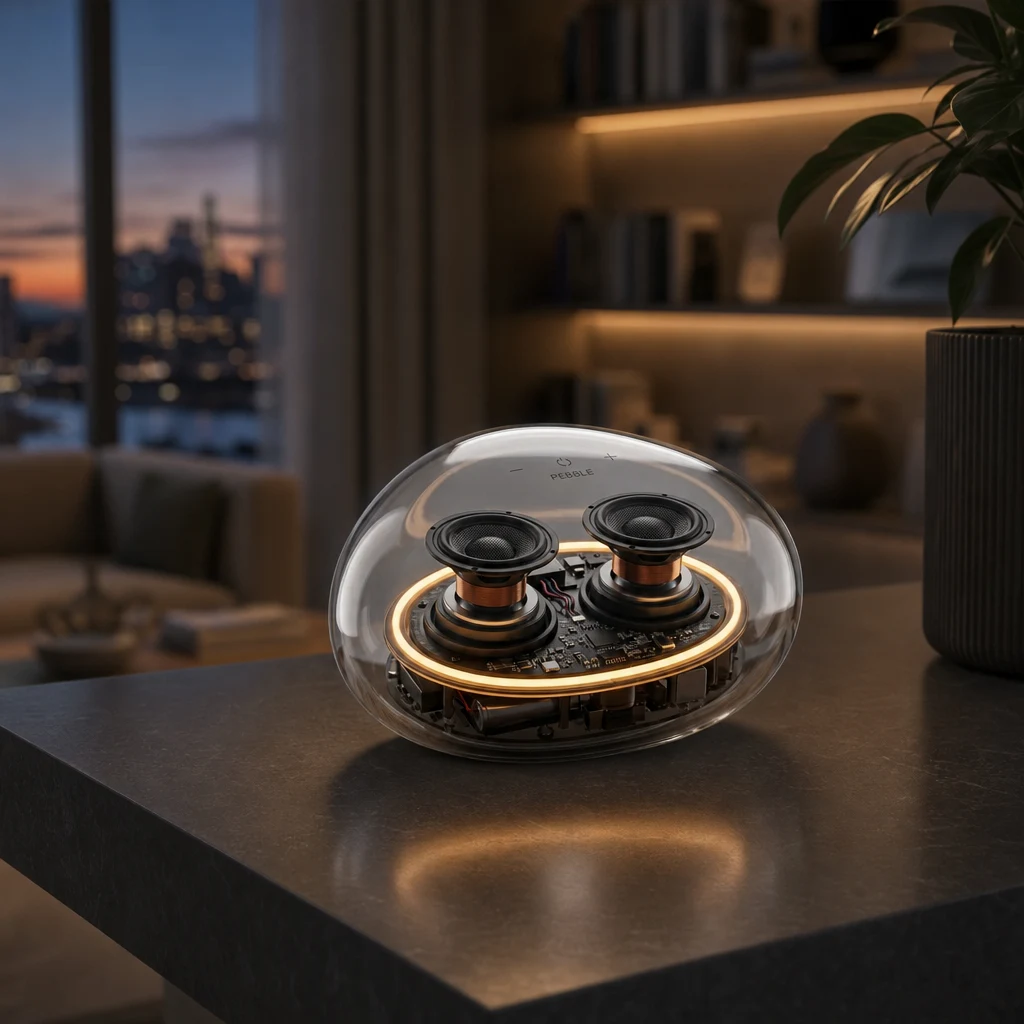
Background replacement
Prompt: Place the transparent speaker on a dark slate shelf in a modern living room at dusk. Preserve the product and add a realistic contact shadow and faint reflection.
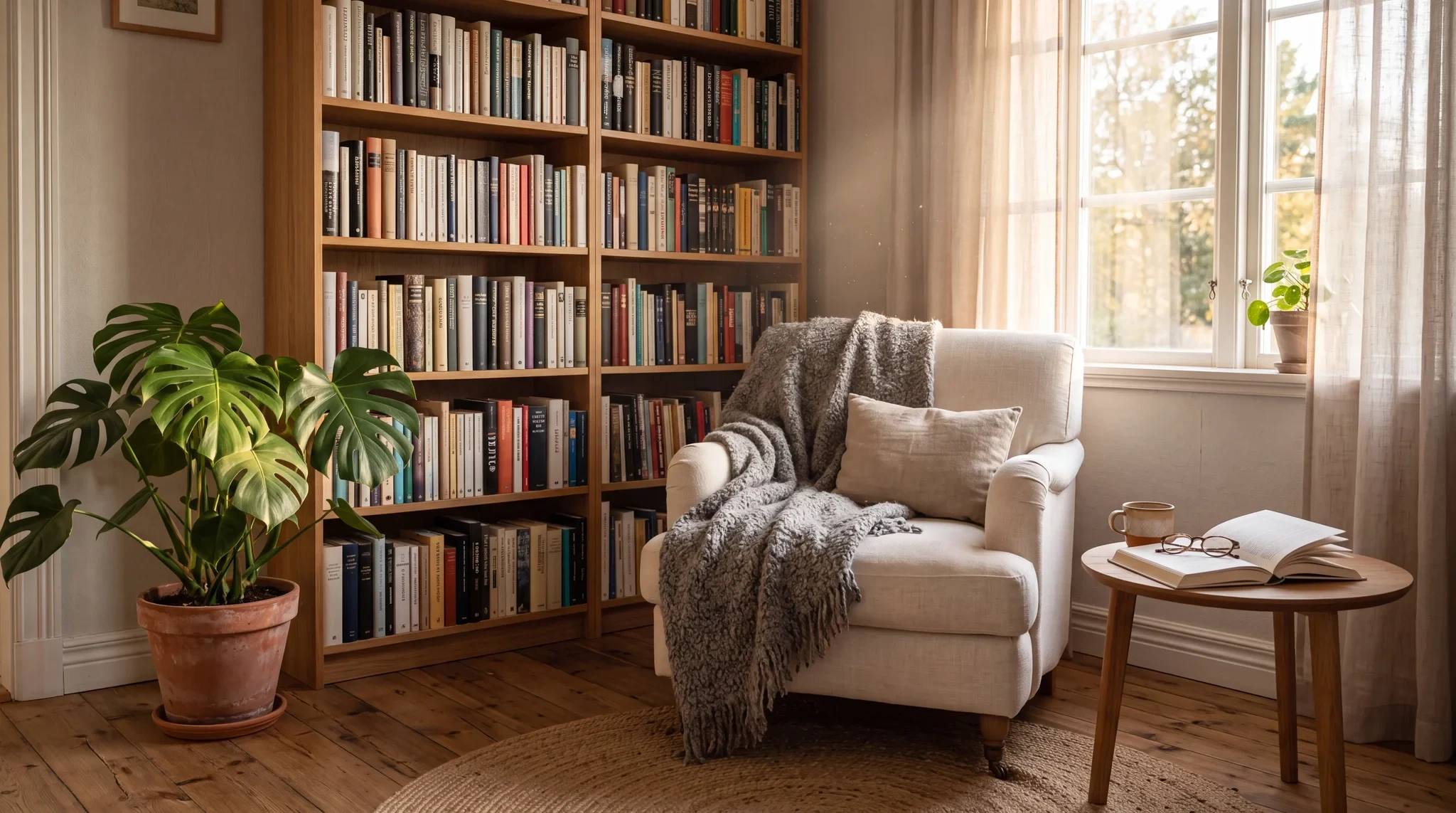
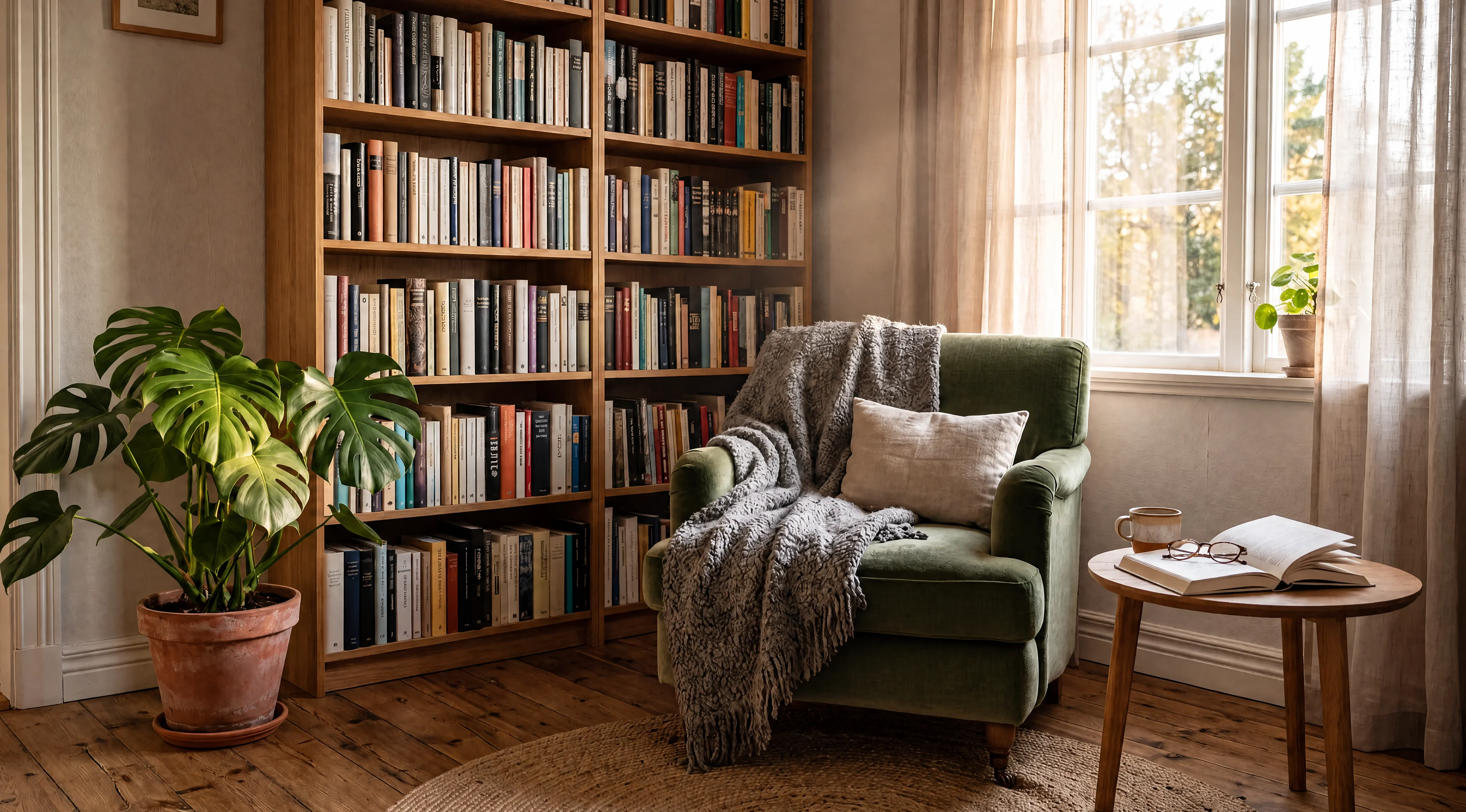
High-resolution edit
Prompt: Change only the off-white linen armchair to deep sage-green velvet. Preserve its shape, folds, throw, and every other part of the room.
Multi-image edits, reference consistency, and fast iteration
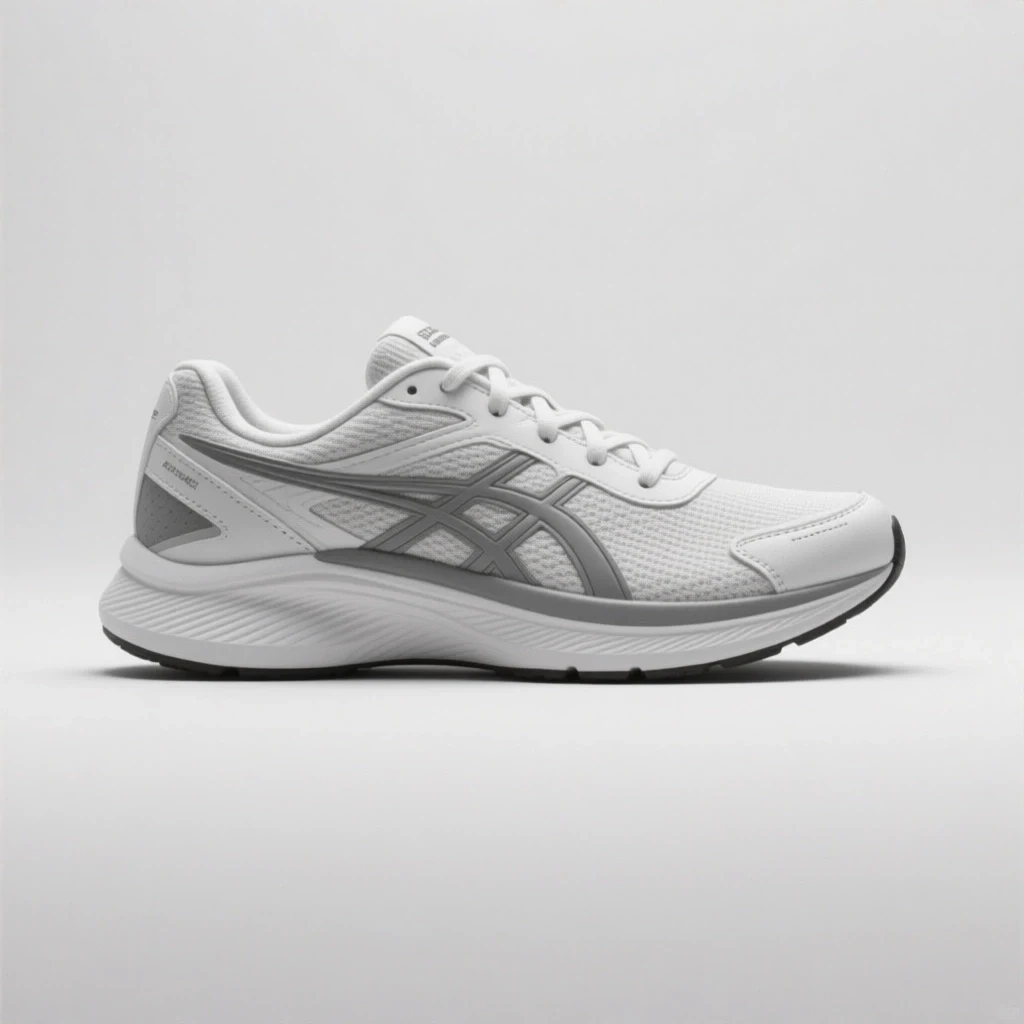
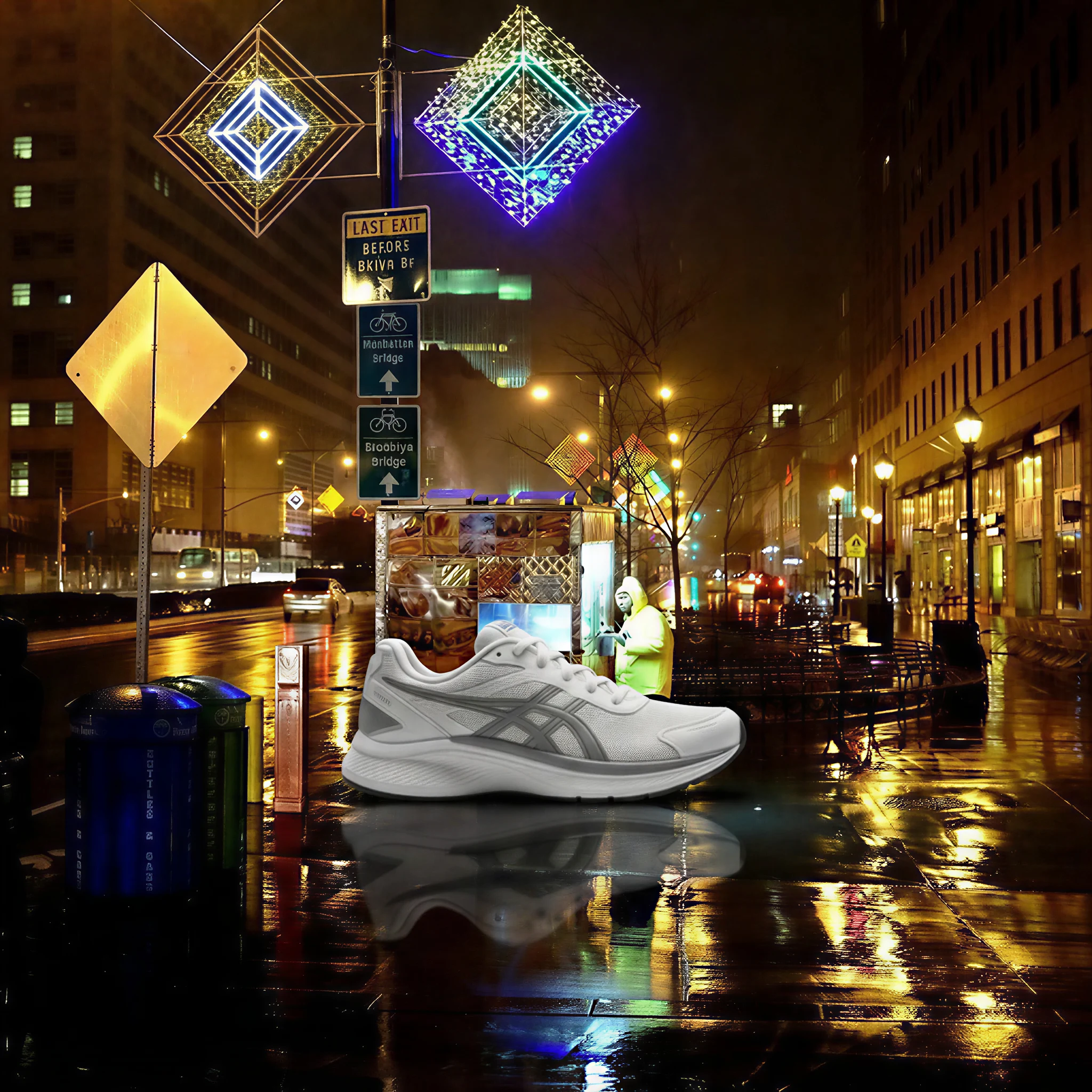
Multi-image edit
Prompt: Place the sneaker onto the wet pavement in the street reference. Match the night lighting, add neon reflections, and preserve the product.
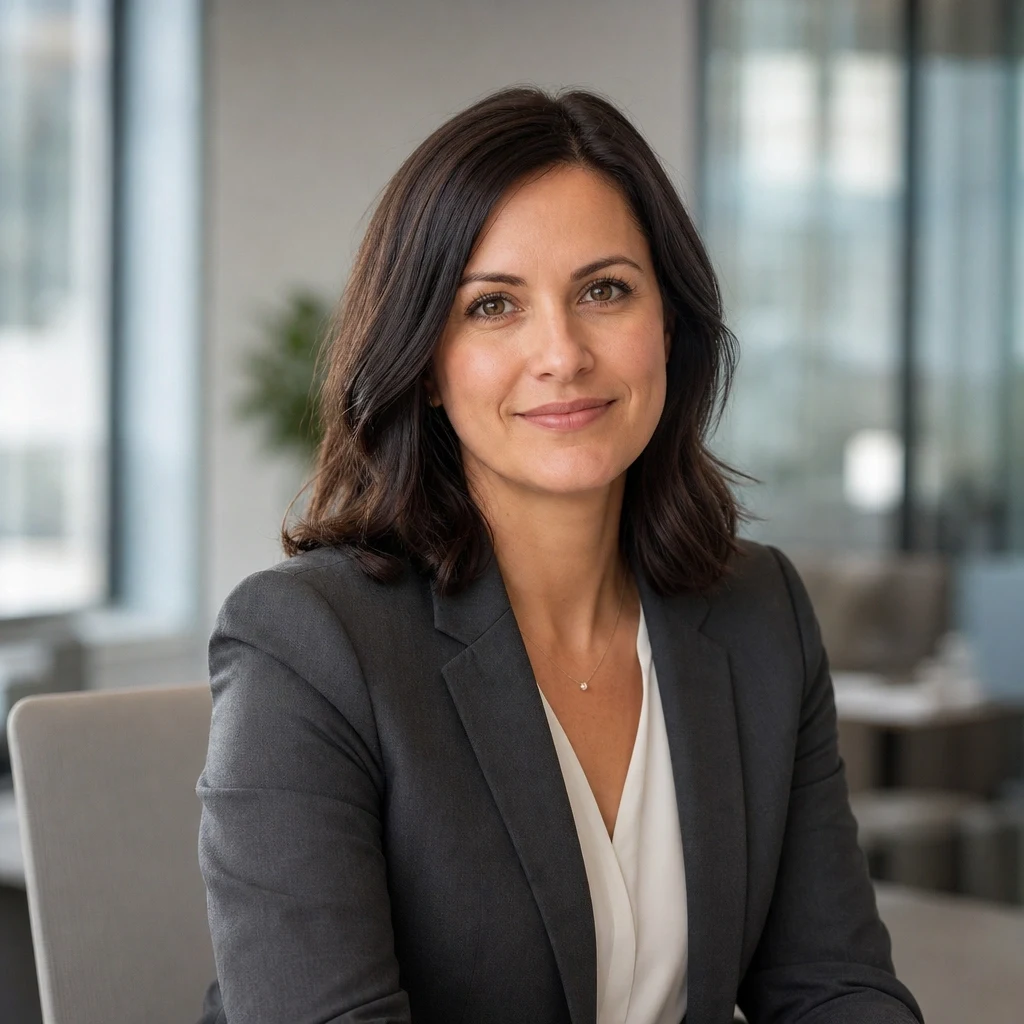
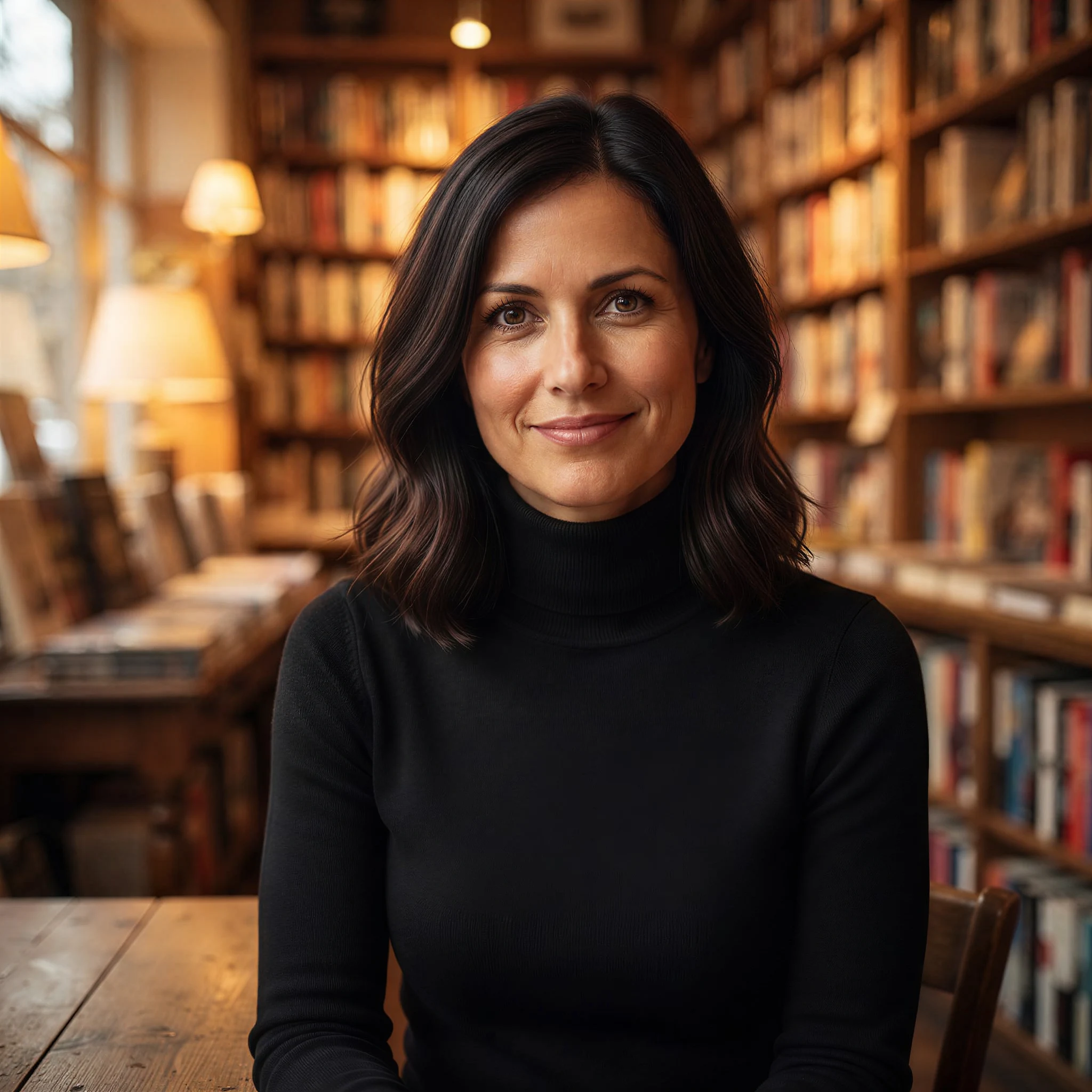
Portrait restyle
Prompt: Change the blazer to a black turtleneck and move the woman into a warm bookstore. Keep her face, hairstyle, skin tone, and expression the same.
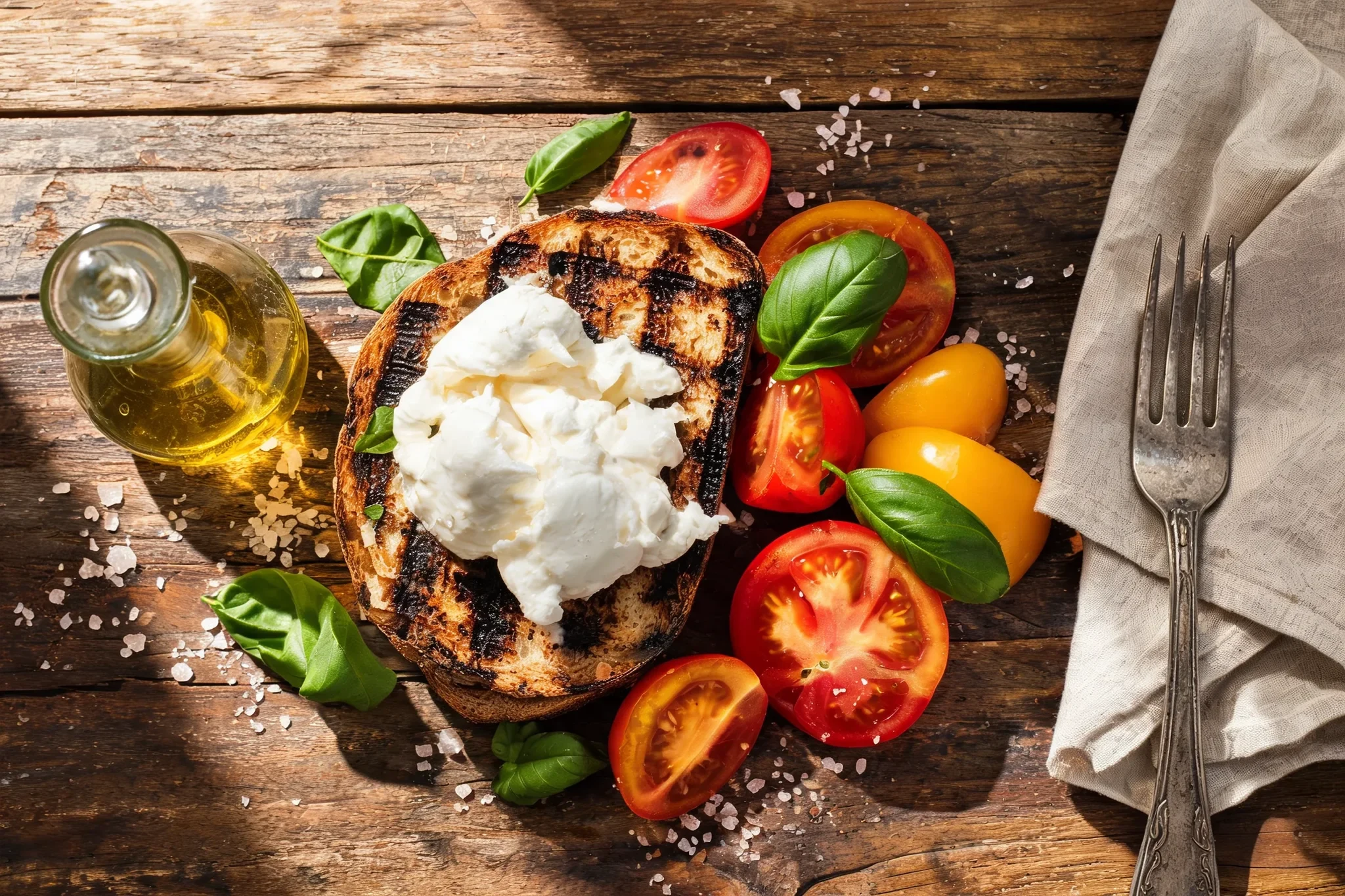
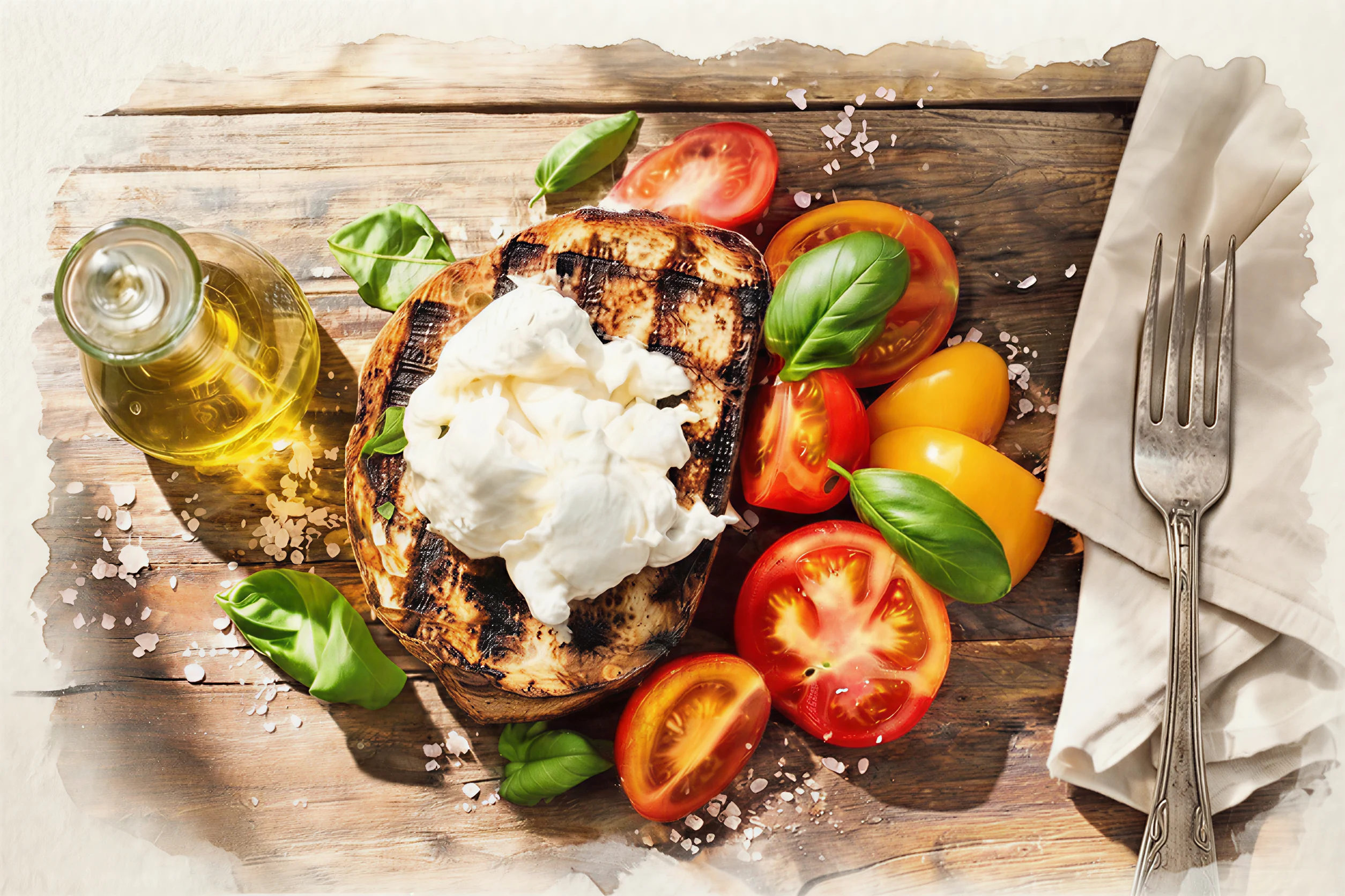
Style transfer
Prompt: Repaint the lunch photo in the loose watercolor style of the second reference. Keep the composition and add paper texture, pigment bleeds, and hand-painted edges.
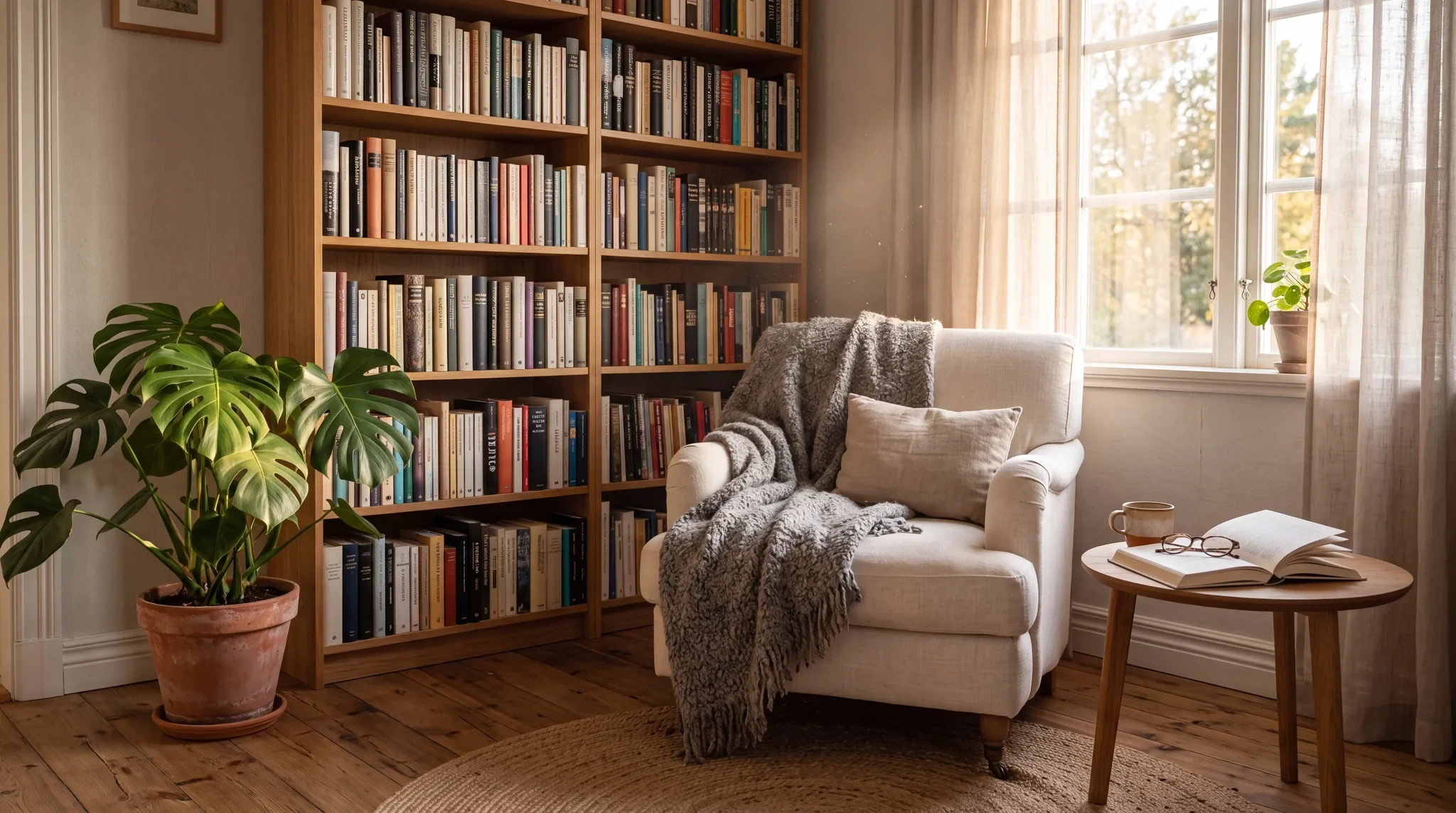
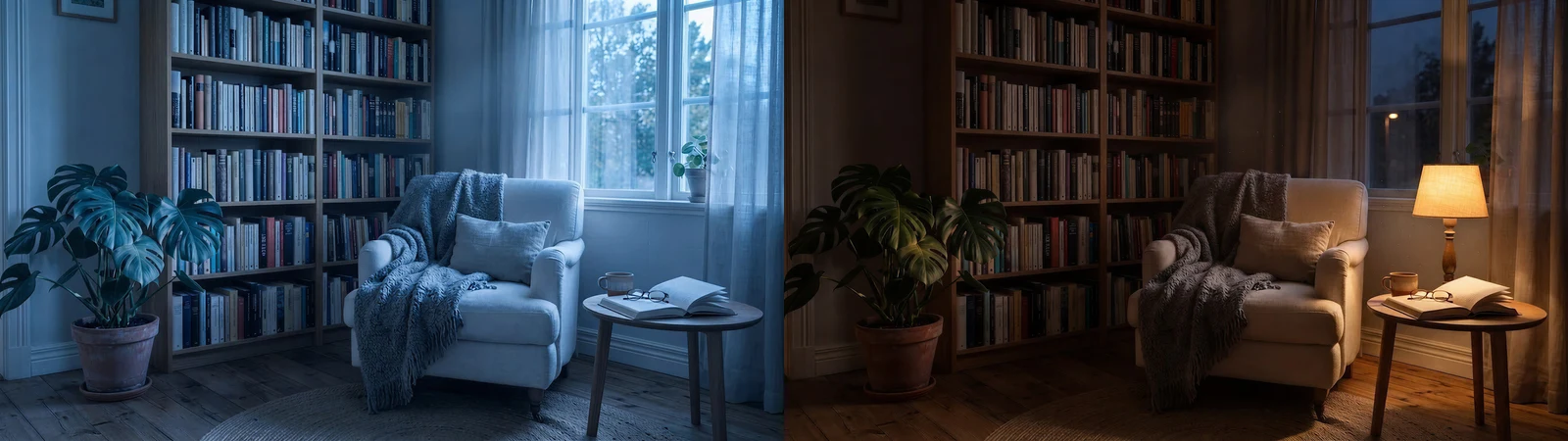
Fast iteration
Prompt: Create cool early-morning and warm late-evening lighting variants. Keep every object, book, and fabric in exactly the same place.
Fast, low-cost edits with multiple references
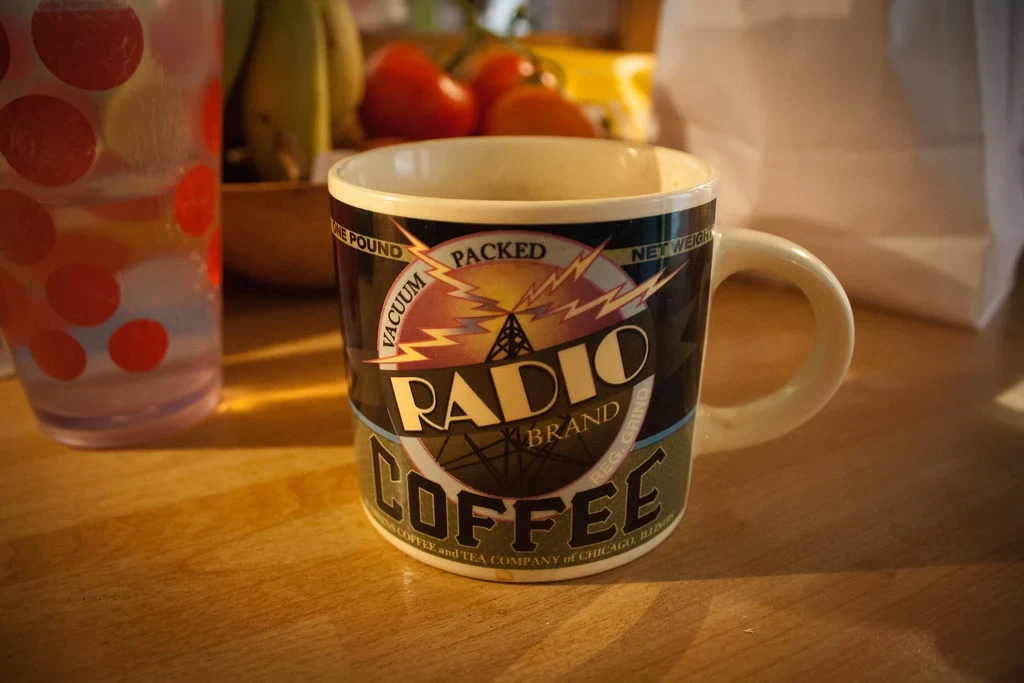
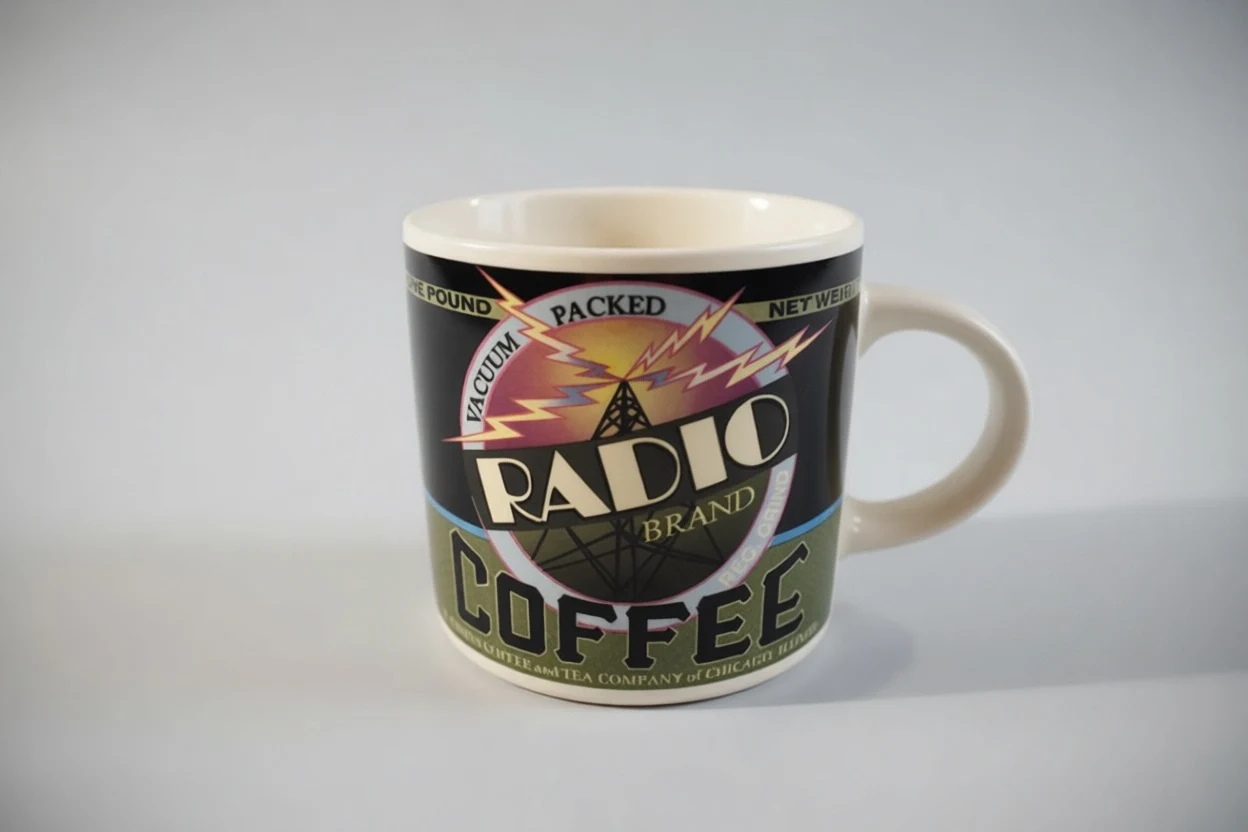
Background replacement
Prompt: Replace the background with a clean light-gray studio backdrop and even softbox lighting. Keep the mug unchanged.
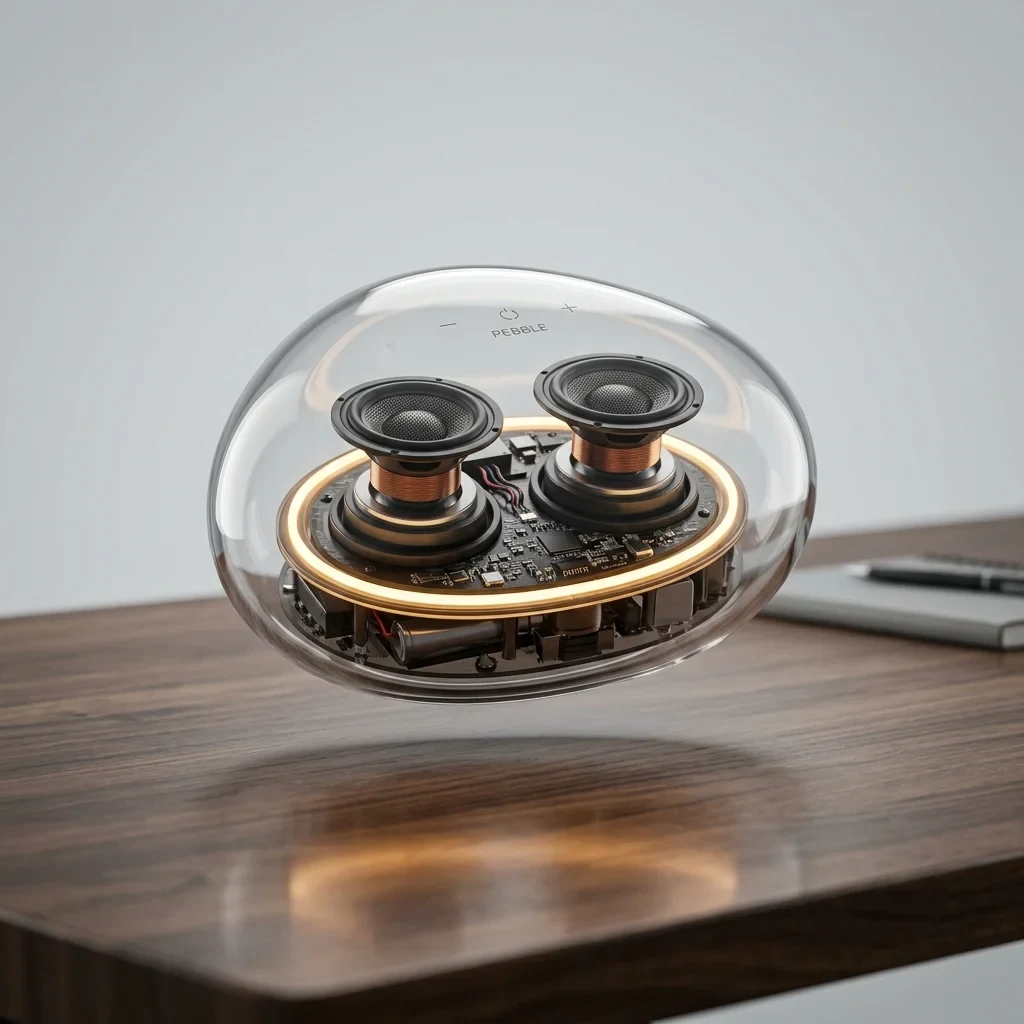
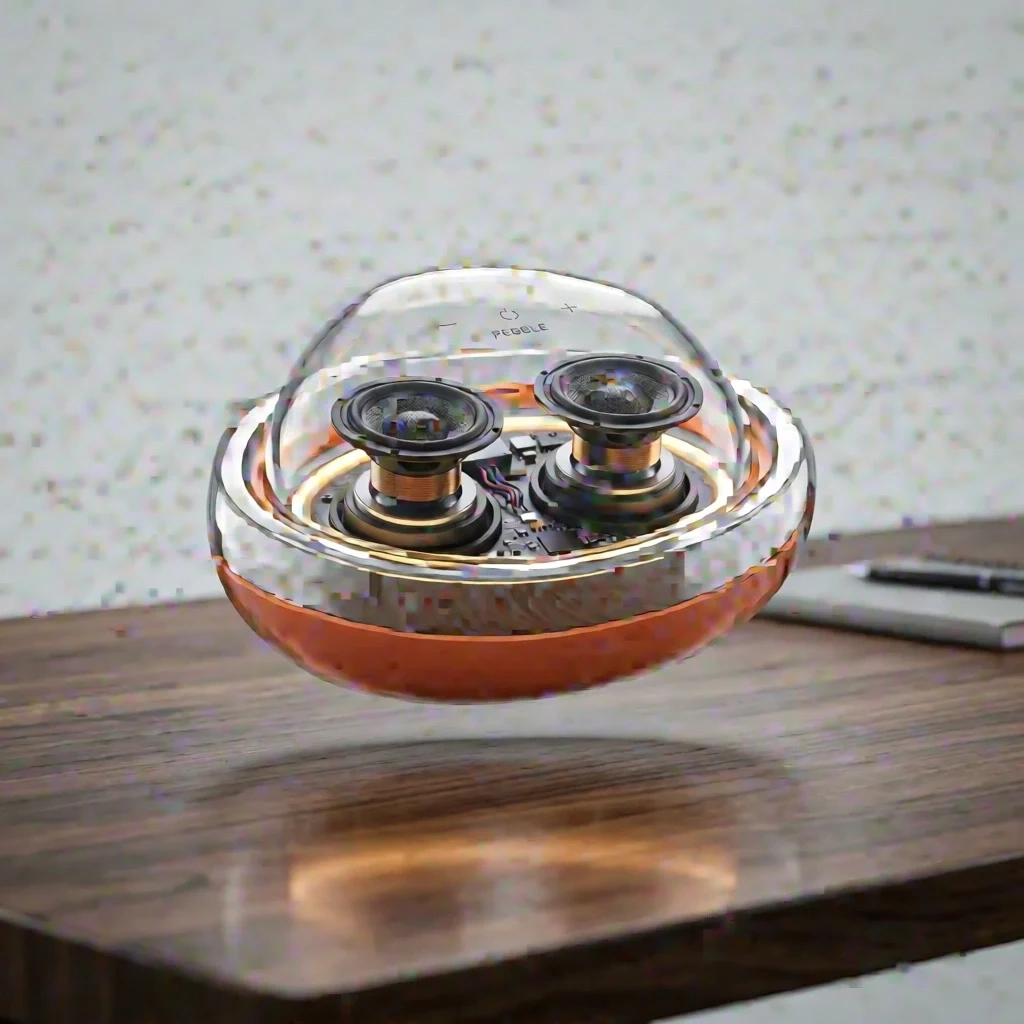
Four references
Prompt: Restyle the speaker using the terracotta, brushed-metal, and fabric references. Preserve the pebble shape, transparent shell, desk, and lighting.
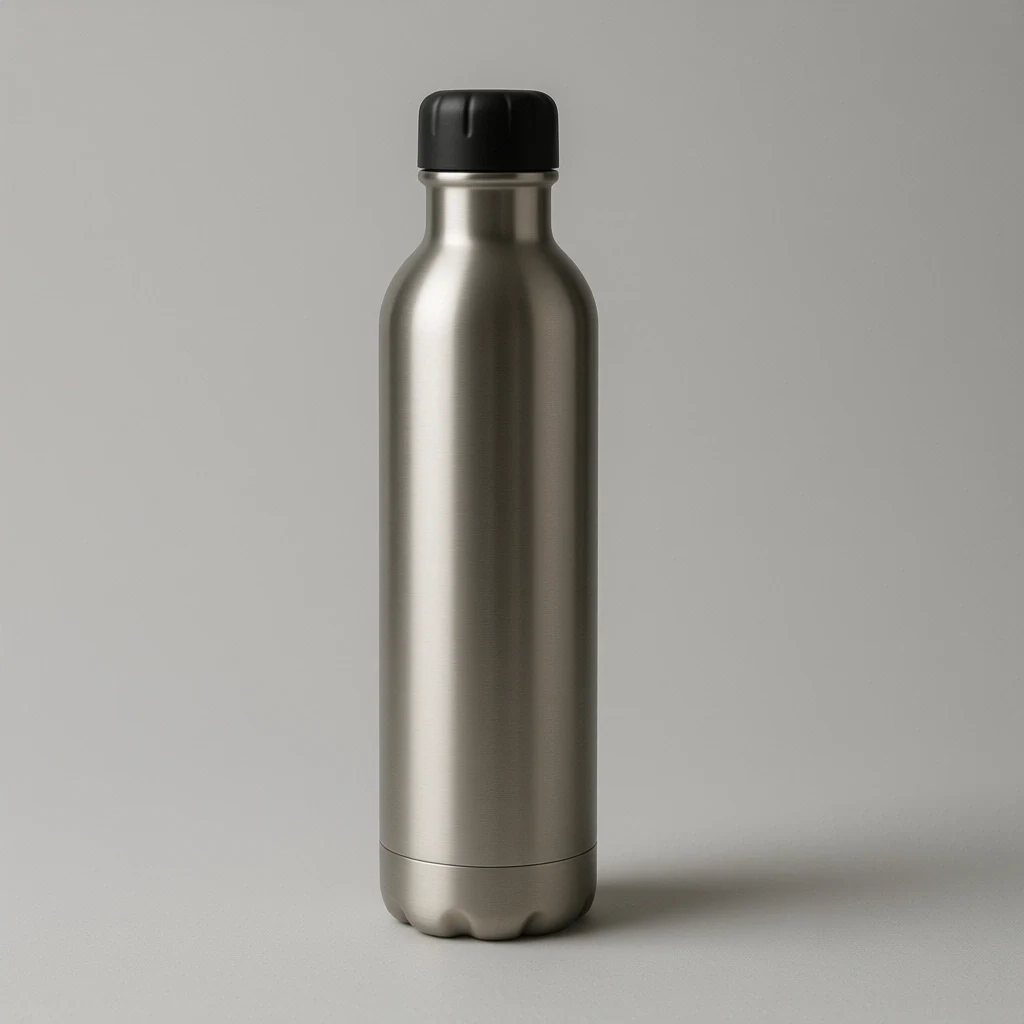
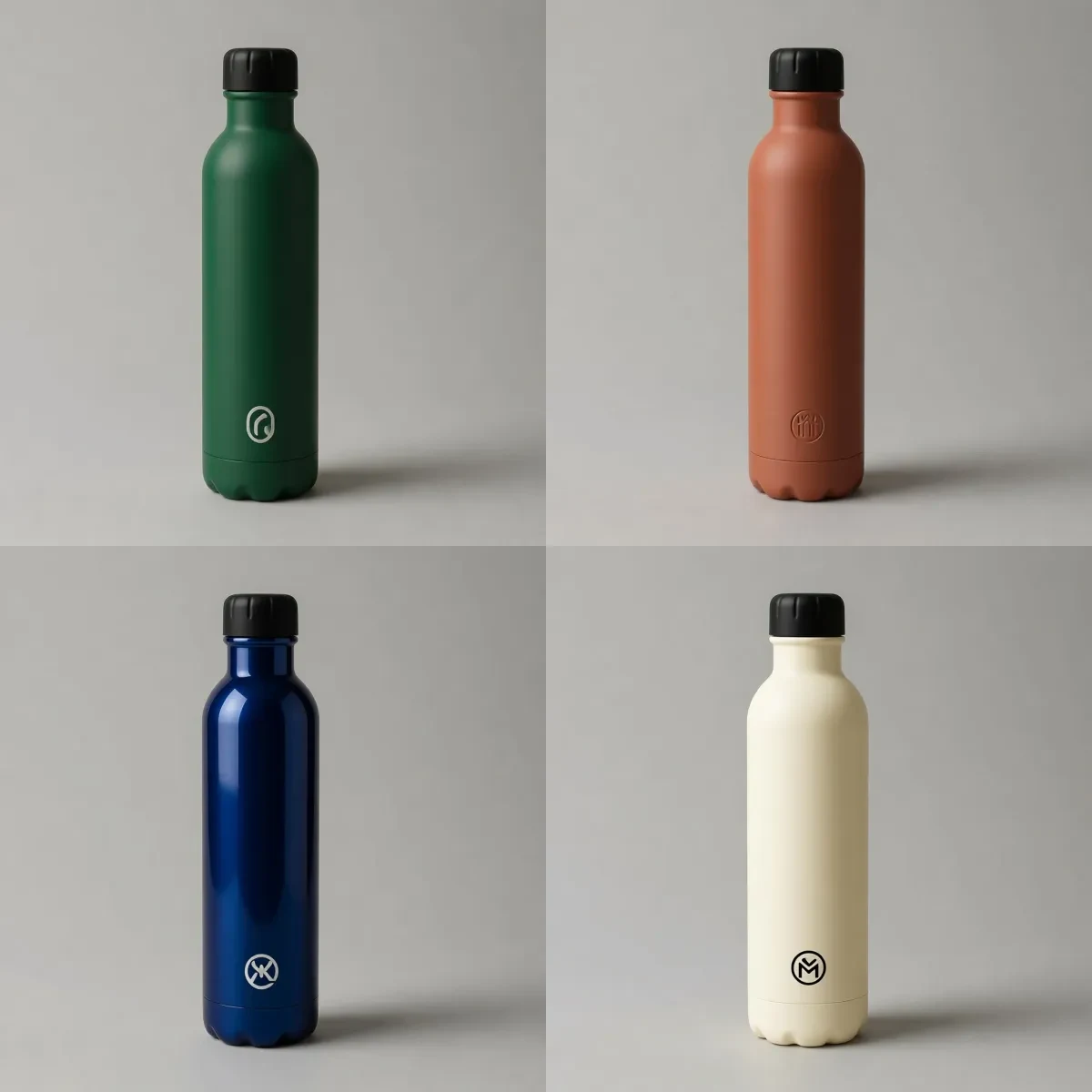
Product ideation
Prompt: Create matte forest green, matte terracotta, glossy midnight blue, and soft cream colorways while keeping the bottle shape, cap, background, and lighting consistent.
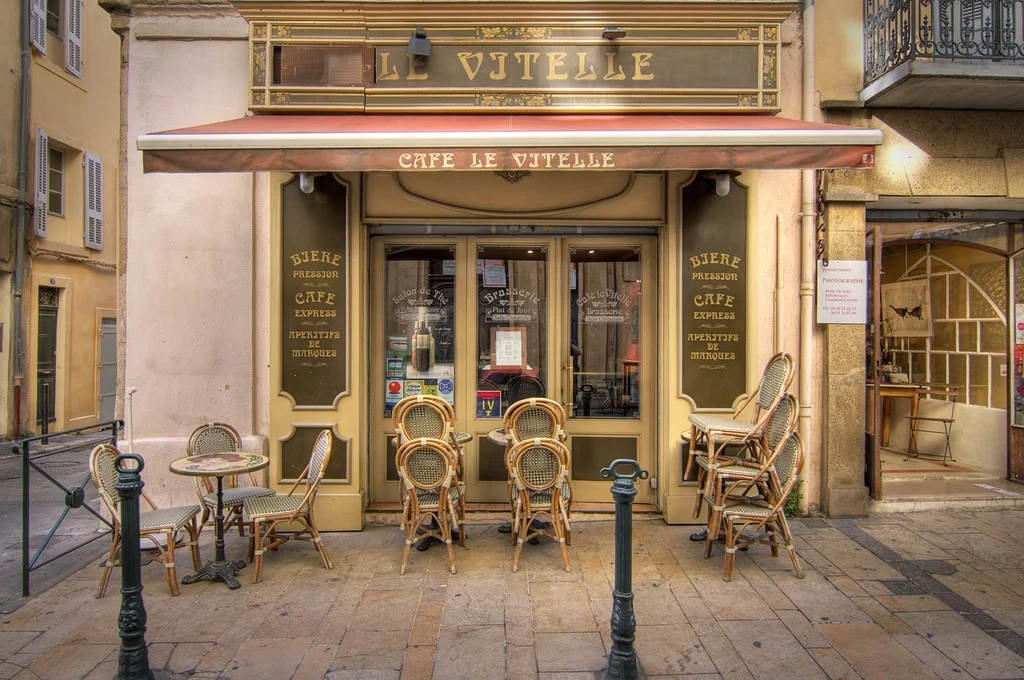
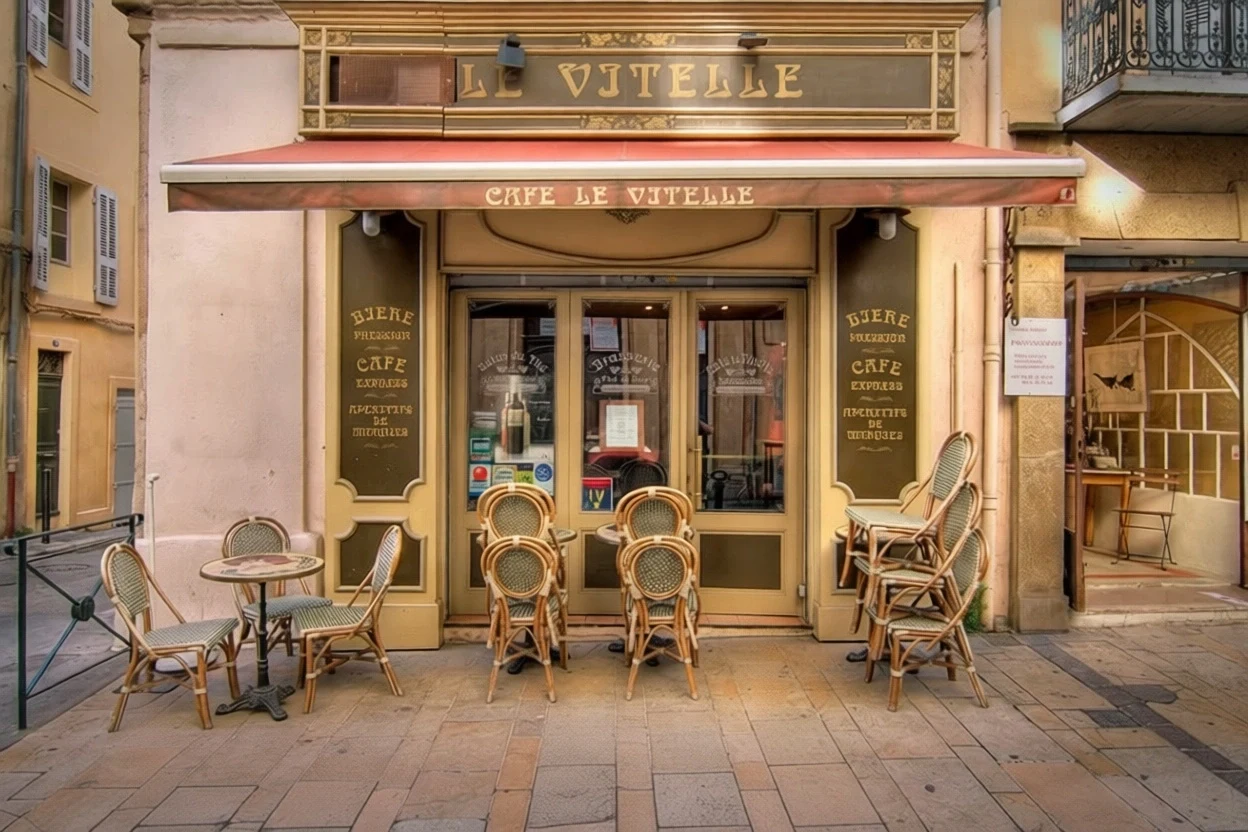
Object removal
Prompt: Remove the two dark metal bollards and rebuild the pavement where they stood. Keep the cafe front, chairs, lighting, and colors unchanged.
Bilingual instructions, readable details, and multi-image edits
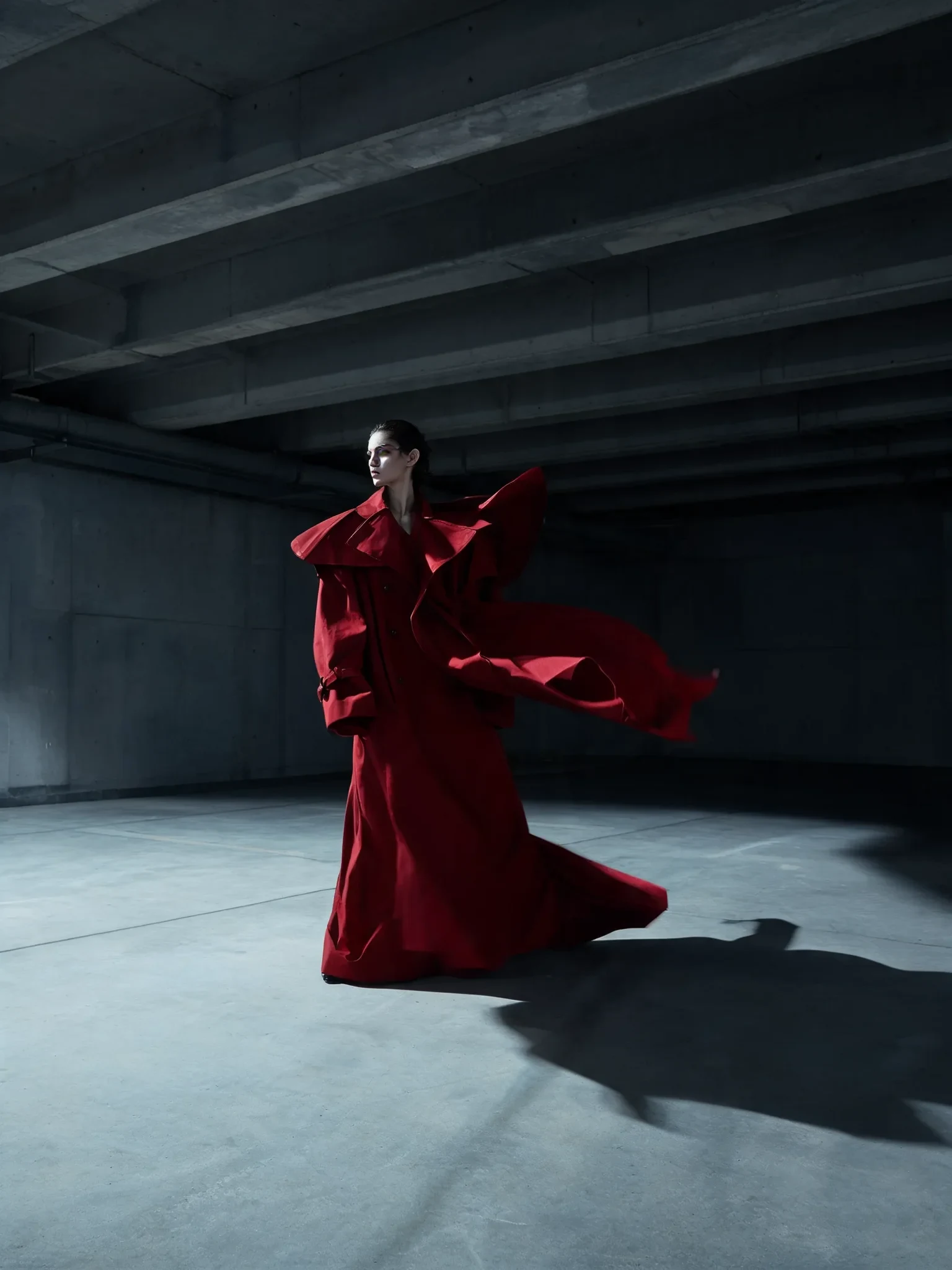
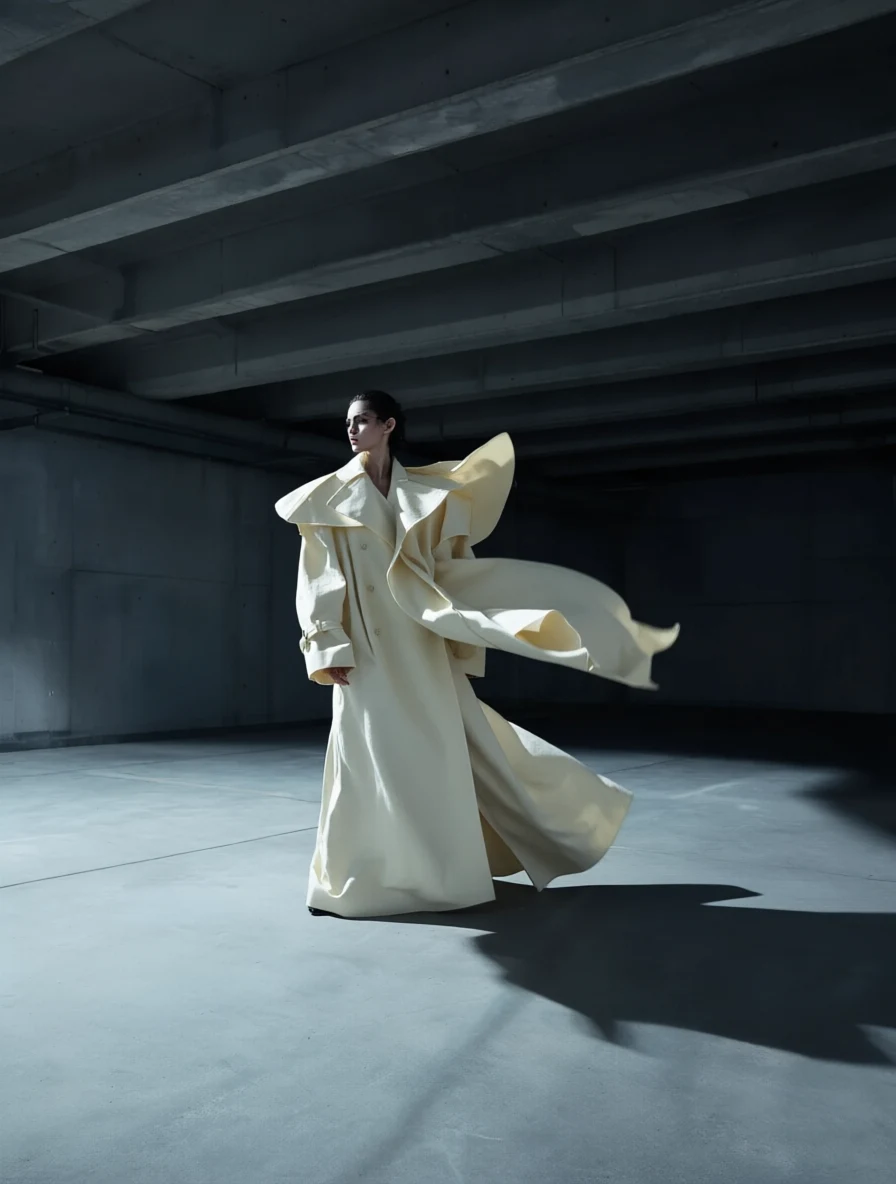
Bilingual prompting
Prompt: 把大衣的颜色从深红色改成象牙白色,保持面料的垂坠感、飘动的形态和戏剧性侧光完全不变。
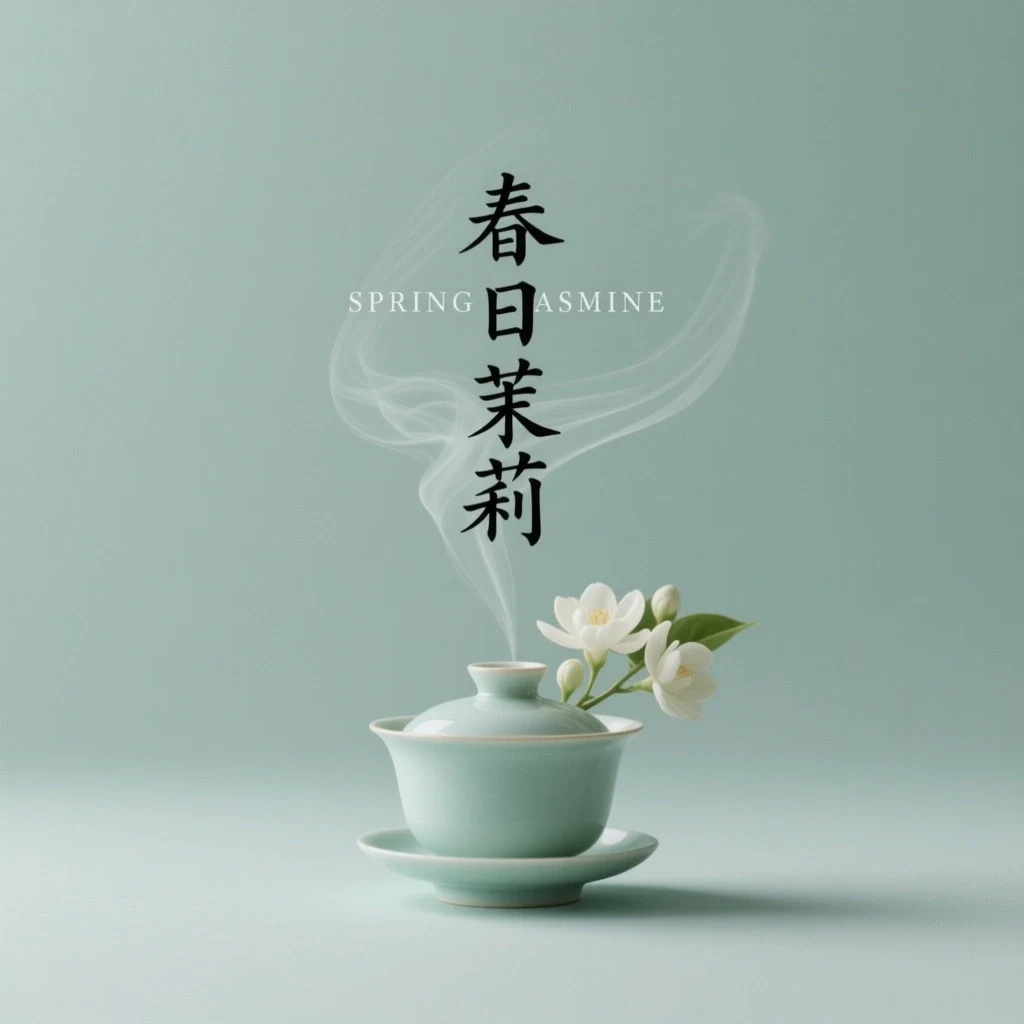
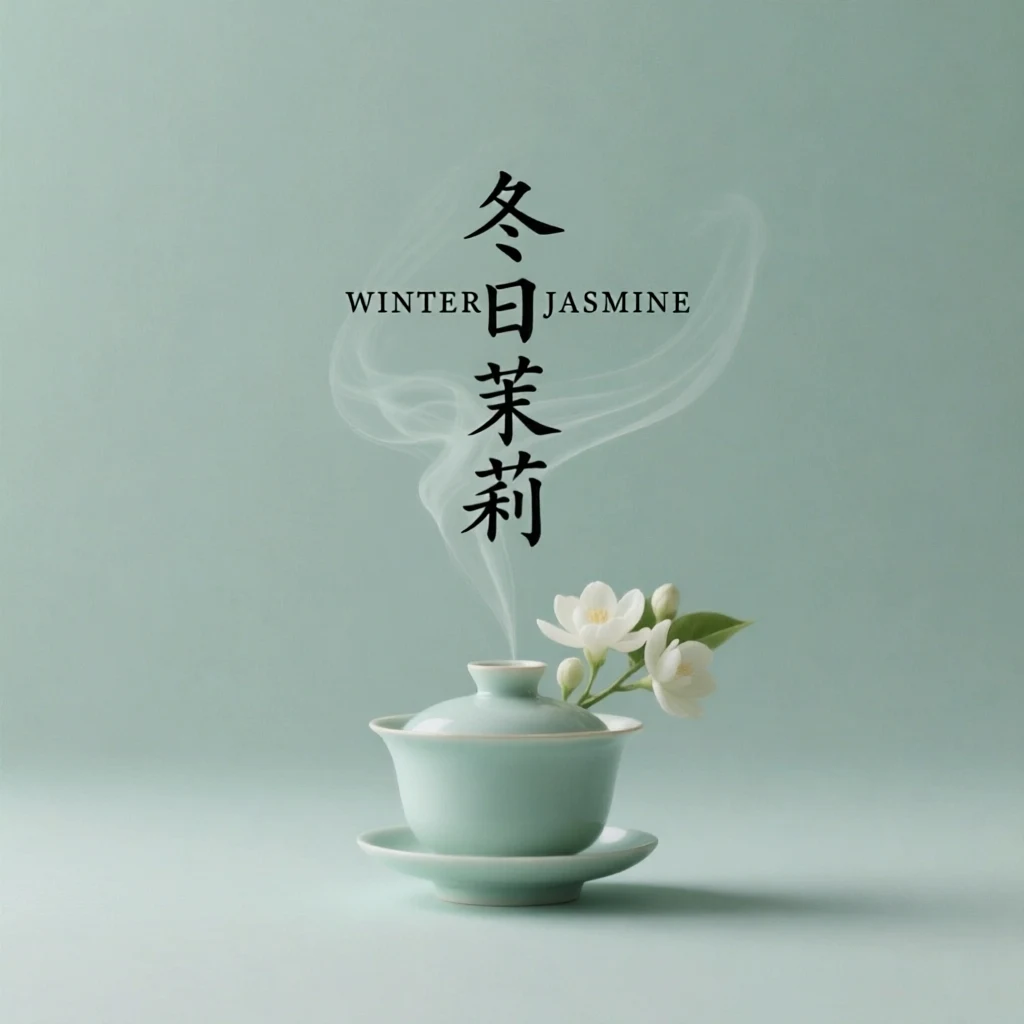
Text editing
Prompt: Change the English headline to “WINTER JASMINE” and the vertical Chinese text to “冬日茉莉.” Keep the illustration, palette, and layout unchanged.
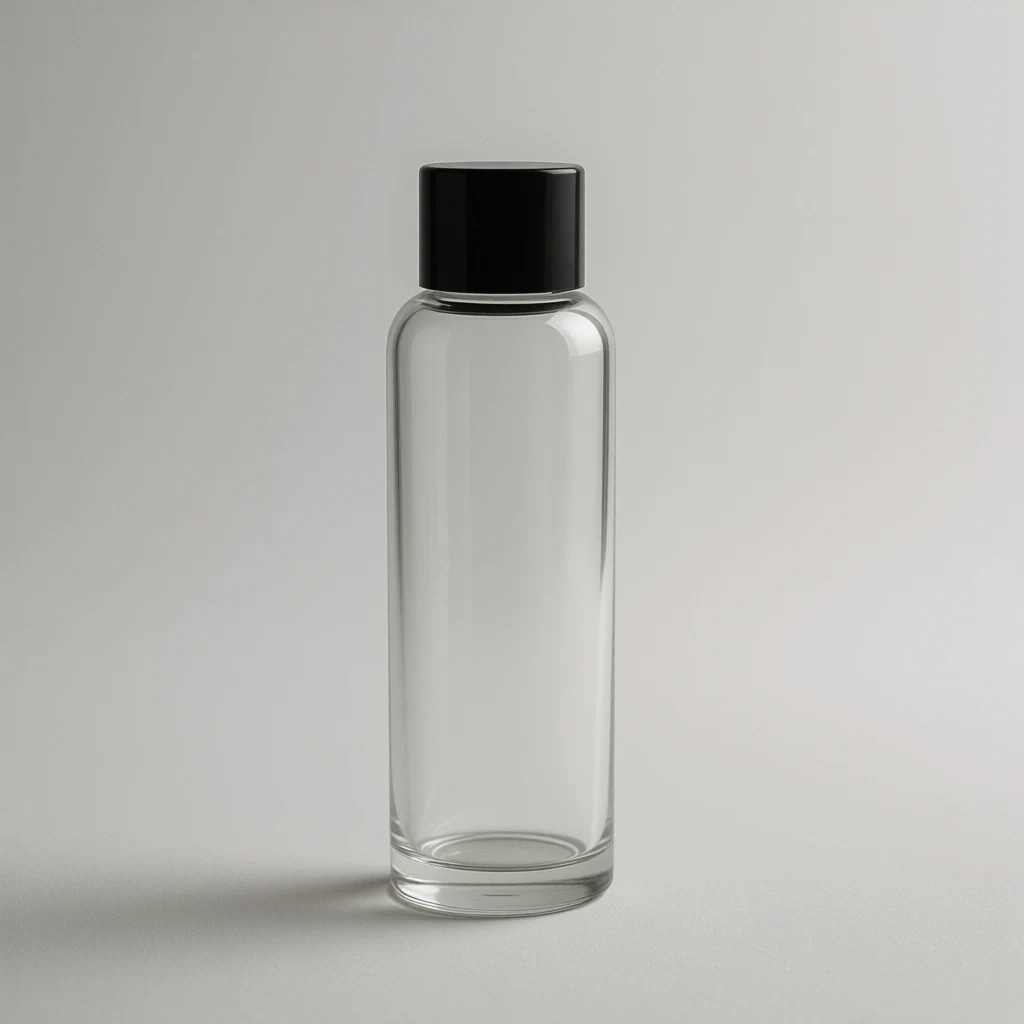
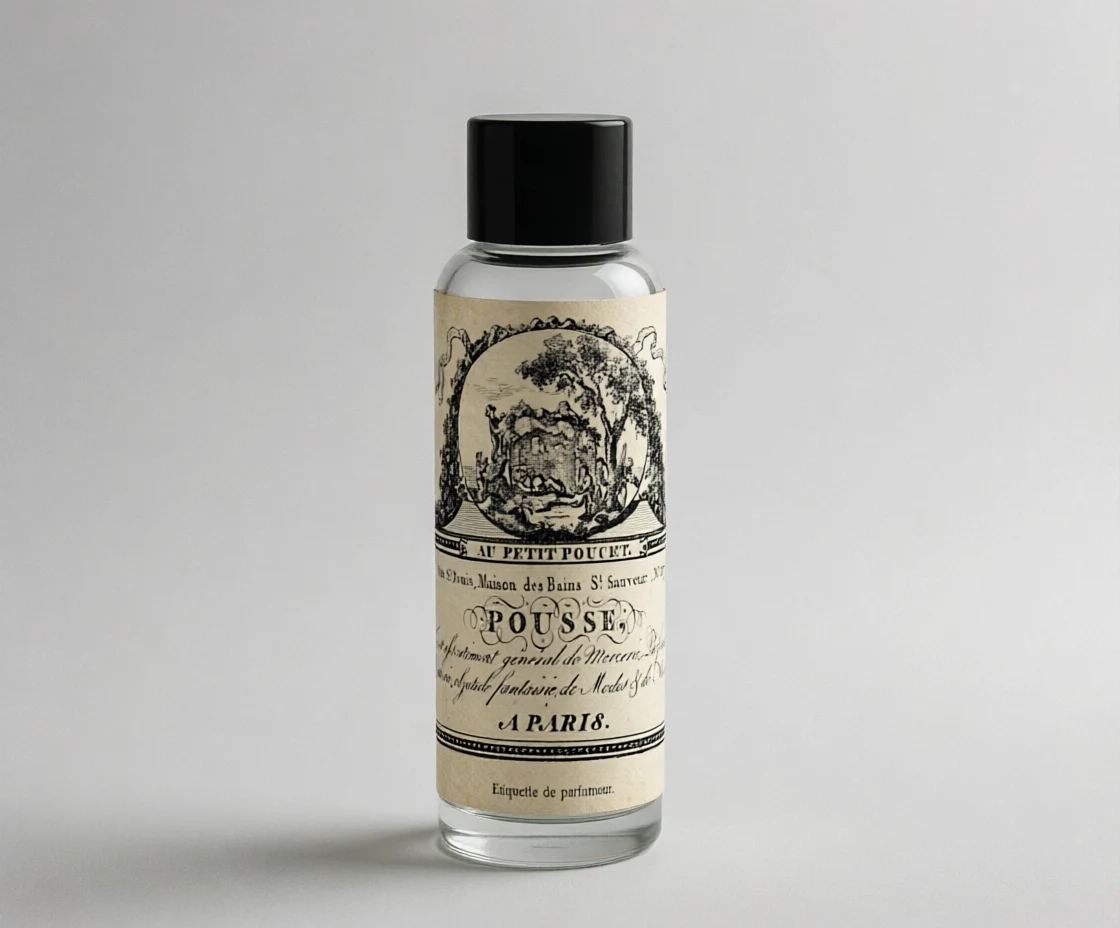
Multi-image edit
Prompt: Apply the second image’s label design to the bottle with correct curvature, perspective, lighting, and paper texture. Preserve the bottle and label artwork.
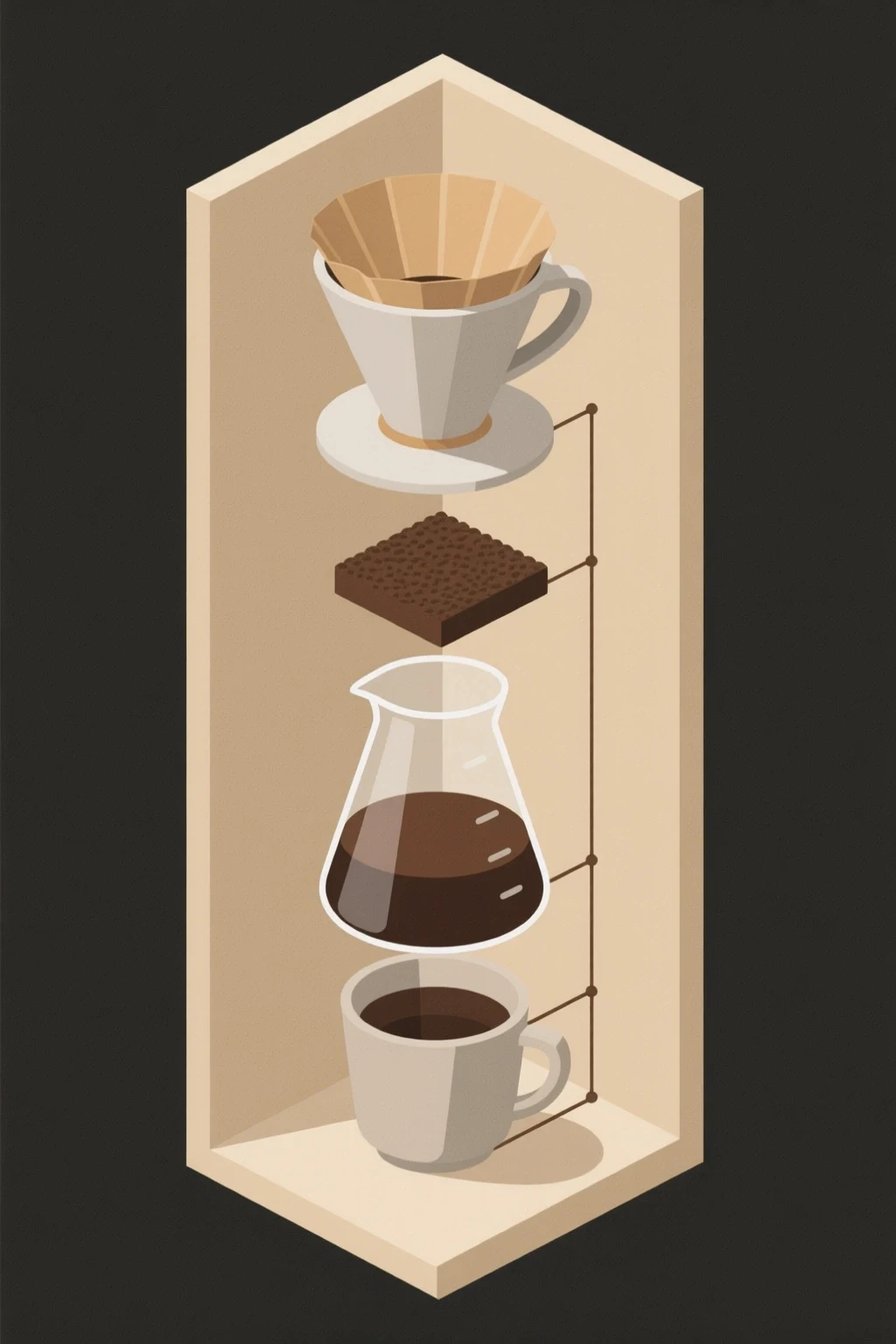
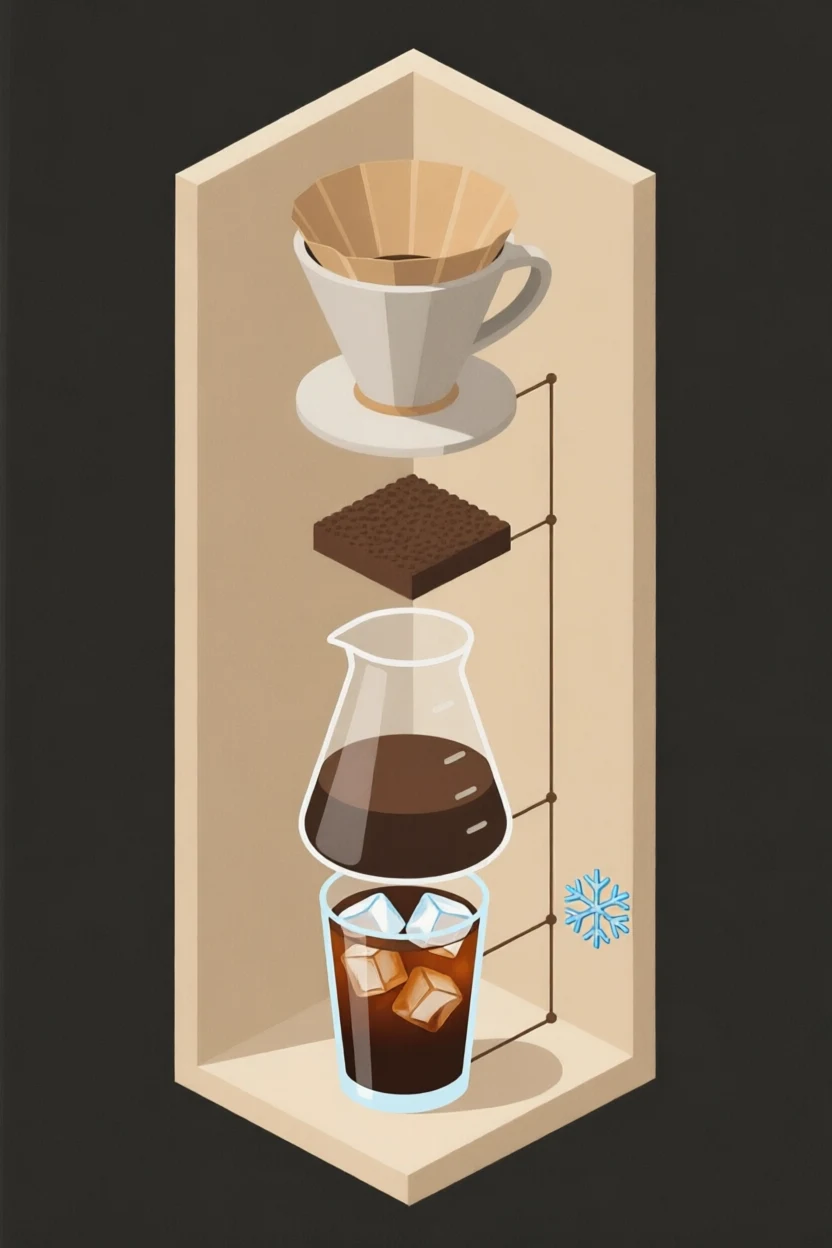
Structured graphic edit
Prompt: Replace the bottom cup with a tall iced coffee and add a snowflake icon. Keep the dripper, carafe, frame, colors, and connecting lines unchanged.
Premium lighting, creative transformations, and flexible framing
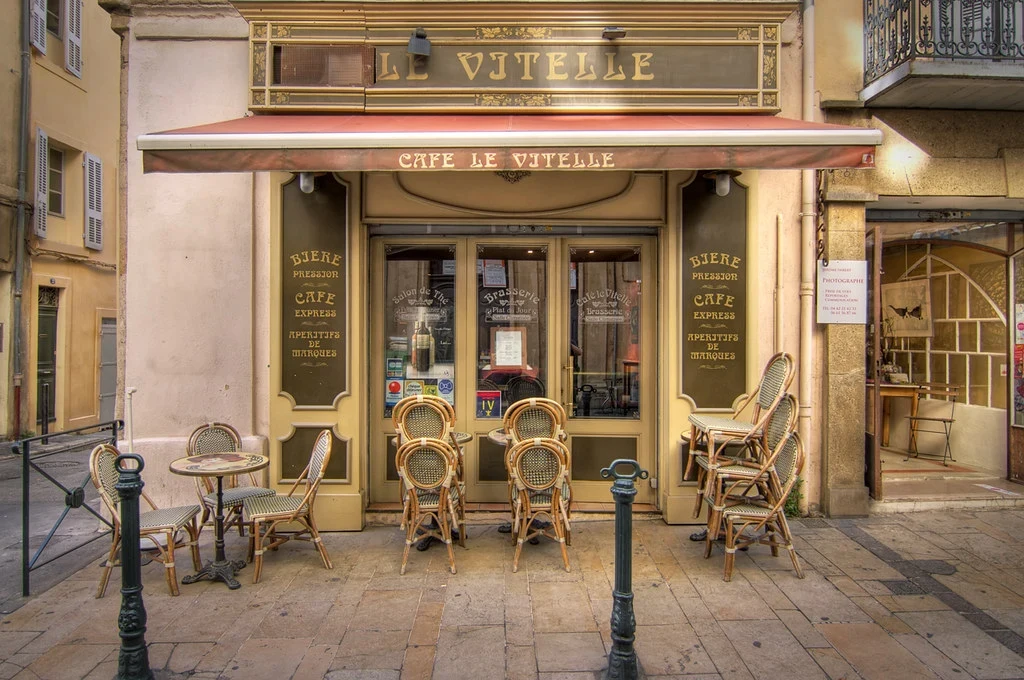
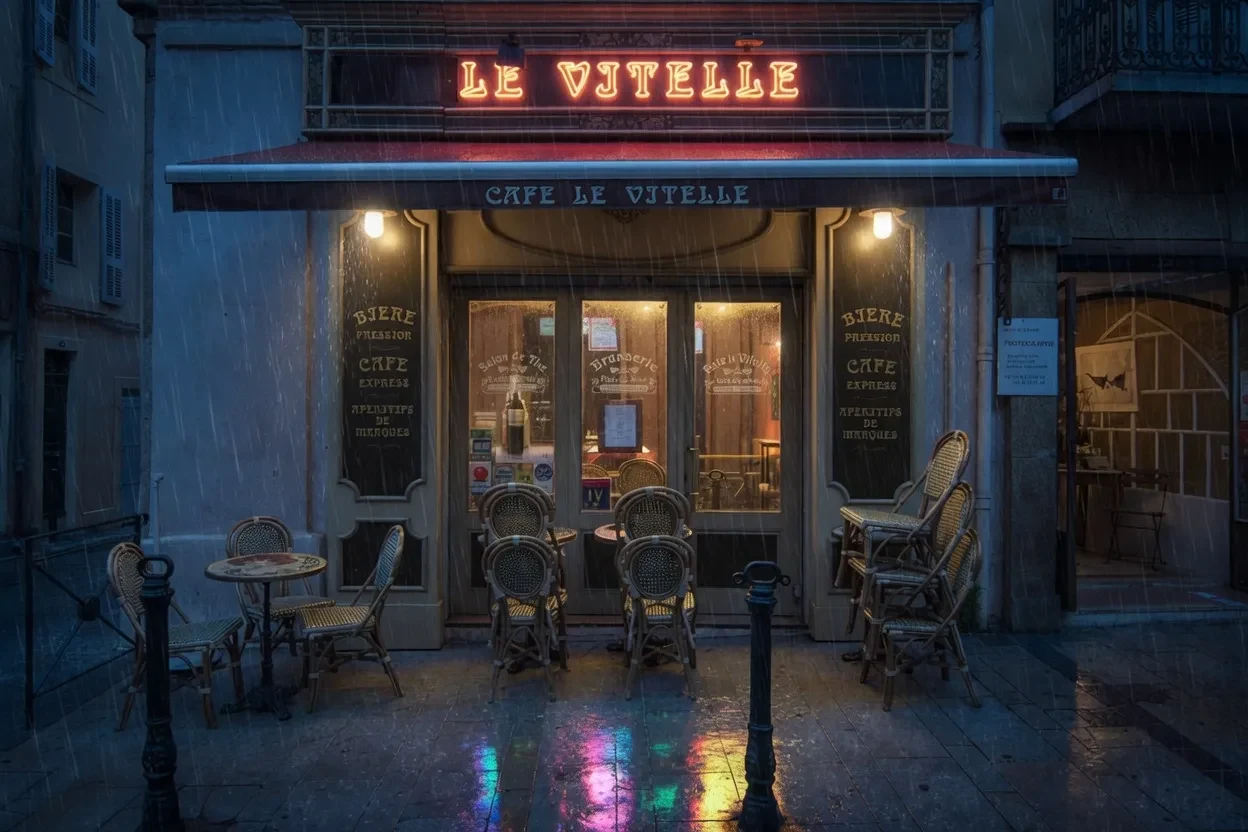
Creative transformation
Prompt: Transform the daytime cafe into a rainy neon night scene with warm windows, wet reflections, deep blue shadows, and the original architecture.
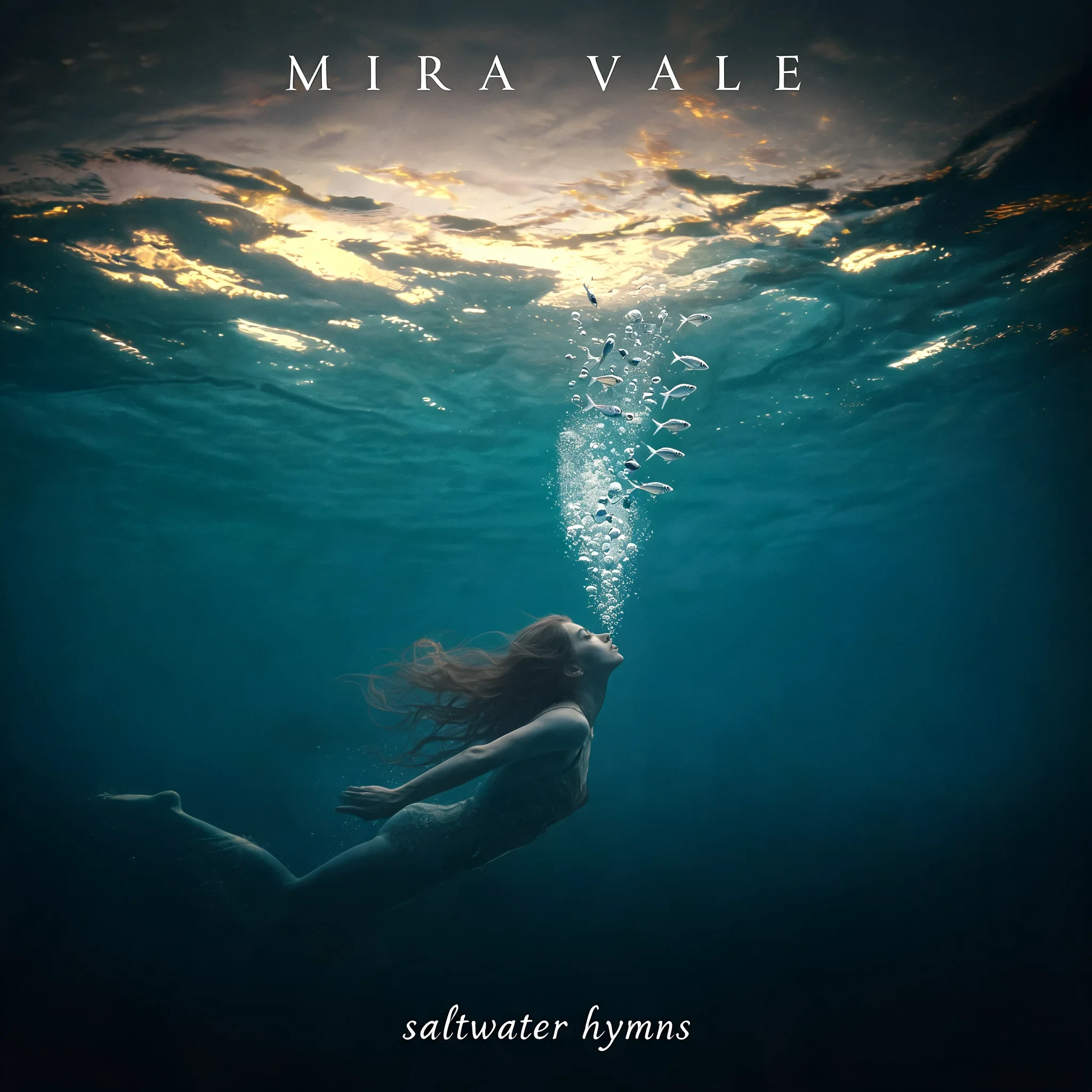
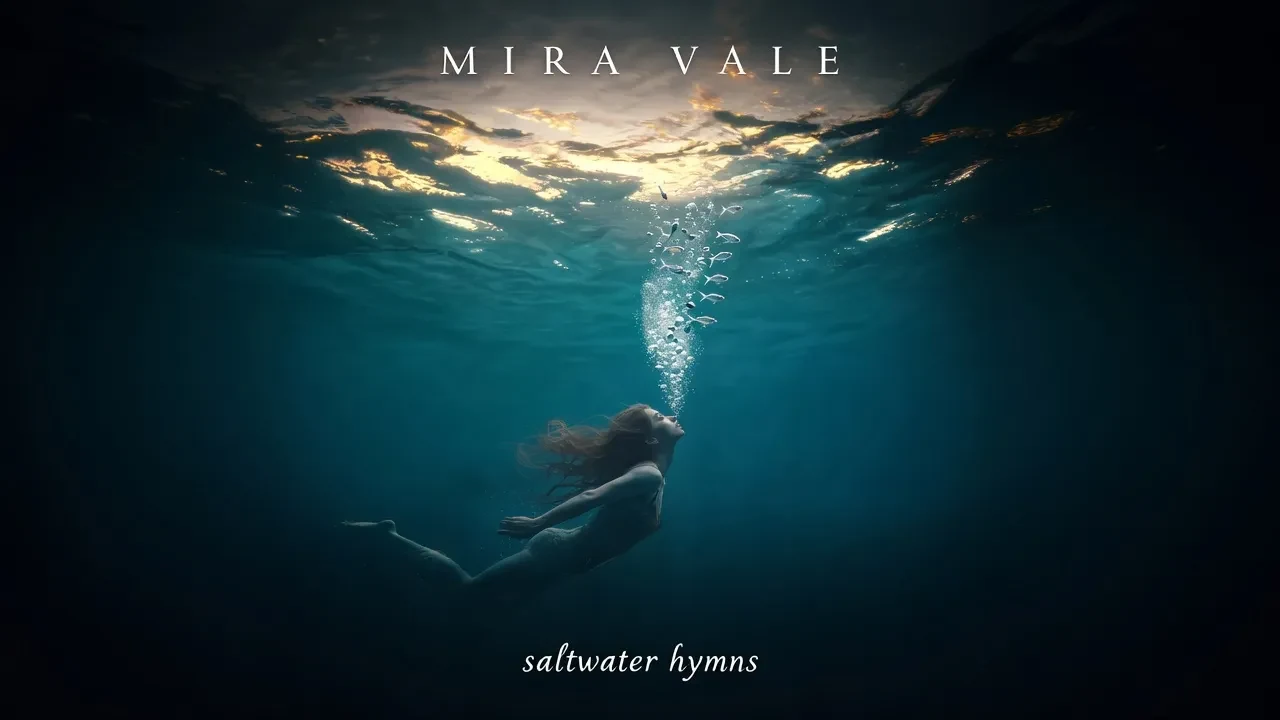
Aspect-ratio reframe
Prompt: Extend the square album cover to a 16:9 banner, continuing the underwater scene and rebalancing the swimmer, artist name, and title.
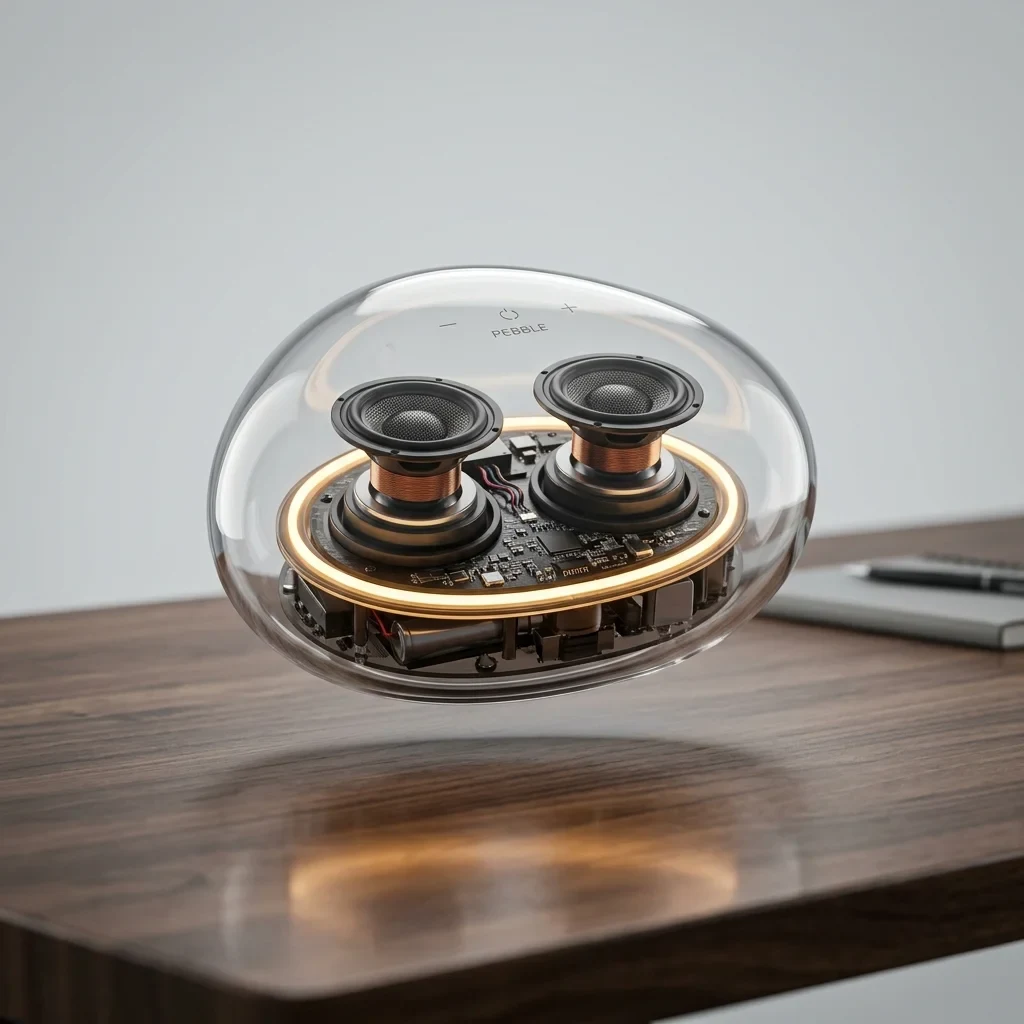
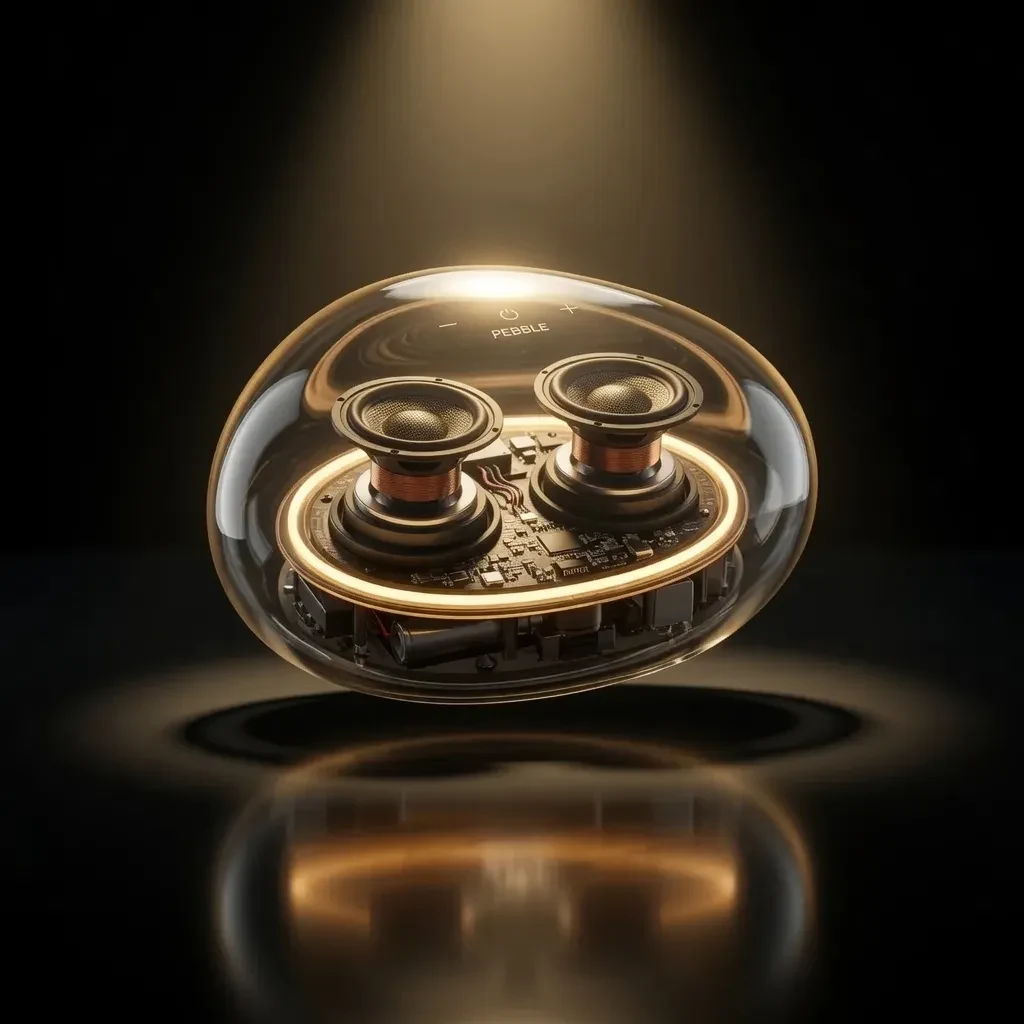
Commercial lighting
Prompt: Add a dramatic dark background, warm rim light, soft overhead spotlight, and polished reflection while preserving the speaker design.
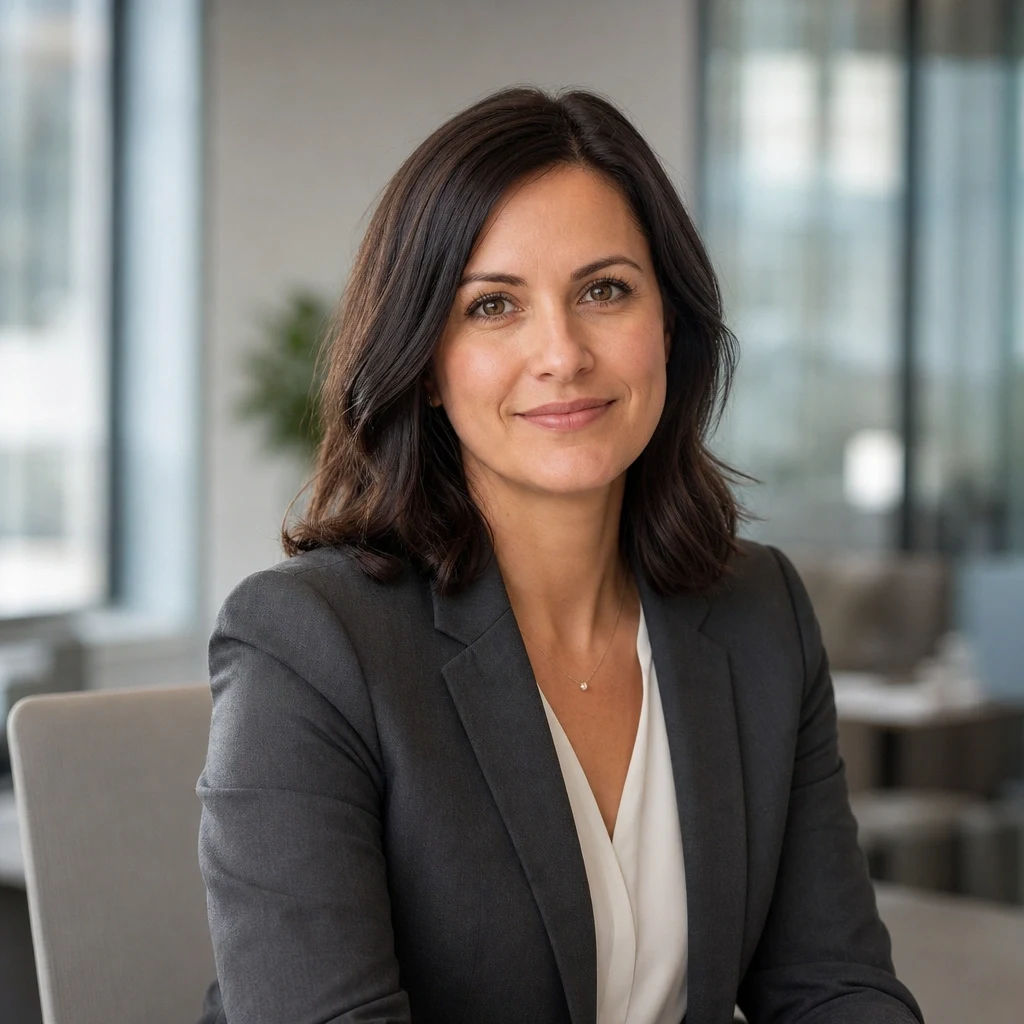
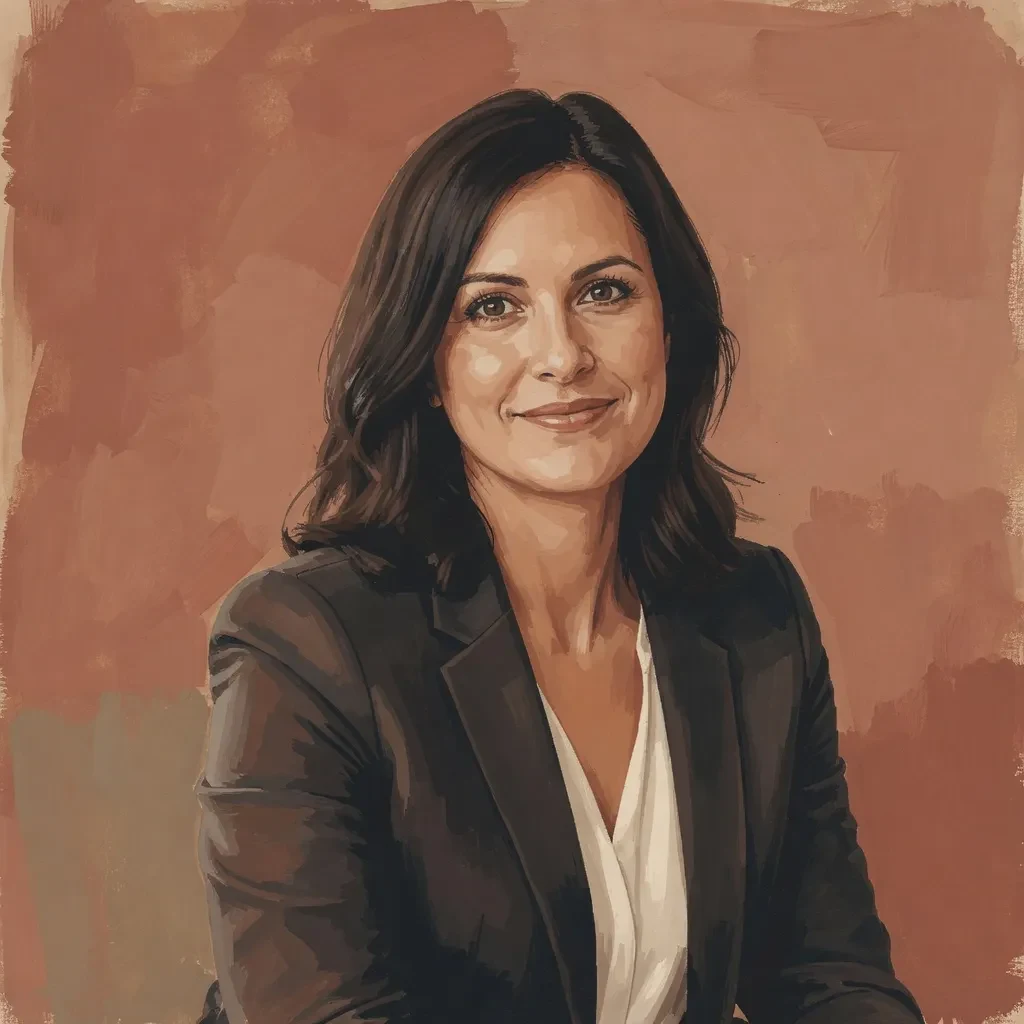
Portrait restyle
Prompt: Restyle the portrait as a gouache editorial illustration with warm color blocks and a terracotta background. Keep the pose, features, and expression recognizable.
Example source photos: Steven Pisano, decar66, RandalWhitmore, Scott (Bellevue Fine Art Repro), webtreats, Double--M, and rawpixel — CC-BY 2.0 via Flickr.
Prompting
A good edit prompt separates the requested change from the details that must remain consistent.
01
Upload the image that must be changed. Add more references when the selected model supports them.
02
State what should change first: the background, object, color, text, clothing, pose, lighting, or style.
03
Explicitly say what must stay unchanged, such as identity, product shape, logo, camera angle, or composition.
04
Describe the desired realism, lighting, aspect ratio, resolution, and where the final image will be used.
Edit prompt formula
Change [specific element] to [desired result]. Keep [identity, product, text, pose, or composition] unchanged. Match [lighting and perspective]. Output for [final use and aspect ratio].
Practical details
GPT Image 2 Edit is a strong fit for precise edits and text changes. Nano Banana 2 Edit is a strong fit for multi-image edits and reference consistency. P Image Edit is a strong fit for fast edits and low-cost iteration. Qwen Image 2.0 Edit is a strong fit for bilingual prompts and instruction following. Grok Imagine Quality Edit is a strong fit for quality edits and creative transformations.
Describe the requested change first, then list the parts of the source image that must remain unchanged. Add lighting, composition, and output details only when they affect the result.
Yes. GPT Image 2 Edit, Nano Banana 2 Edit, P Image Edit, and Qwen Image 2.0 Edit support multiple reference images. The available input slots change with the selected model.
Yes. New RenderFlow AI accounts receive 35 monthly credits on the Free plan, with no credit card required.
GPT Image 2 Edit: 7 credits per image. Nano Banana 2 Edit: 5 credits per image. P Image Edit: 1 credit per image. Qwen Image 2.0 Edit: 3 credits per image. Grok Imagine Quality Edit: 7 credits per image.
No. RenderFlow AI handles provider access, so you can use the available editing models through one account and credit balance.