Pruna AI · Digital human
P Video Avatar
Create a talking avatar from an image and audio with body-motion prompting and 720p or 1080p output.
- fast avatar video
- 1080p avatars
- motion prompting
From 13 credits for 5 seconds at 720p.
Image and audio to avatar video
Turn a portrait and voice track into a talking digital human with four current models for fast avatars, high-fidelity animation, and audio-driven lip sync.
Your generated avatar will appear here.
Upload a portrait image, add voice audio, and click 'Generate Avatar' to start.
Model guide
Compare required inputs, output resolution, duration limits, motion control, and credit cost before generating.
| Model | Input | Best for | Credit cost |
|---|---|---|---|
| P Video Avatar Pruna AI | Image and audio | fast avatar video, 1080p avatars, motion prompting | From 13 credits for 5 seconds at 720p. |
| Omni Human 1.5 ByteDance | Image and audio | lifelike portraits, facial expression, high-fidelity avatars | 16 credits per second of audio. |
| LTX 2.3 LipSync Lightricks | Audio, optional image | audio-first lip sync, optional portrait, natural head movement | From 10 credits for 5 seconds at 480p. |
| Wan 2.2 Avatar Alibaba | Image and audio | long avatar videos, face and body motion, 720p output | From 15 credits for 5 seconds at 480p. |
Pruna AI · Digital human
Create a talking avatar from an image and audio with body-motion prompting and 720p or 1080p output.
From 13 credits for 5 seconds at 720p.
ByteDance · Digital human
Animate a clear portrait from speech audio with lifelike facial expression and natural digital-human motion.
16 credits per second of audio.
Lightricks · Digital human
Generate an audio-driven talking head with natural lip sync, optional portrait guidance, and 480p to 1080p output.
From 10 credits for 5 seconds at 480p.
Alibaba · Digital human
Turn a portrait and speech track into a talking video with realistic face and body motion and clips up to ten minutes.
From 15 credits for 5 seconds at 480p.
Use cases
Prepare the portrait and final voice track first, then choose a model based on identity, motion, resolution, and duration.
Turn a portrait and narration into explainers, onboarding lessons, product walkthroughs, and internal training videos.
Reuse a visual presenter with translated voice tracks to create language variants without recording every version on camera.
Create short spokesperson clips, announcements, character posts, and vertical campaign videos from prepared assets.
Bring an illustrated or photoreal character to life with speech, expression, natural head movement, and directed body motion.
Examples
See the generated portrait and voice track that went into each avatar, then compare them with the finished video. Hover the result to preview or click it to play with sound.
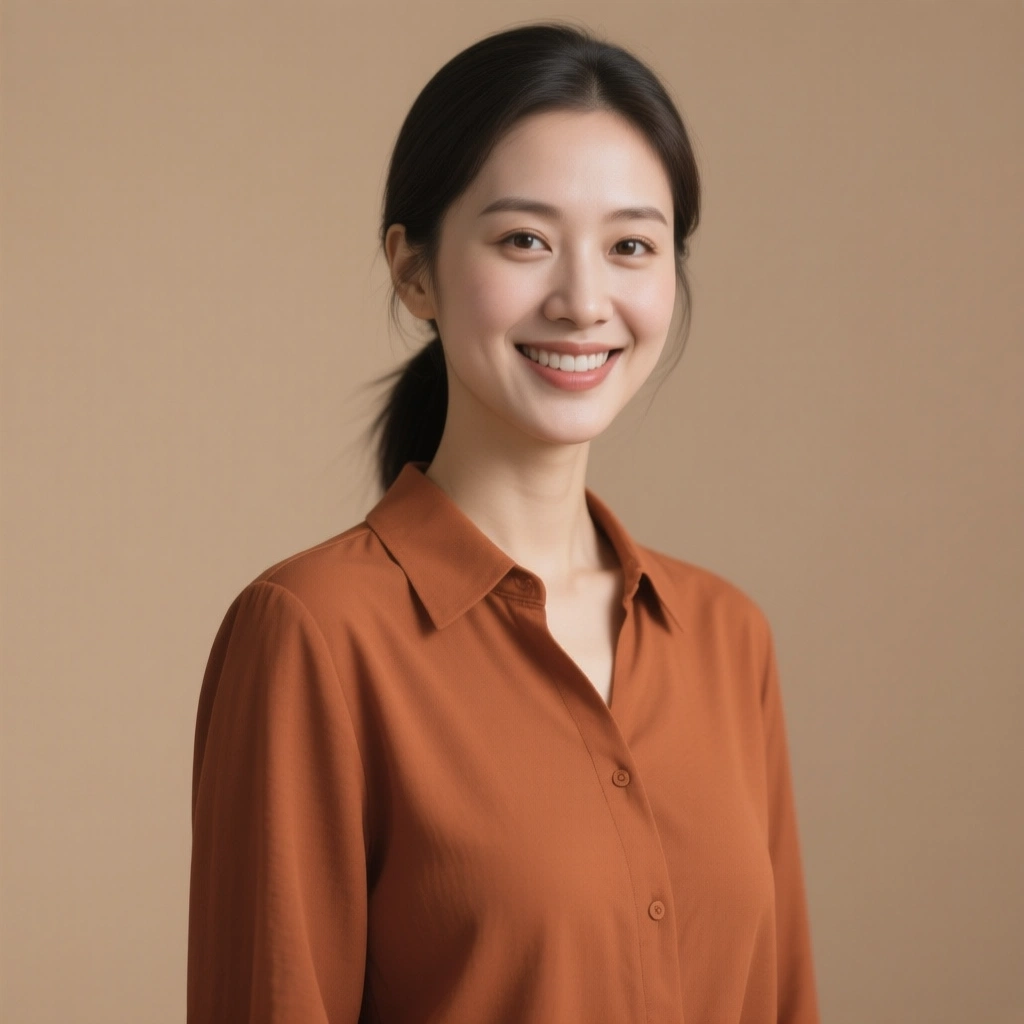
2 · Source voice
Qwen Image portrait + Eleven V3 voice
3 · AI avatar video
P Video Avatar
A friendly product presenter built from a generated portrait and an Eleven V3 voice — P Video Avatar
What to watch
Identity stability, natural mouth shapes, and a steady hairline.

2 · Source voice
GPT Image 2 portrait + Qwen 3 TTS Voice Design
3 · AI avatar video
Omni Human 1.5
A painted storybook character reacting with genuine warmth to a designed storyteller voice — Omni Human 1.5
What to watch
Micro-expressions, eye movement, and preservation of the painted style.
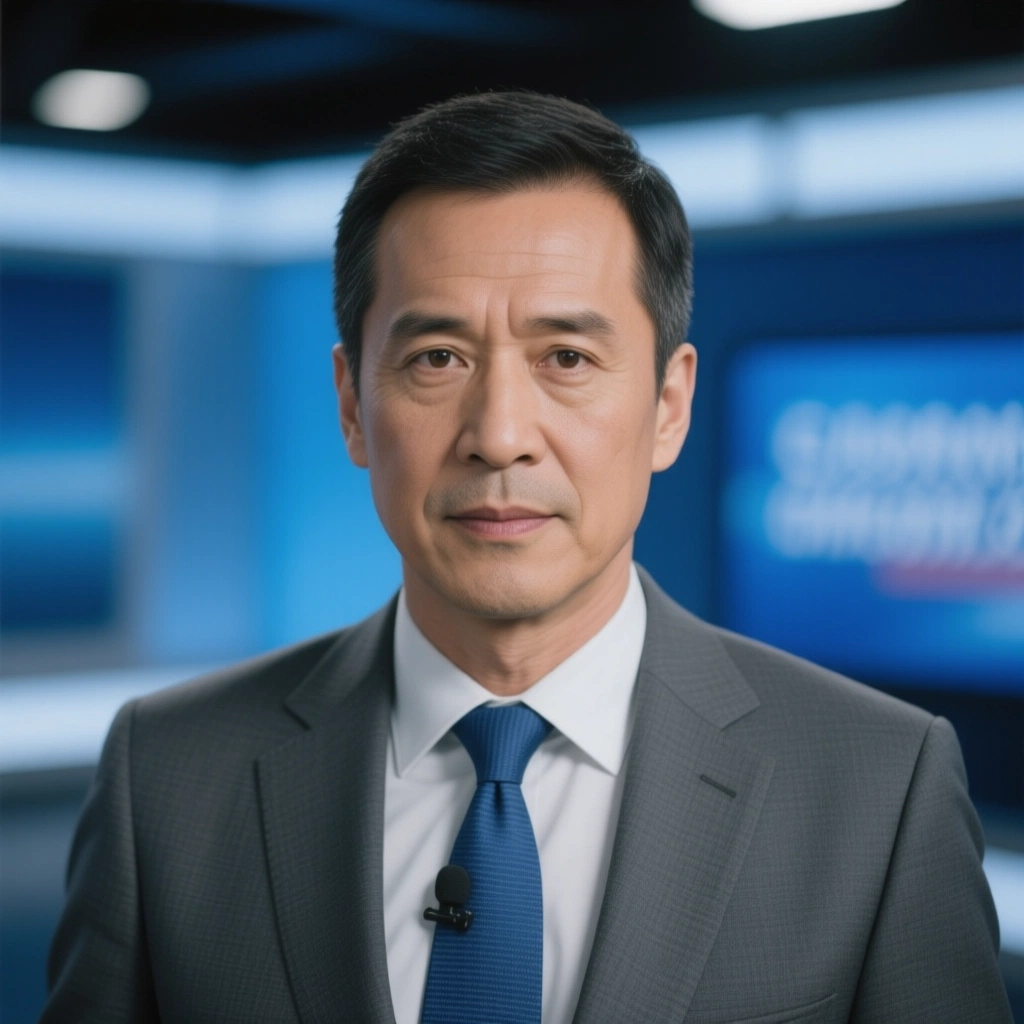
2 · Source voice
Qwen Image portrait + Seed Audio 1.0 voice at 1.5× speed to meet the 20-second LTX limit
3 · AI avatar video
LTX 2.3 LipSync
A precise newsread with numbers and fast consonants to stress lip-sync accuracy — LTX 2.3 LipSync
What to watch
Mouth shapes on numbers and consonants, with no visible audio lag.

2 · Source voice
Qwen Image portrait + Eleven V3 voice
3 · AI avatar video
Wan 2.2 Avatar
A cooking host who gestures at ingredients on cue from the text prompt — Wan 2.2 Speech to Video
What to watch
Natural hands, believable body movement, and stable identity through the longer clip.
Workflow
Avatar quality starts with the source assets. Finish the portrait and voice track before spending credits on generation.
01
Pick portrait animation for a specific person or character, or audio-first lip sync when a supplied image is optional.
02
Use a sharp, well-lit portrait with a visible face and simple framing. LTX can use its default portrait instead.
03
Upload the final voice track. Clear speech and minimal background noise produce more reliable mouth movement.
04
Check lip sync, identity, expression, and framing, then refine the source assets or motion prompt one variable at a time.
Source checklist
Clear face · even lighting · simple framing · clean single-speaker audio · silence trimmed · final pronunciation checked
Practical details
P Video Avatar is a strong fit for fast avatar video and 1080p avatars. Omni Human 1.5 is a strong fit for lifelike portraits and facial expression. LTX 2.3 LipSync is a strong fit for audio-first lip sync and optional portrait. Wan 2.2 Avatar is a strong fit for long avatar videos and face and body motion.
P Video Avatar, Omni Human 1.5, and Wan 2.2 Avatar require a portrait image and audio track. LTX 2.3 LipSync requires audio and can optionally use your portrait image.
Use a clear face, even lighting, visible facial features, and an uncluttered composition. Front-facing or slight three-quarter portraits are the most predictable starting point.
Use clean speech with minimal background noise, clipping, or overlapping speakers. Trim silence and finalize pronunciation before generating, because the audio duration controls the video length and cost.
P Video Avatar includes a video prompt for body movement, framing, and atmosphere. LTX and Wan also accept optional prompting for style or presentation.
Limits vary by endpoint. LTX 2.3 supports audio from 5 to 20 seconds, while P Video Avatar, Omni Human 1.5, and Wan 2.2 support audio up to 10 minutes.
Yes. New RenderFlow AI accounts receive 35 monthly credits on the Free plan, with no credit card required.
P Video Avatar: From 13 credits for 5 seconds at 720p. Omni Human 1.5: 16 credits per second of audio. LTX 2.3 LipSync: From 10 credits for 5 seconds at 480p. Wan 2.2 Avatar: From 15 credits for 5 seconds at 480p.
No. RenderFlow AI handles provider access, so you can use the available avatar models through one account and credit balance.