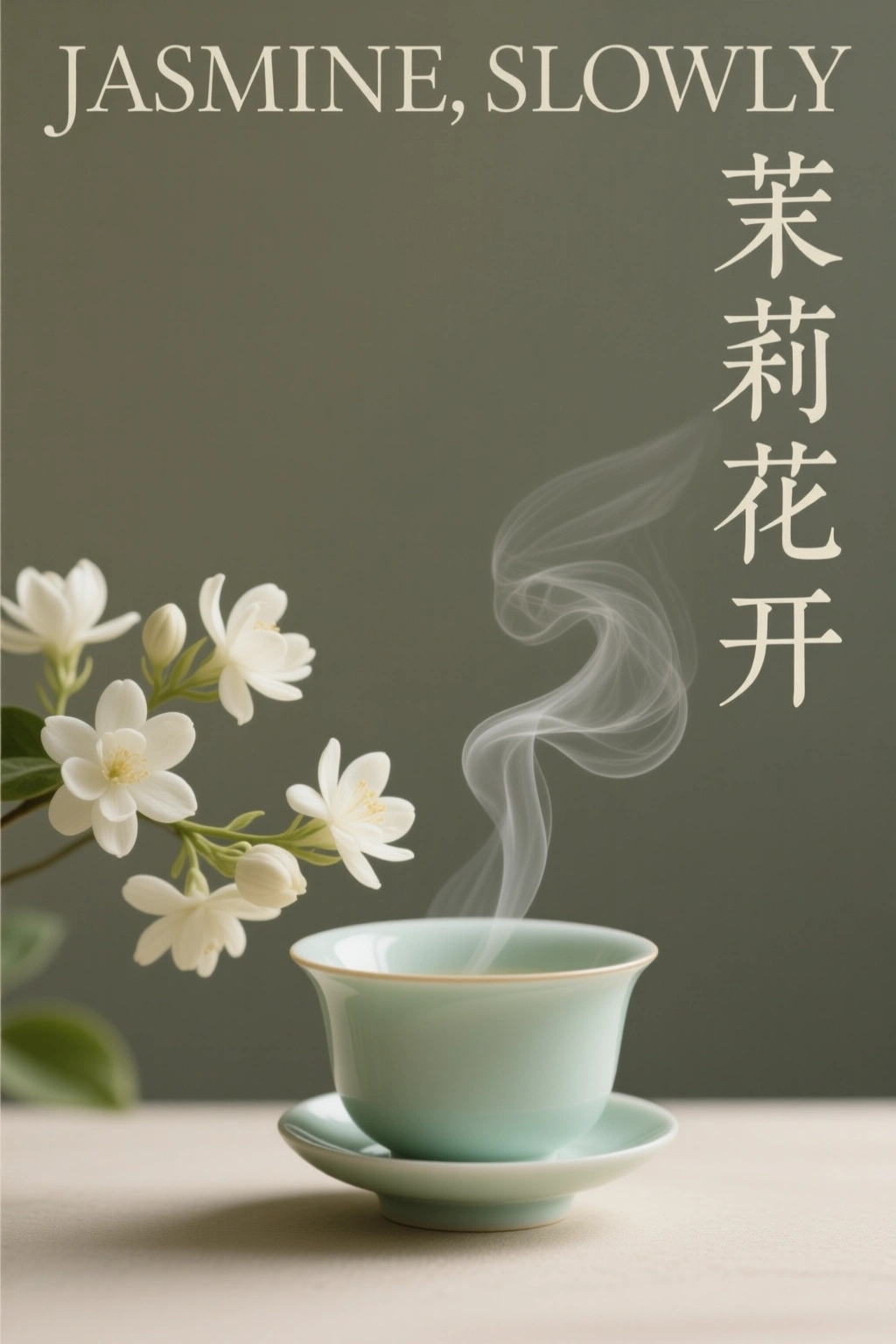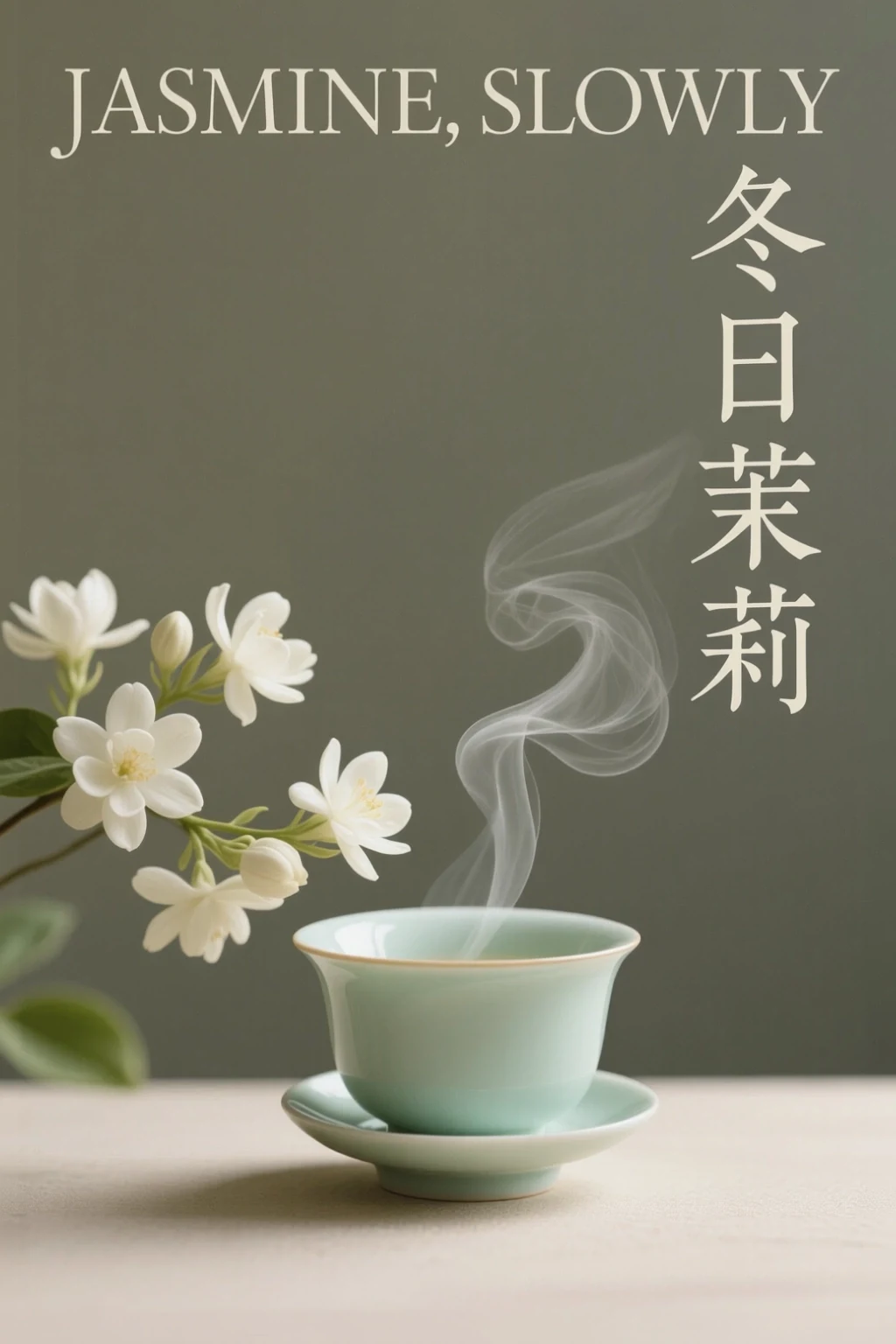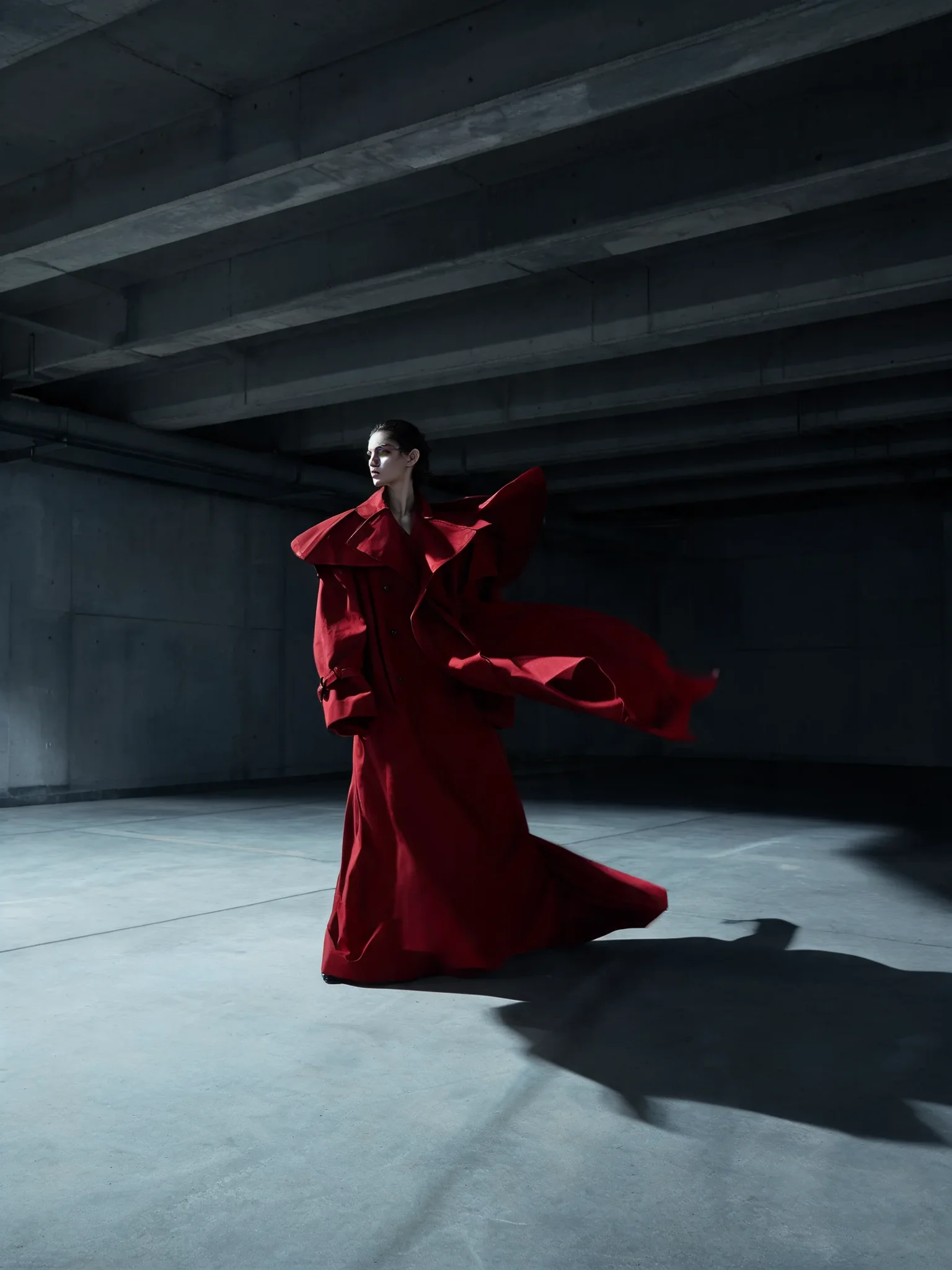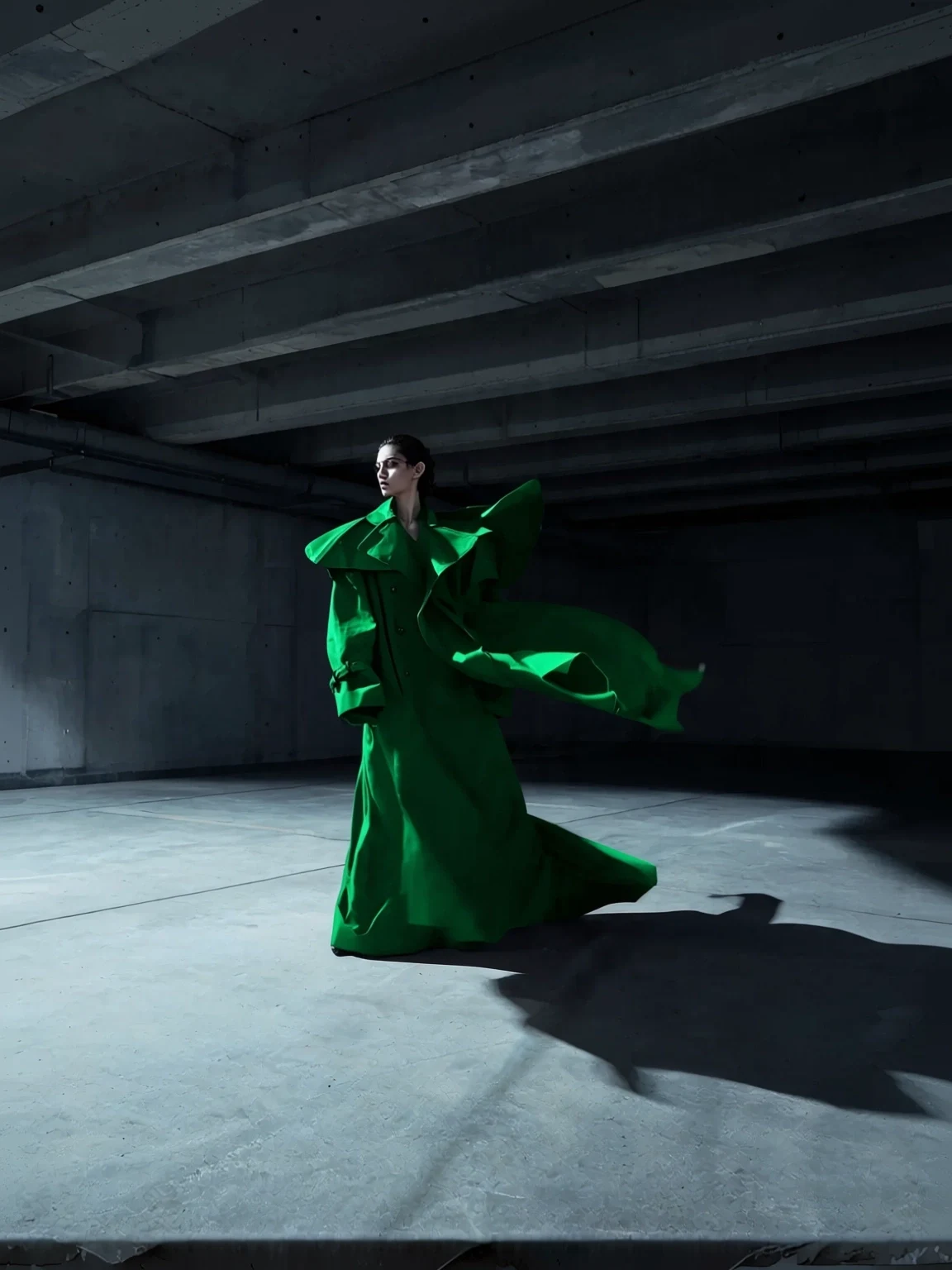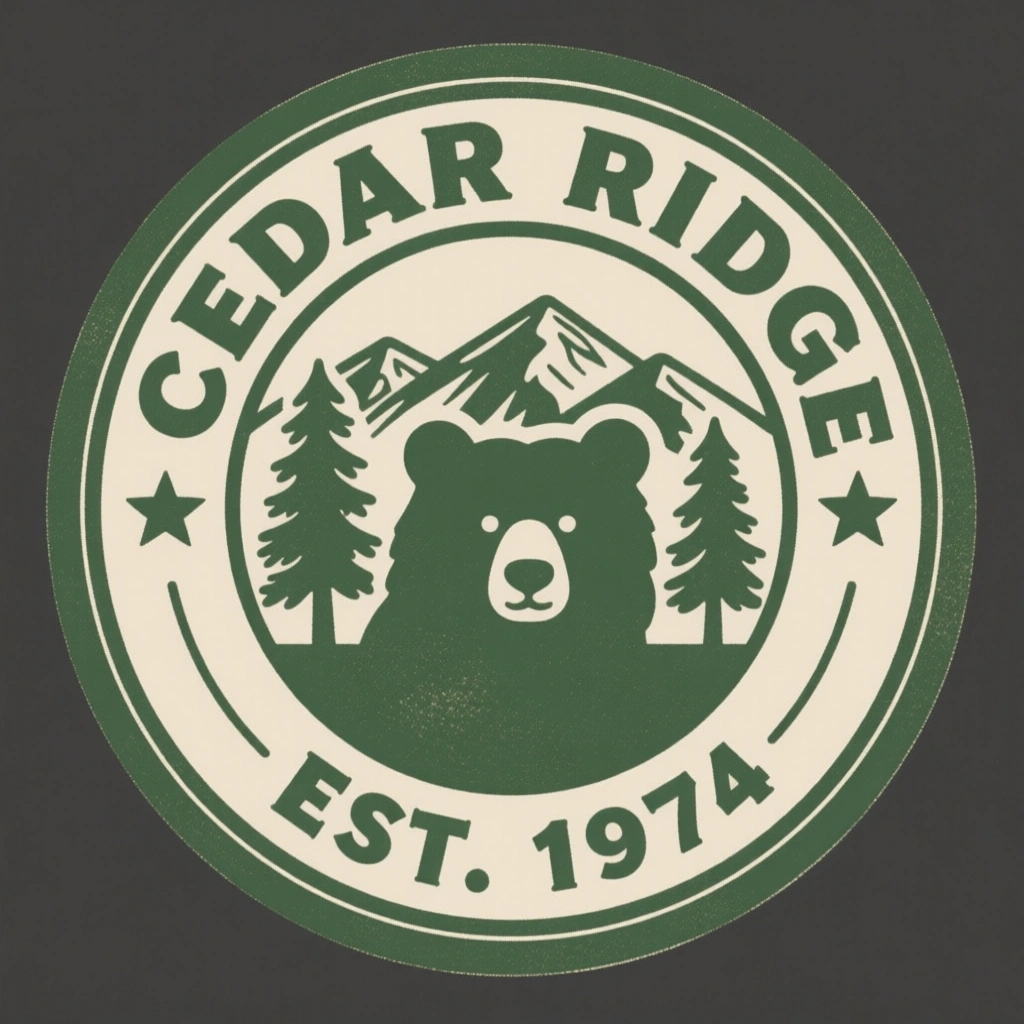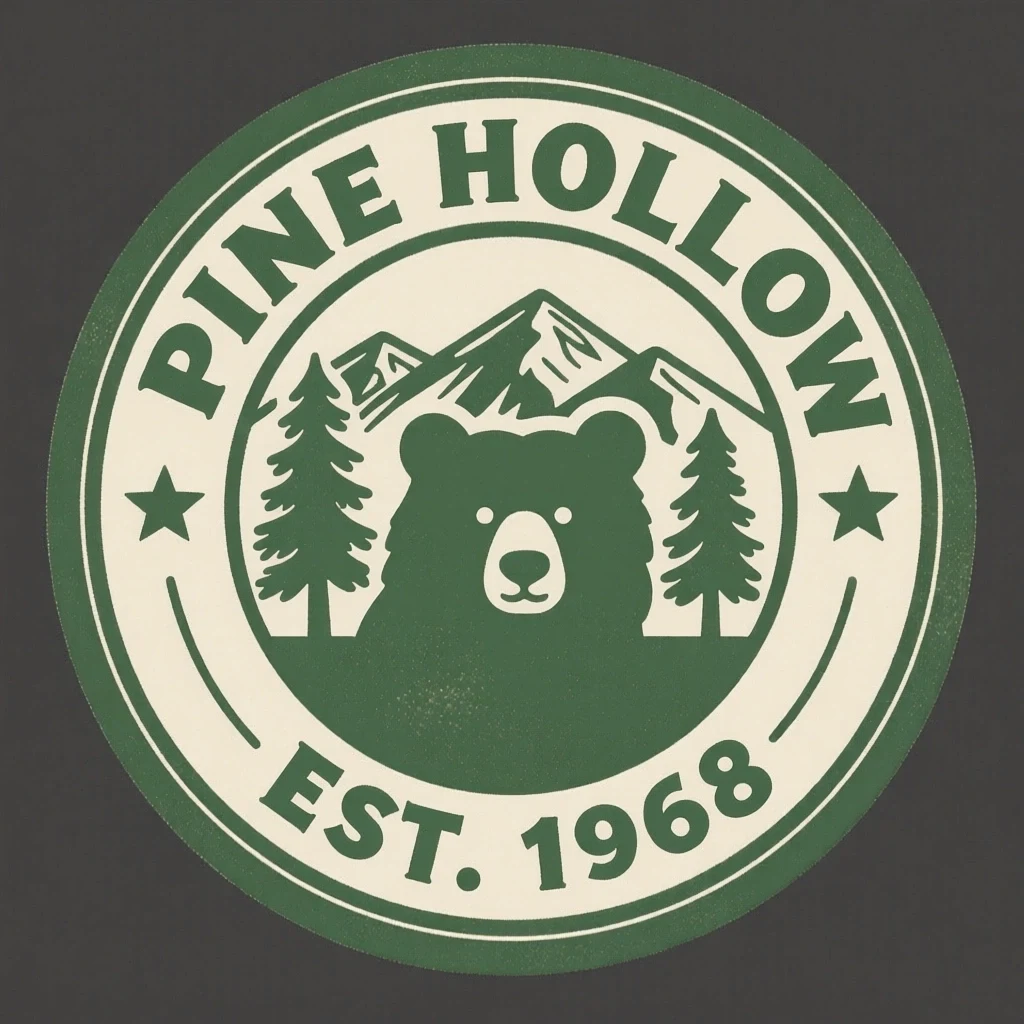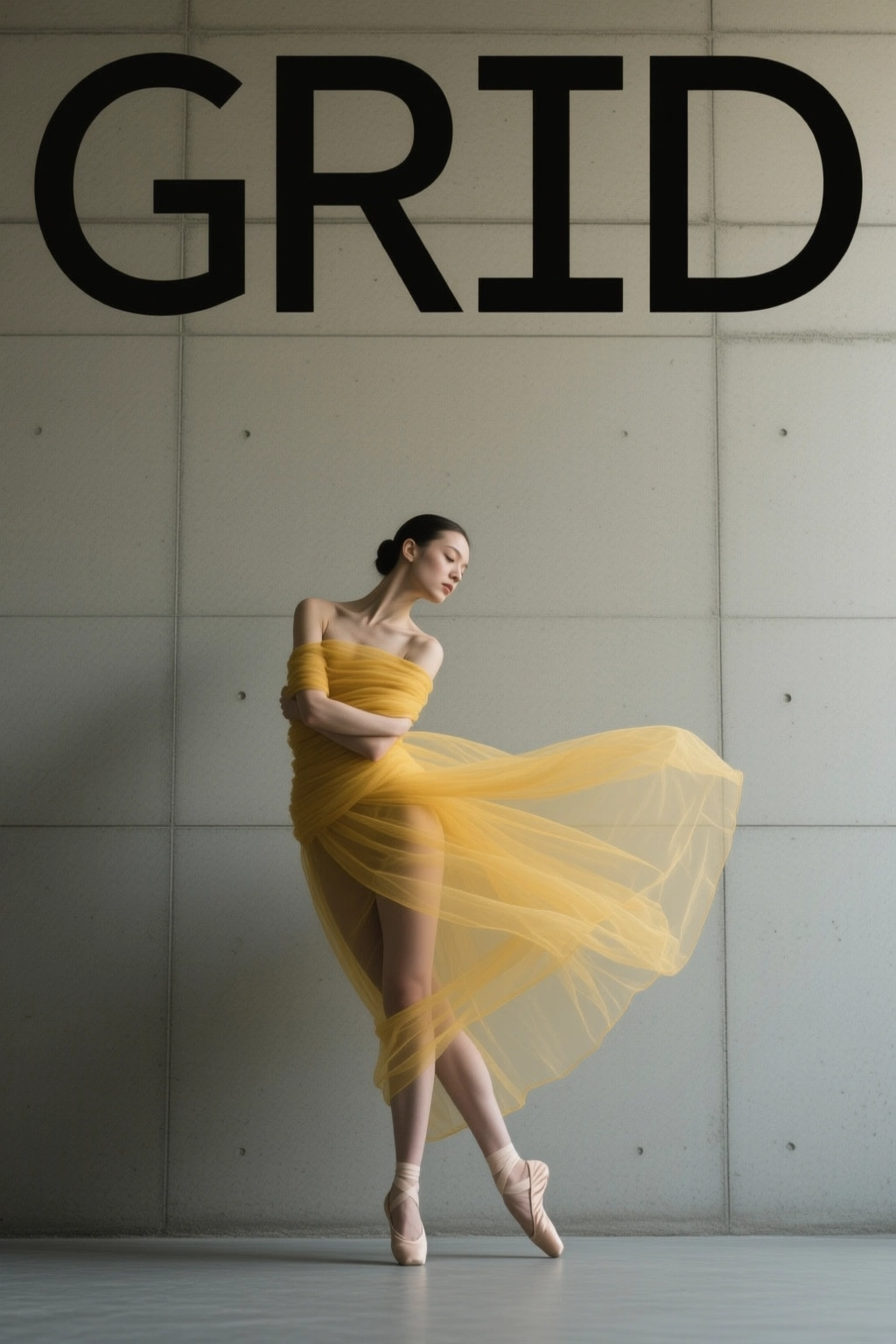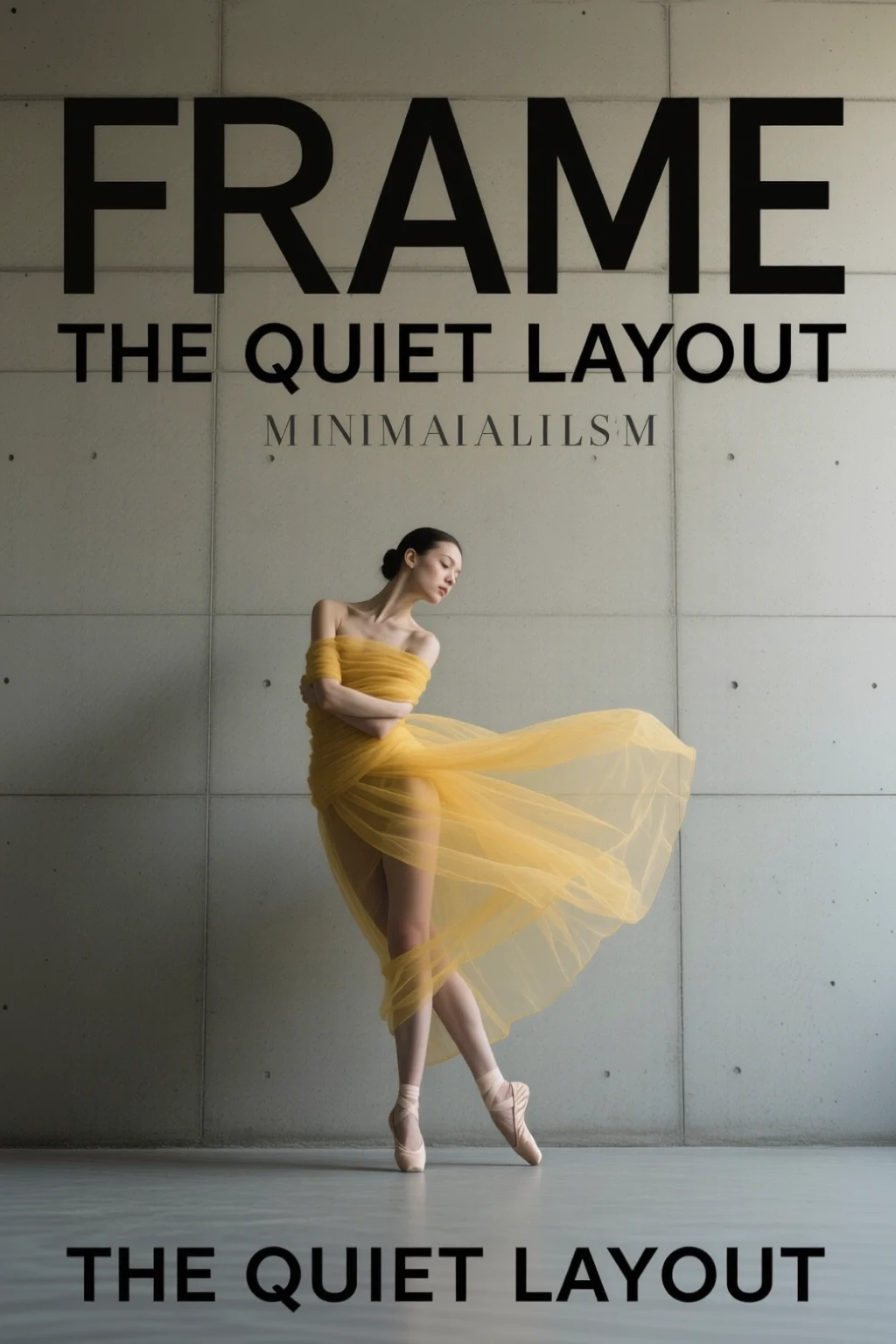
Alibaba AI Image Editor
Qwen Image Edit AI Image Editor
Use Alibaba Qwen Image Edit for prompt-based image editing, layout changes, and visual asset refinements.
Your generated image will appear here.
Enter a prompt and click 'Generate with AI' to start.
What is Qwen Image Edit?
Qwen Image Edit is Alibaba's prompt-based image editing workflow for changing existing visuals with natural language instructions.
On RenderFlow AI, it is useful for product image edits, text-aware changes, layout refinements, and quick creative variations.
Why use Qwen Image Edit on RenderFlow AI?
Prompt-based image editing in the browser.
Useful
Pairs naturally with Qwen Image generation.
Best Qwen Image Edit use cases
AI image editing
Use Qwen Image Edit for ai image editing when you want a dedicated RenderFlow AI model preset and a direct path from prompt to generated output.
Product image edits
Use Qwen Image Edit for product image edits when you want a dedicated RenderFlow AI model preset and a direct path from prompt to generated output.
Text and layout adjustments
Use Qwen Image Edit for text and layout adjustments when you want a dedicated RenderFlow AI model preset and a direct path from prompt to generated output.
Creative variations
Use Qwen Image Edit for creative variations when you want a dedicated RenderFlow AI model preset and a direct path from prompt to generated output.
How to use Qwen Image Edit on RenderFlow AI
Write a specific prompt
Start with a clear prompt that describes the subject, style, composition, lighting, and output goal. For commercial assets, include practical details like product category, background, camera angle, aspect ratio, brand mood, and whether you want a photorealistic, cinematic, editorial, or illustrative look.
Use the dedicated model canvas
RenderFlow AI keeps Qwen Image Edit inside a dedicated model canvas, so you can open this page, enter a prompt, adjust the available model settings, and generate without manually searching through the full app.
Compare nearby models
If you are comparing models, use this page as a starting point and then test nearby alternatives in the Explore More section before choosing the final output.
Related Qwen Image Edit keywords
This page is optimized for creators searching for Qwen Image Edit, Qwen AI image editor, Alibaba image editor, prompt based image editing and related AI generation workflows.
Frequently Asked Questions
What is Qwen Image Edit best for?
Qwen Image Edit is best for prompt-based image editing, product changes, text-aware edits, and visual layout refinements. RenderFlow AI gives this model a direct landing page and preselected canvas so creators can open the right workflow without searching through the full model list.
Can I use Qwen Image Edit without managing API keys?
Yes. RenderFlow AI runs Qwen Image Edit through the platform credit system, so you can generate from the browser without setting up provider accounts, API keys, queues, or storage.
How should I prompt Qwen Image Edit?
Use a specific prompt that includes the subject, style, composition, lighting, motion or edit goal, and output context. For production work, add constraints such as brand mood, camera angle, aspect ratio, background, and whether the result should be realistic, cinematic, editorial, or illustrative.
Explore More AI Tools and Models
Qwen Image Generator
Create images with strong text rendering and layout control.
Qwen Image Edit Plus
Use advanced Alibaba Qwen image editing for product and layout changes.
Nano Banana Edit
Edit existing images with Google Nano Banana Edit.
Flux Kontext Pro
Edit images with context-aware FLUX prompt controls.
Seedream 3.0 Generator
ByteDance image generation with an existing dedicated RenderFlow model page.
Sora 2
Create premium AI videos with OpenAI Sora 2.