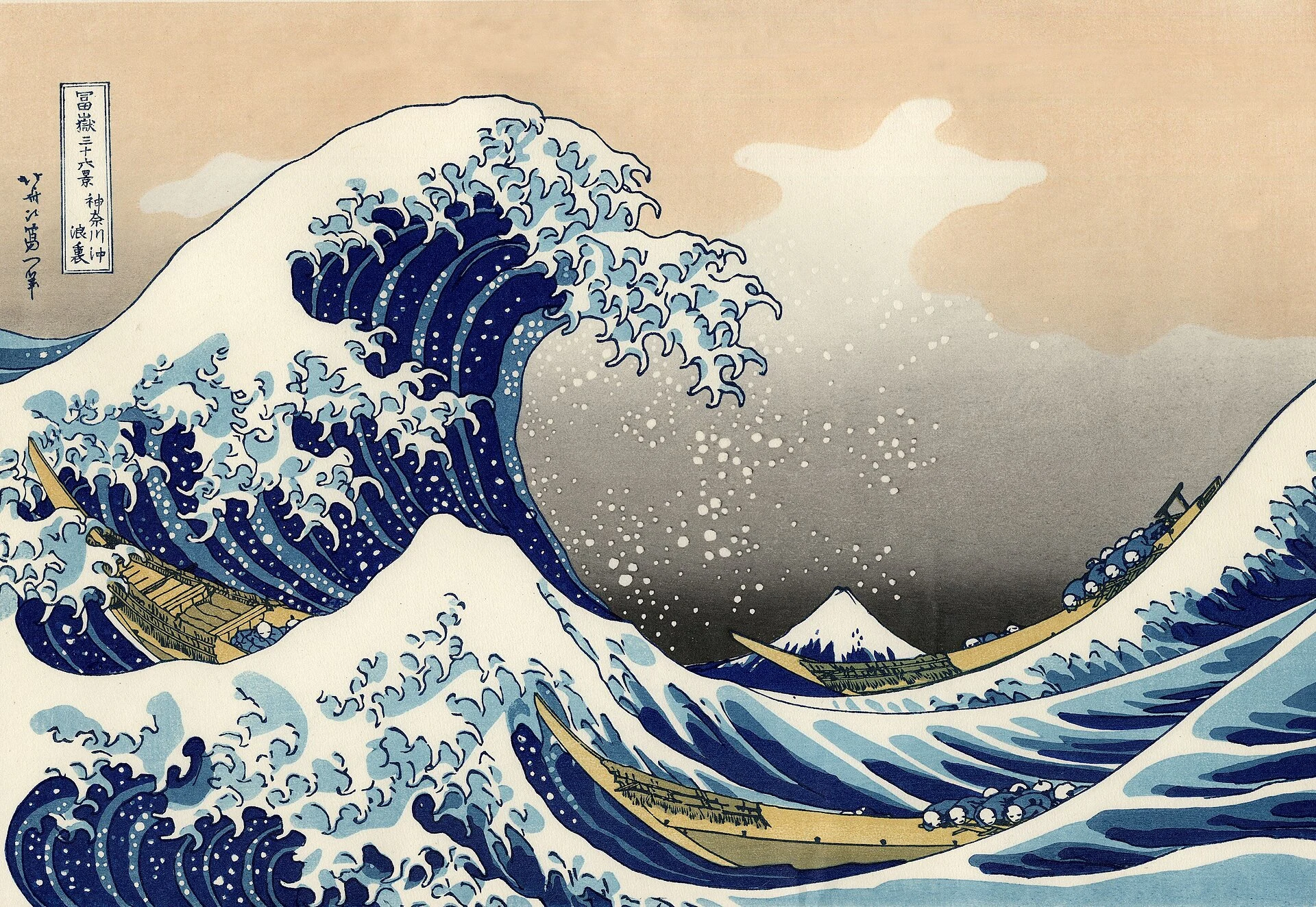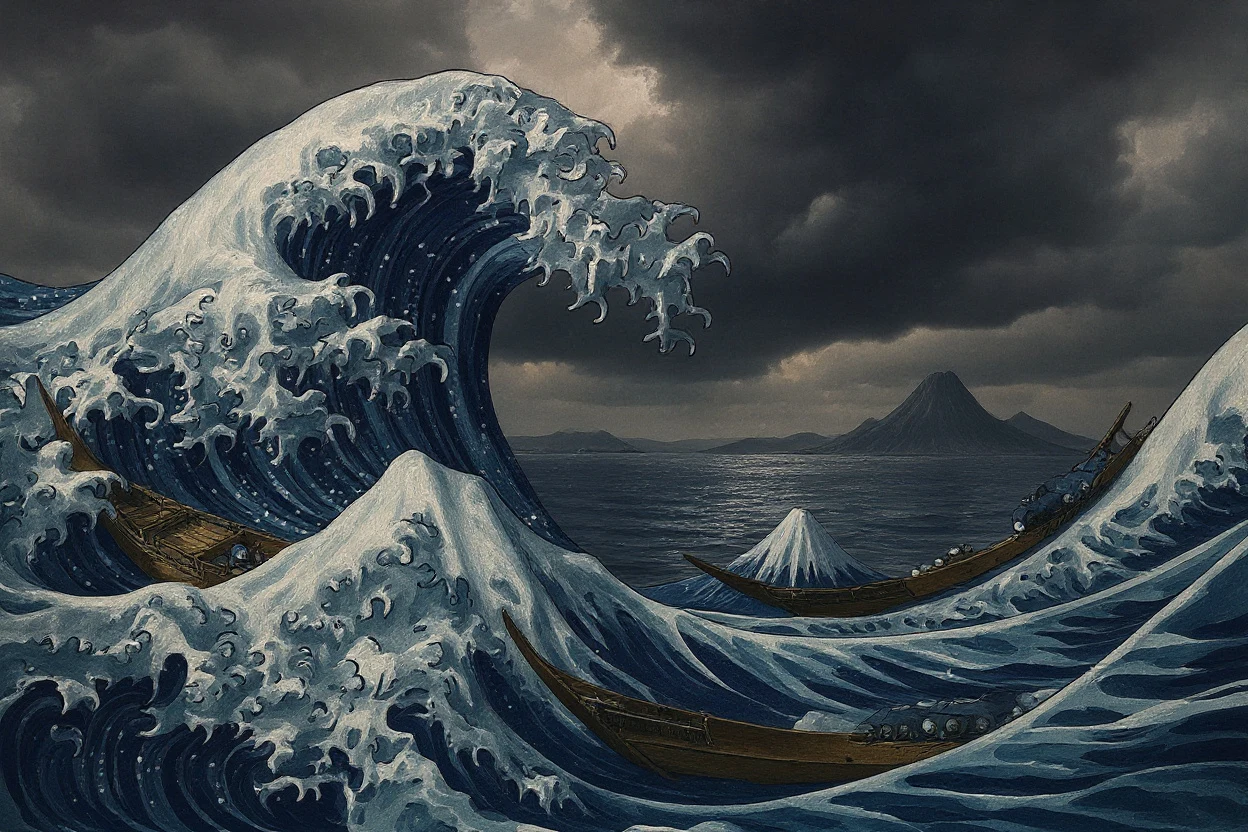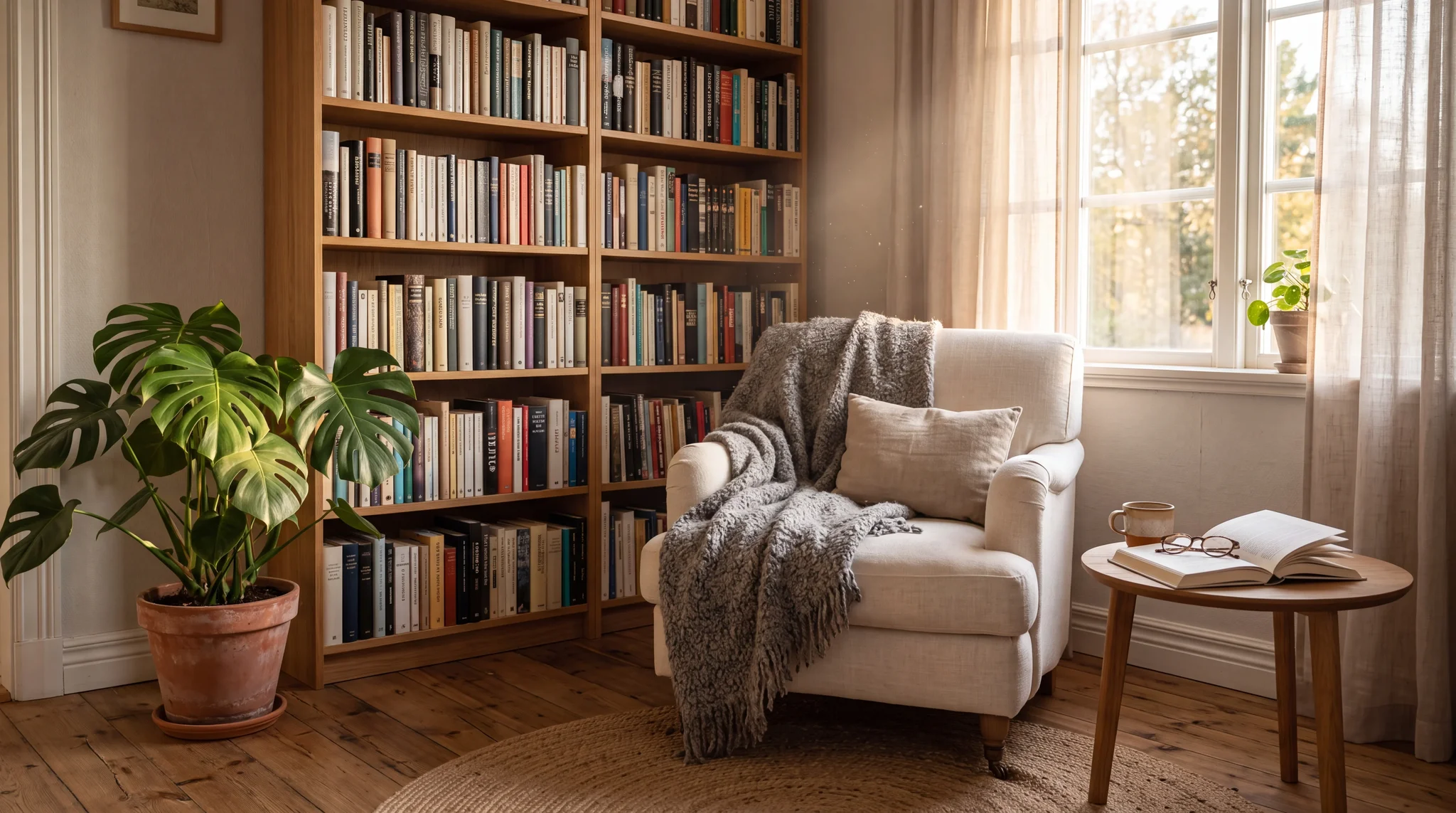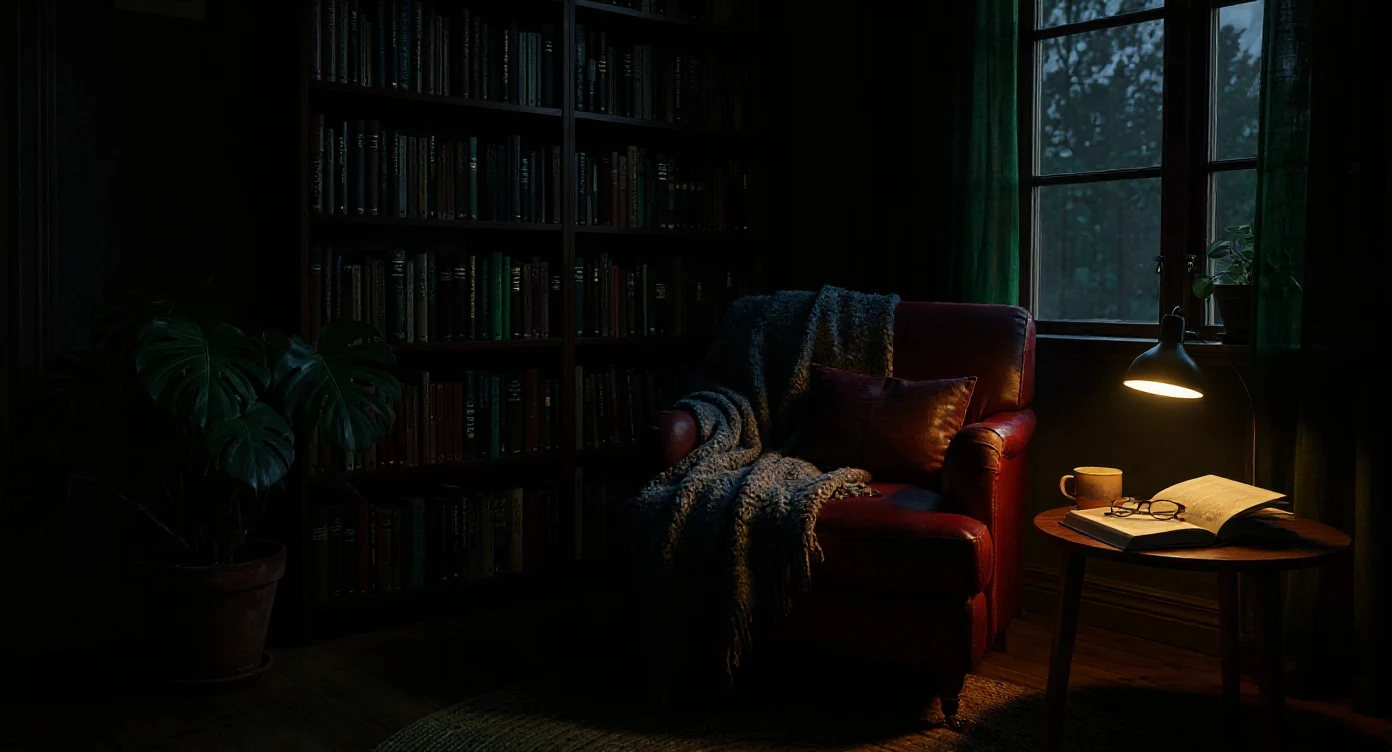

Premium FLUX AI Image Editor

Flux Kontext Max AI Image Editor

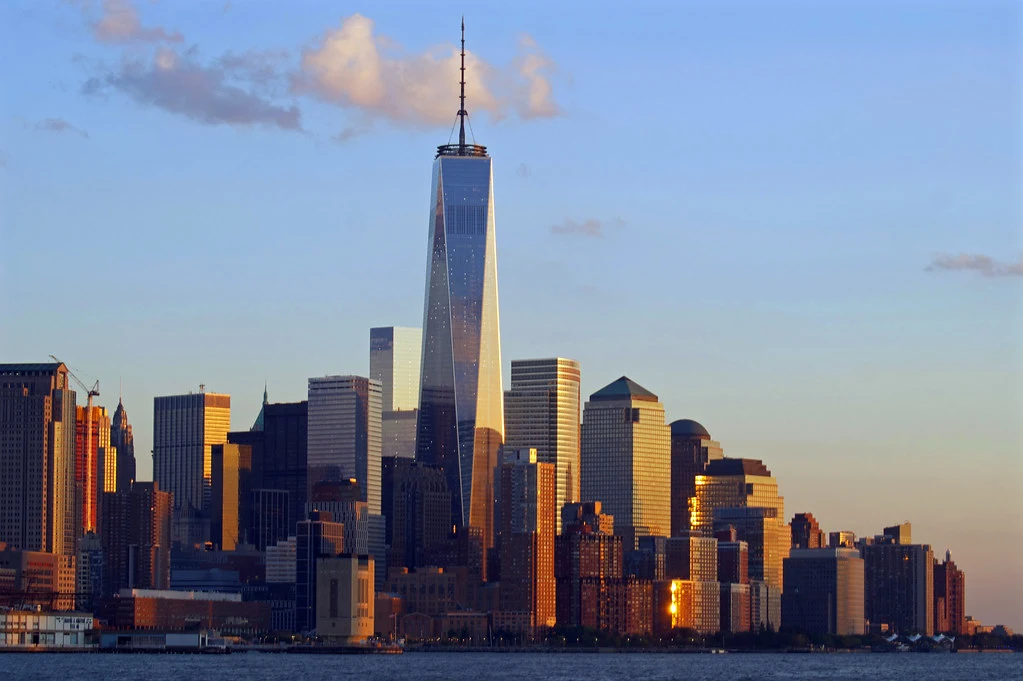
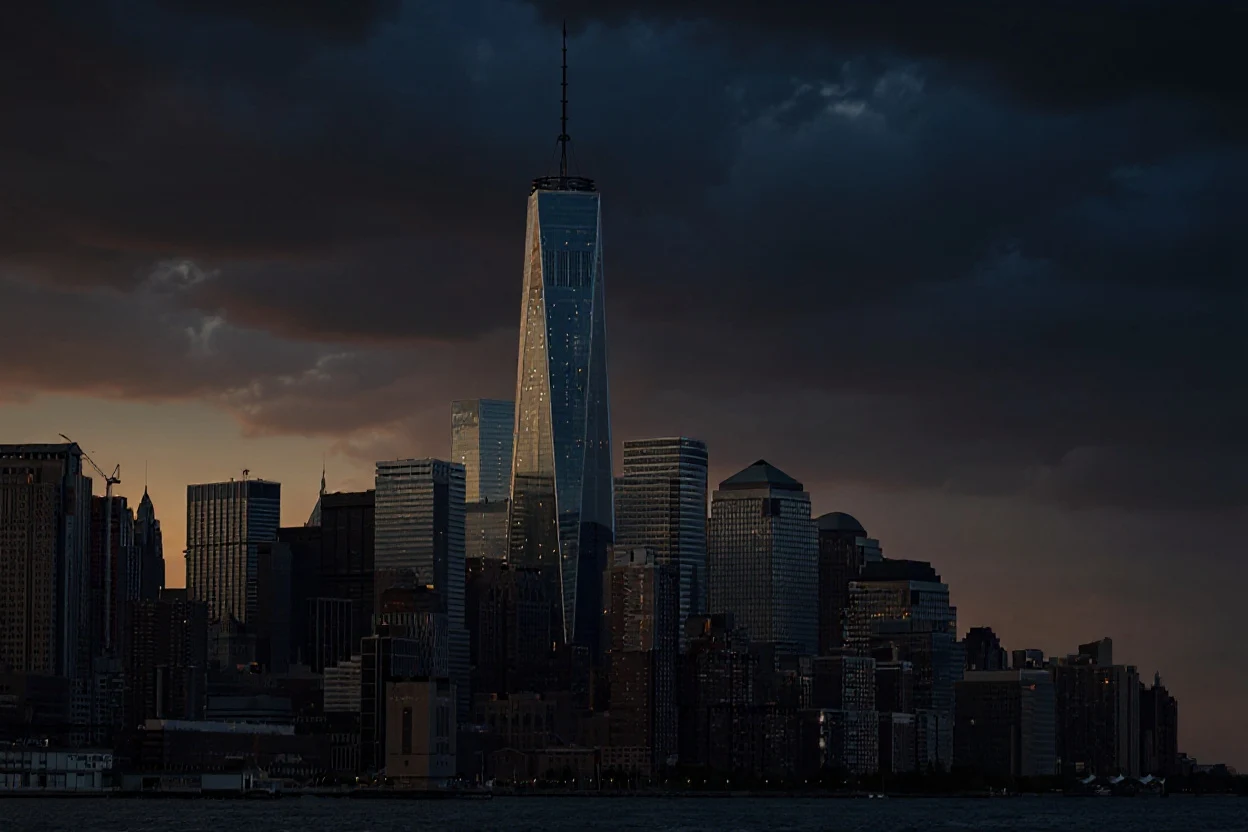
Edit images with the premium Flux Kontext Max model for higher-quality prompt-based transformations.

8 credits per image.By Black Forest Labs

Flux Kontext Image Editor

Flux Model Settings

A premium text-based image editing model that delivers maximum performance and improved typography generation for transforming images through natural language prompts

8 credits per image.

2

Your generated image will appear here.

Enter a prompt and click 'Generate with Flux' to start.

What is Flux Kontext Max?

Flux Kontext Max is the premium Flux Kontext image editing option for creators who need stronger quality, fidelity, and detail in prompt-based edits.

RenderFlow AI gives you a dedicated Flux Kontext workflow so you can upload an image, describe a change, and generate premium edited results quickly.

Why use Flux Kontext Max on RenderFlow AI?

Premium edit quality

Premium edit quality for important visuals.

Strong natural language control

Strong natural language control for detailed transformations.

Great

Great for final-pass visuals after testing lower-cost directions.

Best Flux Kontext Max use cases

Premium AI image editing

Use Flux Kontext Max for premium ai image editing when you want a dedicated RenderFlow AI model preset and a direct path from prompt to generated output.

Brand and campaign asset editing

Use Flux Kontext Max for brand and campaign asset editing when you want a dedicated RenderFlow AI model preset and a direct path from prompt to generated output.

Product scene transformations

Use Flux Kontext Max for product scene transformations when you want a dedicated RenderFlow AI model preset and a direct path from prompt to generated output.

High-quality portrait restyling

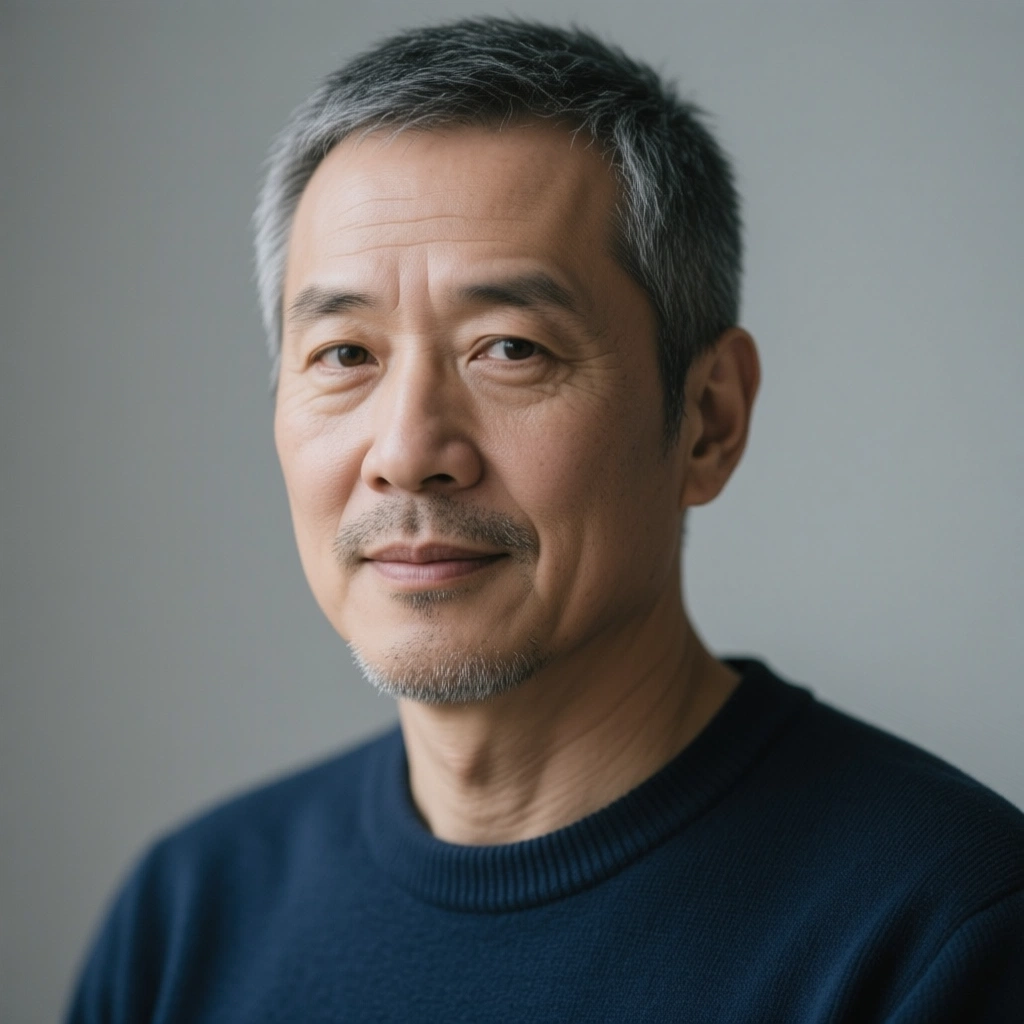
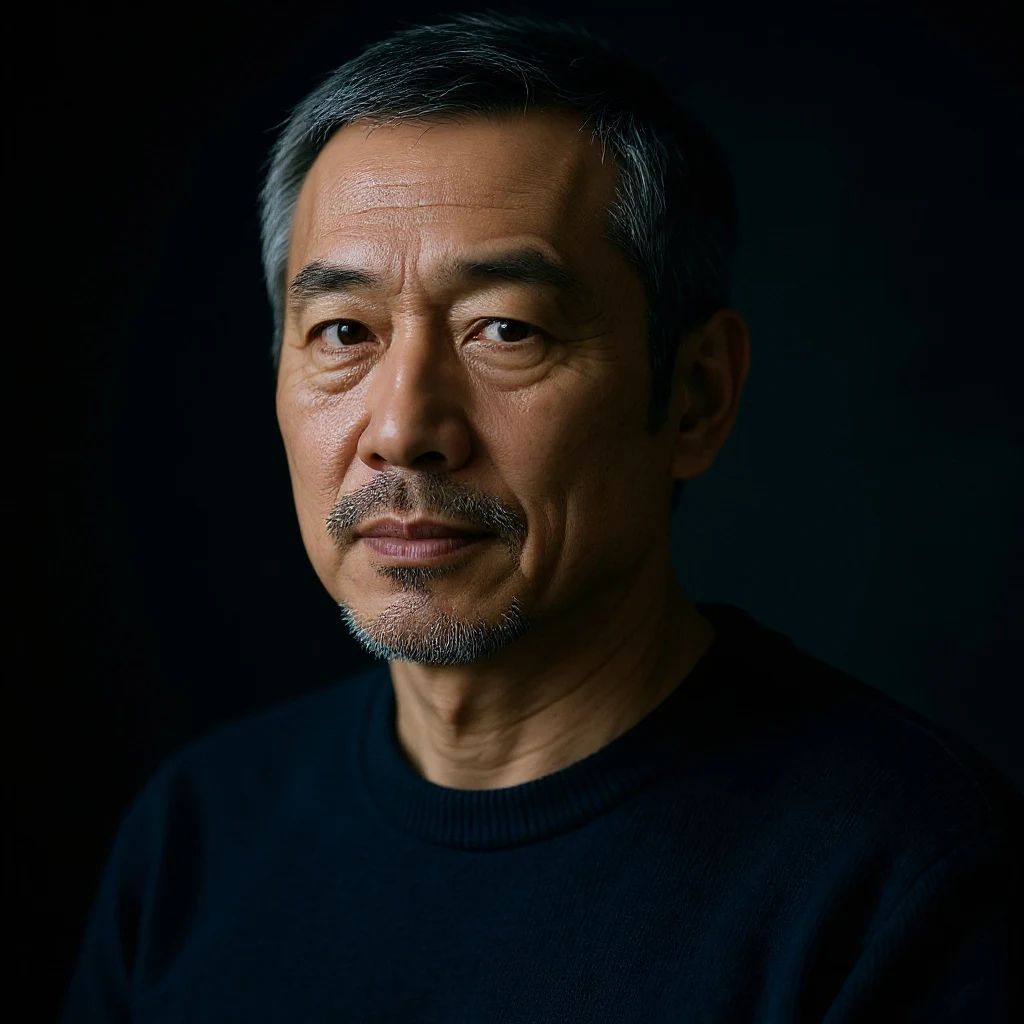
Use Flux Kontext Max for high-quality portrait restyling when you want a dedicated RenderFlow AI model preset and a direct path from prompt to generated output.

How to use Flux Kontext Max on RenderFlow AI

Write a specific prompt

Start with a clear prompt that describes the subject, style, composition, lighting, and output goal. For commercial assets, include practical details like product category, background, camera angle, aspect ratio, brand mood, and whether you want a photorealistic, cinematic, editorial, or illustrative look.

Use the dedicated model canvas

RenderFlow AI keeps Flux Kontext Max inside a dedicated model canvas, so you can open this page, enter a prompt, adjust the available model settings, and generate without manually searching through the full app.

Compare nearby models

If you are comparing models, use this page as a starting point and then test nearby alternatives in the Explore More section before choosing the final output.

Related Flux Kontext Max keywords

This page is optimized for creators searching for Flux Kontext Max, premium AI image editor, FLUX Kontext Max, Flux Kontext image edit, natural language image editing and related AI generation workflows.

Flux Kontext Maxpremium AI image editorFLUX Kontext MaxFlux Kontext image editnatural language image editing

Frequently Asked Questions

What is Flux Kontext Max best for?

Flux Kontext Max is best for premium AI image editing, brand asset editing, product transformations, and high-quality portrait restyling, especially when you want a dedicated RenderFlow AI page and model preset instead of manually selecting the model from a broad app page.

Can I use Flux Kontext Max without a provider API key?

Yes. RenderFlow AI runs Flux Kontext Max through the web app credit system, so creators do not need to manage provider API keys or infrastructure.

Why does Flux Kontext Max have its own page?

This page targets model-specific search intent and gives creators a direct canvas with Flux Kontext Max selected, plus related keywords, FAQs, and links to nearby RenderFlow tools.