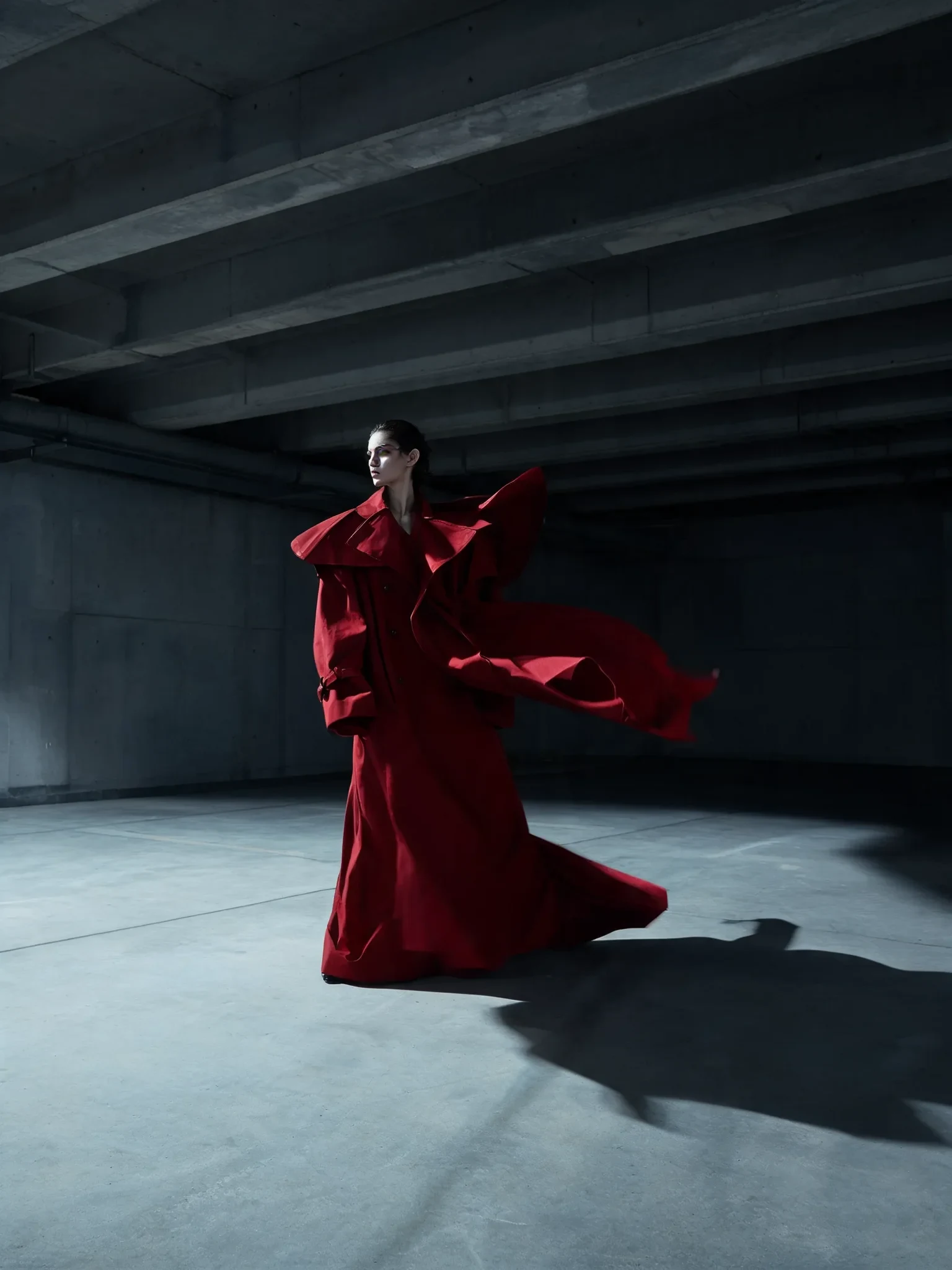
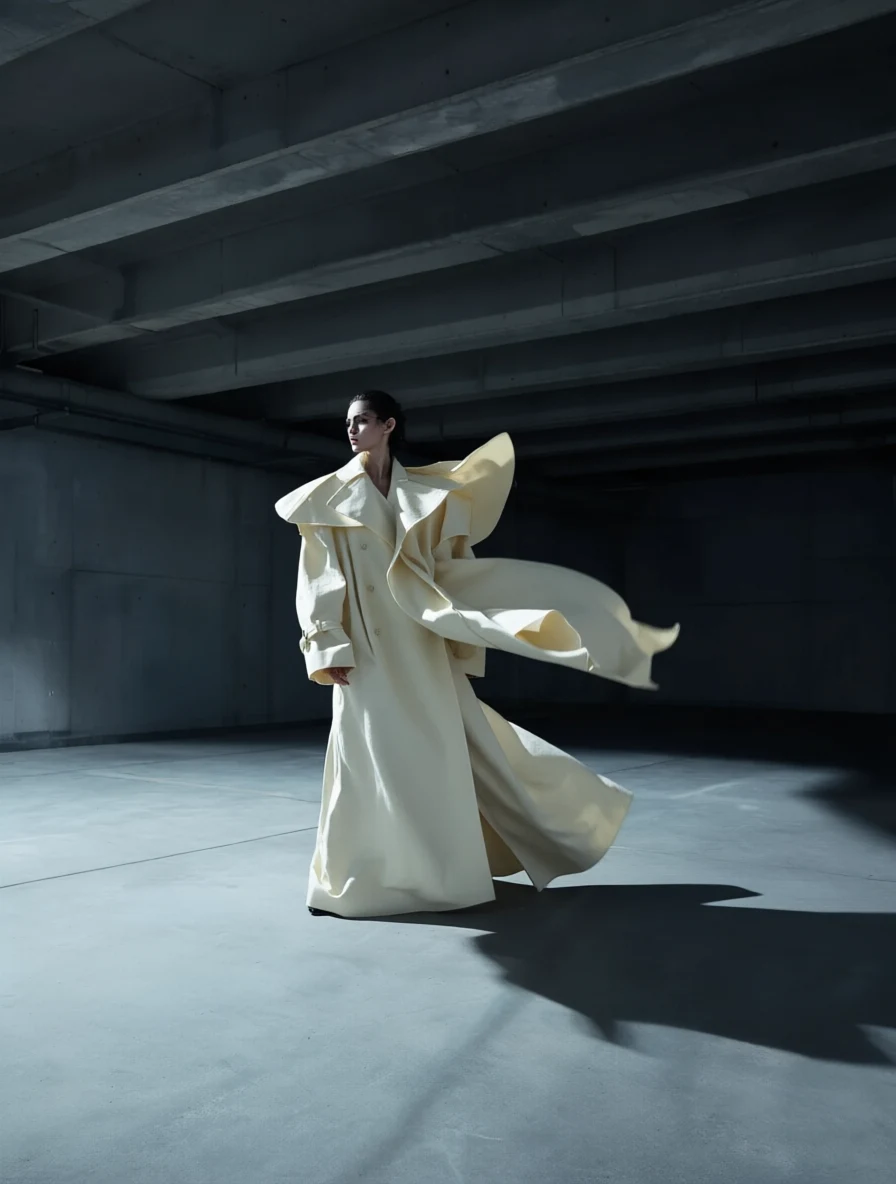
Bilingual prompting
Chinese-language fashion edit
Prompt: Change the coat from deep red to ivory white while preserving the fabric drape, wind shape, and dramatic side light.
Qwen bilingual image editor
Use it when English, Chinese, layout, and source-image preservation all matter in the same edit.
Your generated image will appear here.
Enter a prompt and click 'Generate Image' — or start from an example:
Examples
Drag the handle to compare each source and result, or open the viewer for a closer look.
Bilingual prompting
Prompt: Change the coat from deep red to ivory white while preserving the fabric drape, wind shape, and dramatic side light.
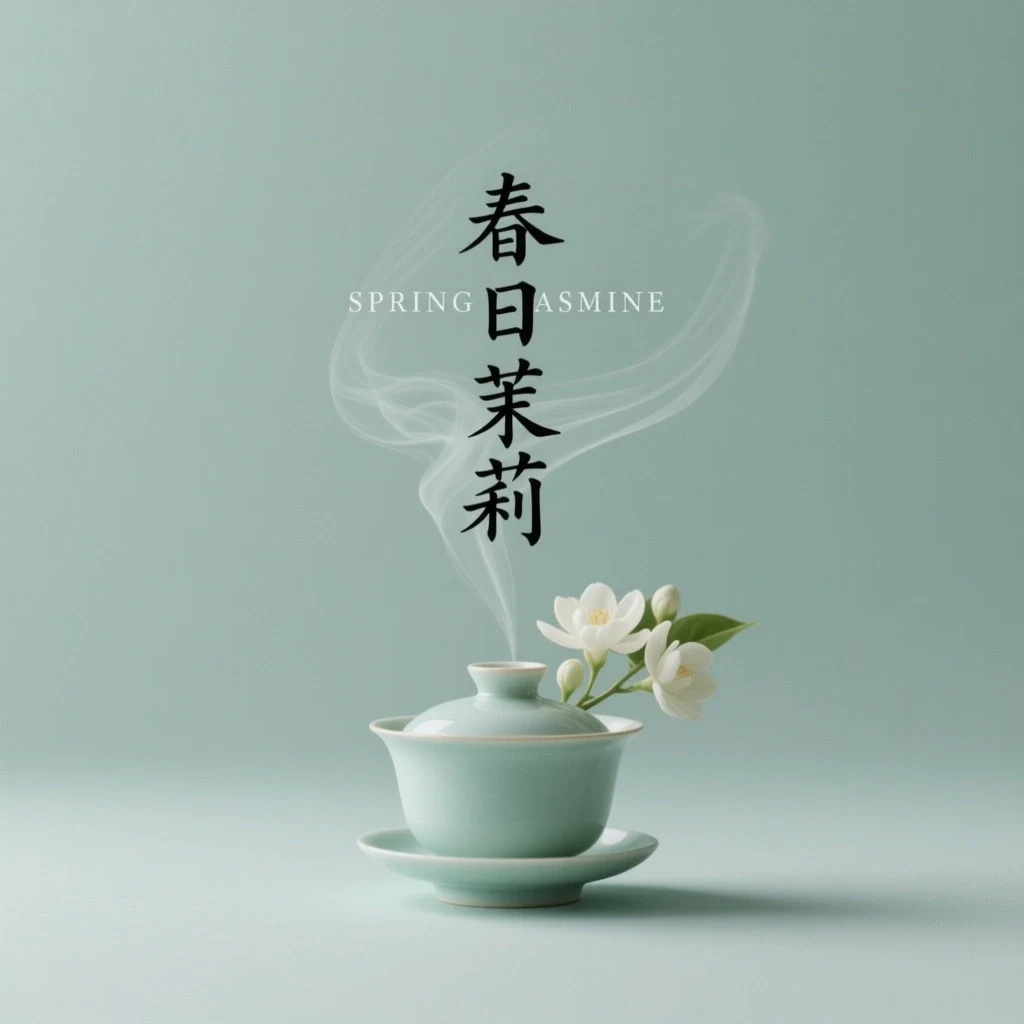
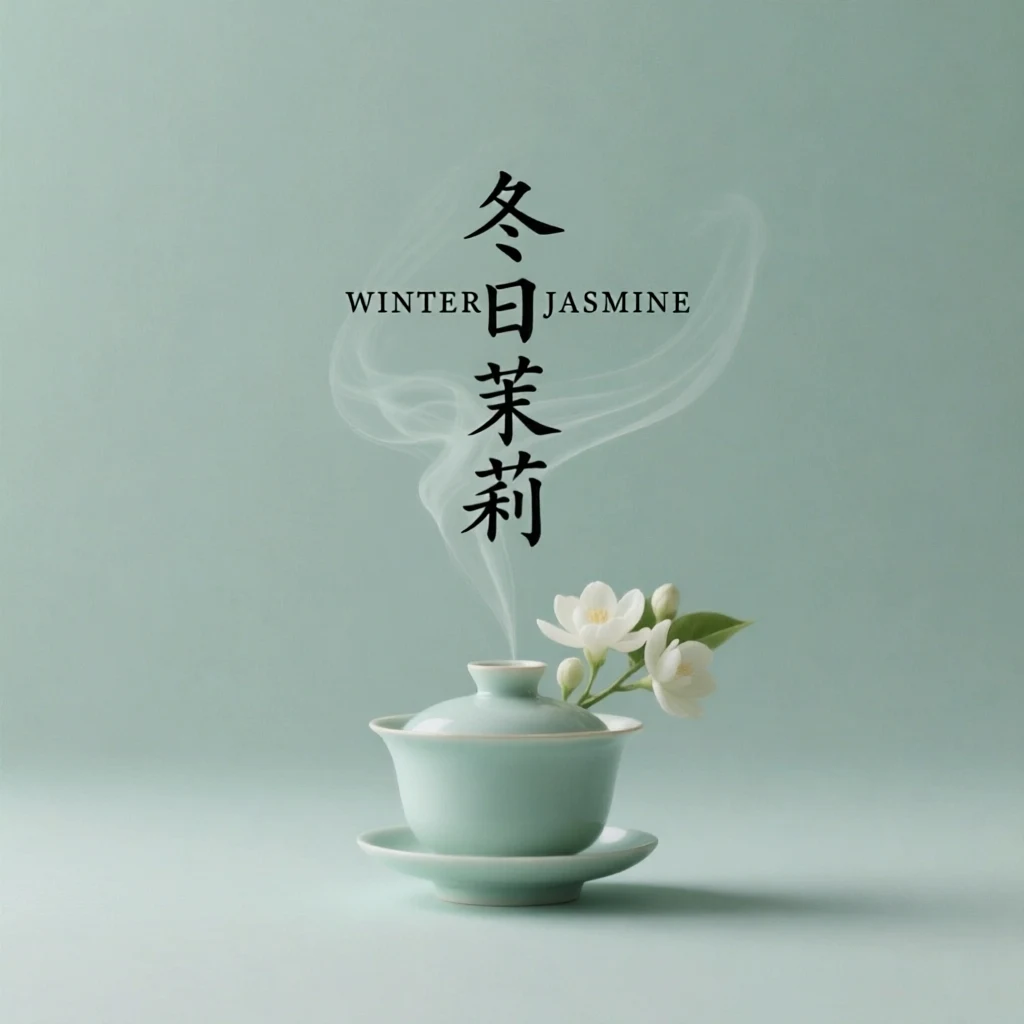
Text editing
Prompt: Change the English headline to "WINTER JASMINE" and the vertical Chinese text to "冬日茉莉." Keep the illustration, palette, and layout unchanged.
Multi-image edit
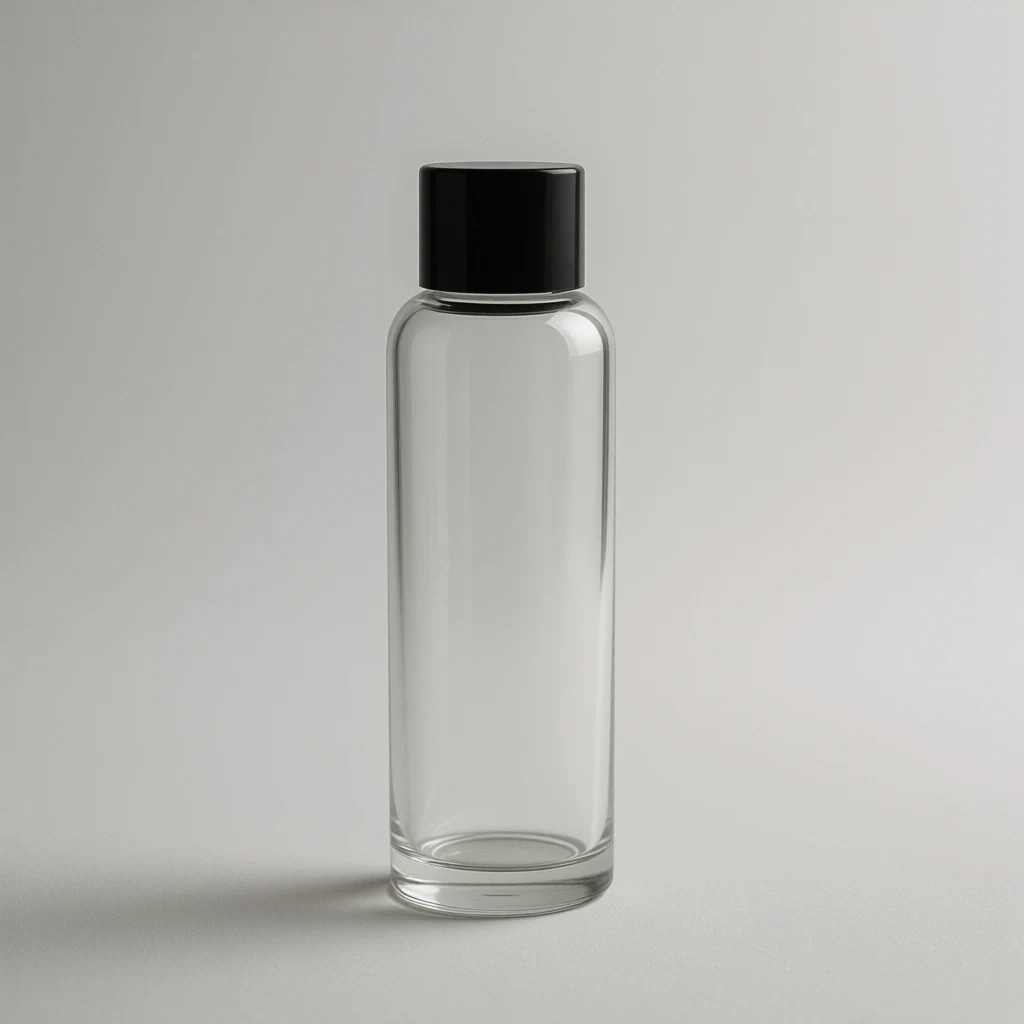
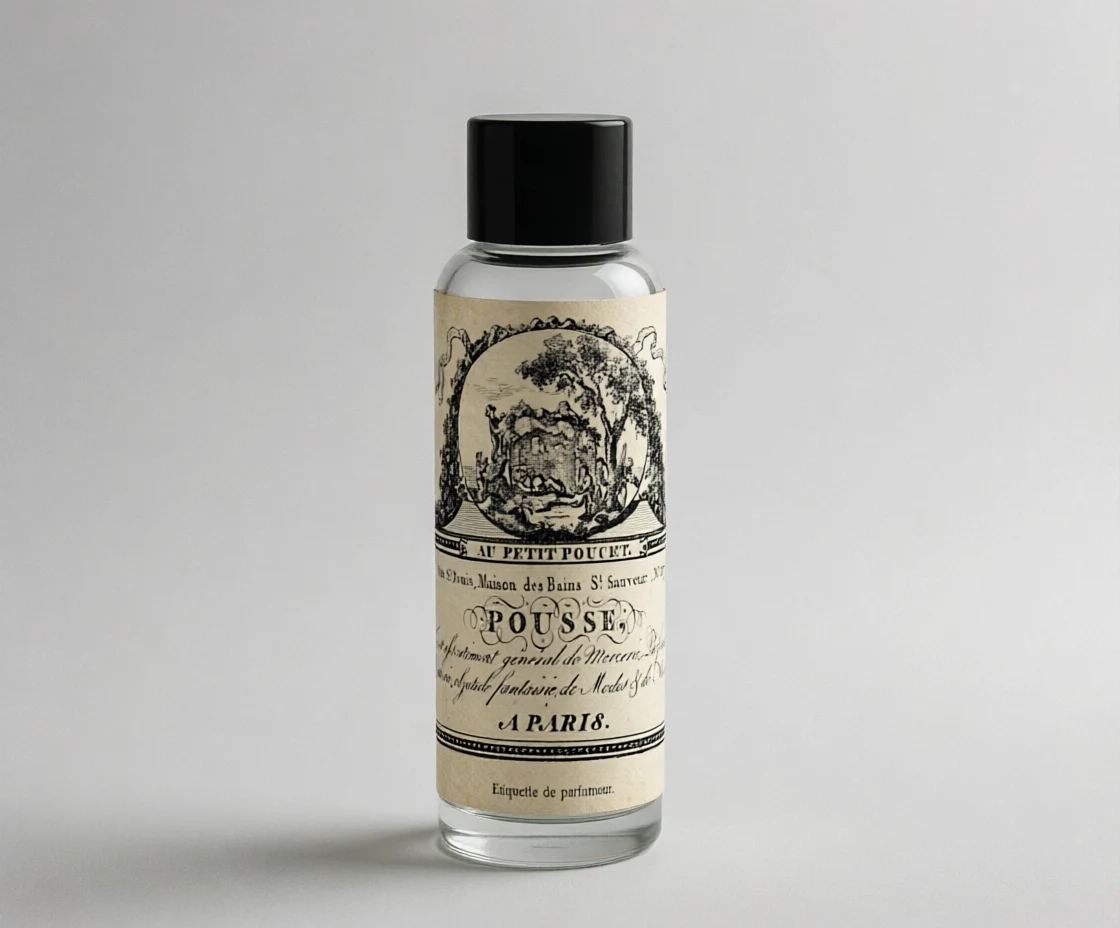
Prompt: Apply the second image label design to the bottle with correct curvature, perspective, lighting, and paper texture. Preserve the bottle and label artwork.
Structured graphic edit
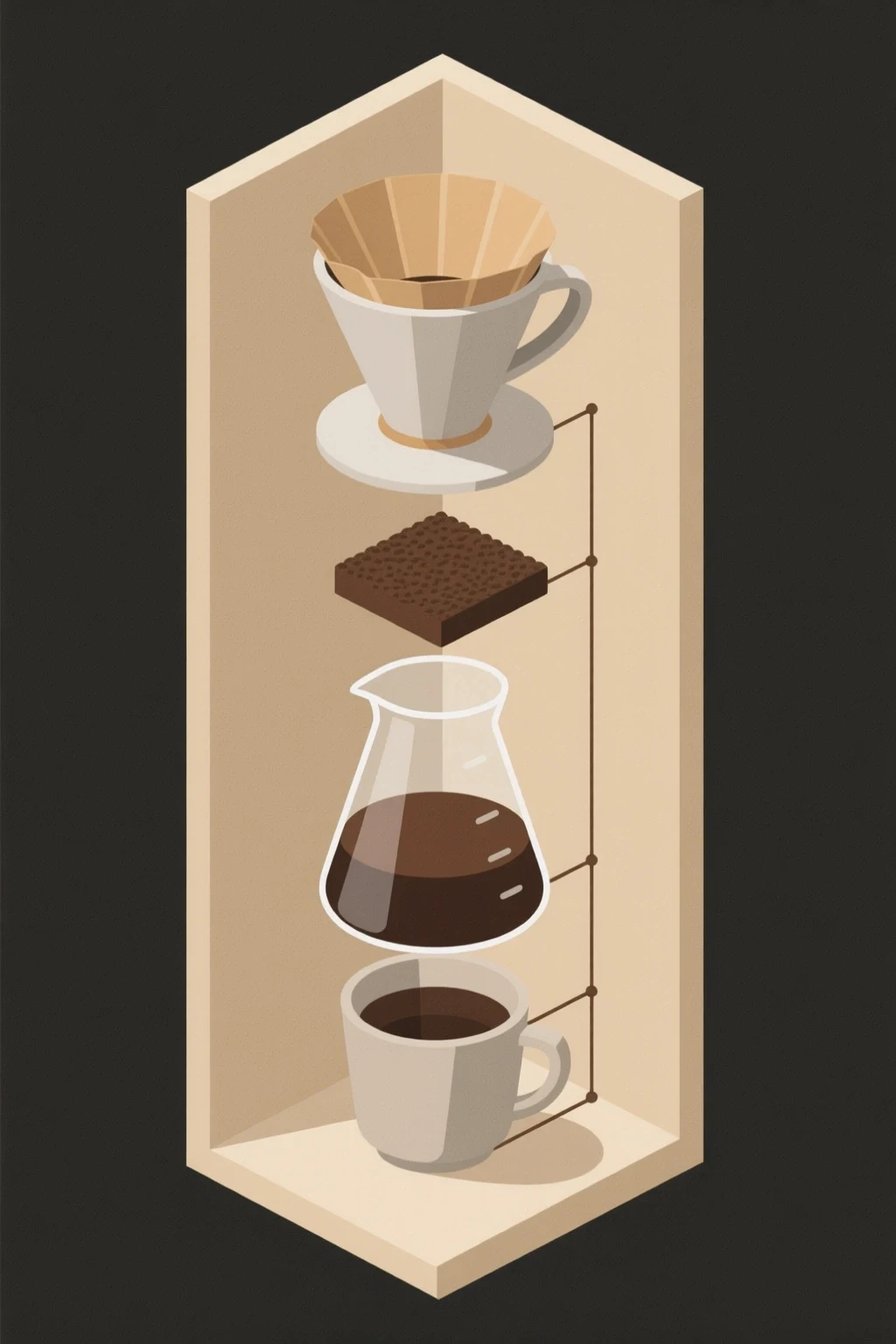
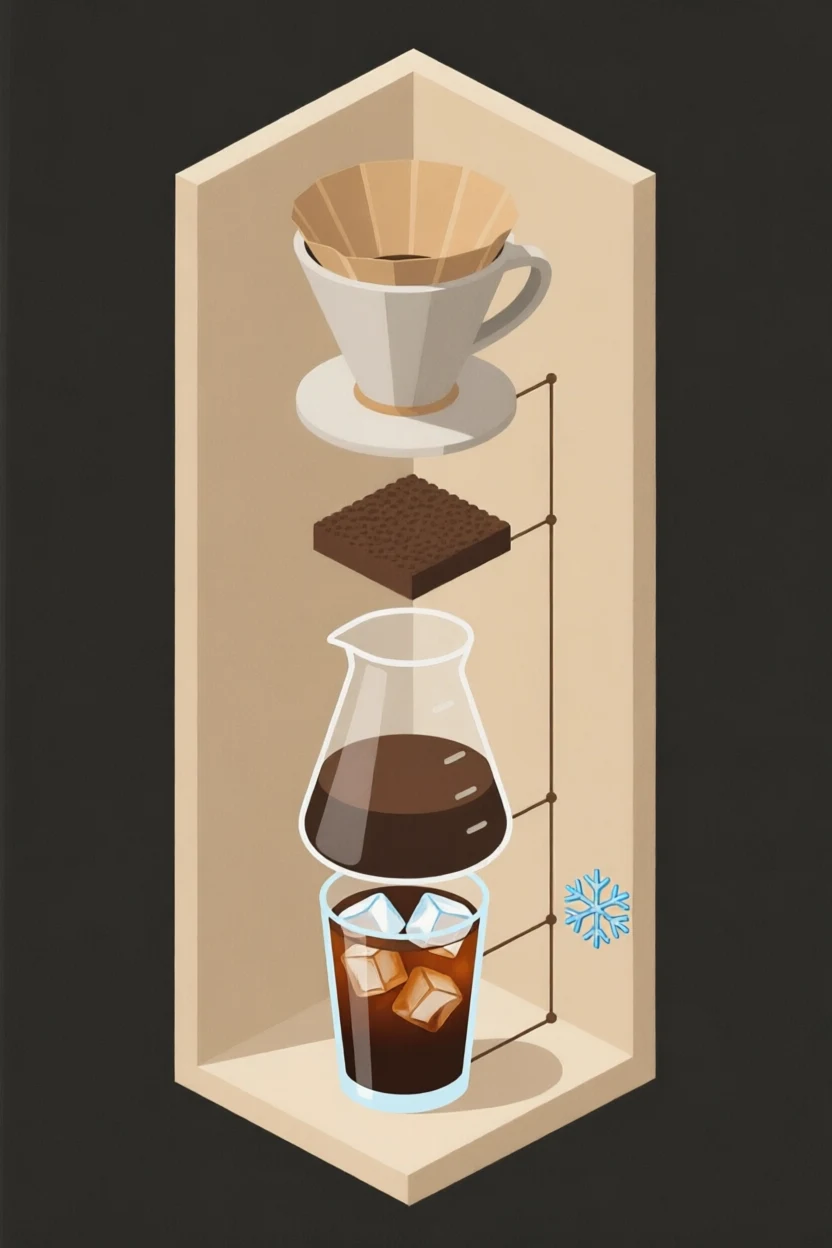
Prompt: Replace the bottom cup with a tall iced coffee and add a snowflake icon. Keep the dripper, carafe, frame, colors, and connecting lines unchanged.
Model context
Qwen Image 2.0 Edit is strongest when the edit includes language and layout. It is a natural choice for bilingual posters, label transfers, structured graphics, and design edits where text is part of the visual system.
The editor is also useful for multi-image work because the prompt can assign roles to references and describe text changes in English or Chinese.
Model strengths
Use it when English, Chinese, layout, and source-image preservation all matter in the same edit.
Prompt guide
Put replacement English and Chinese text in quotes or clear punctuation, and say where each string belongs.
Name the grid, column, label area, sign, or panel that should keep its original structure.
For multi-image edits, say which reference supplies the product, style, label, or background.
Check every letter and character before using the image in a page or ad.
It is especially useful for bilingual and layout-sensitive edits, including English and Chinese text changes.
Yes, it is one of the better choices when Chinese characters are part of the edit, but final outputs still need proofreading.
No. It also fits labels, product mockups, infographics, and structured visual edits.
Choose GPT Image 2 Edit when the job is primarily English typography or high-resolution ad cleanup.