Multi-image edit
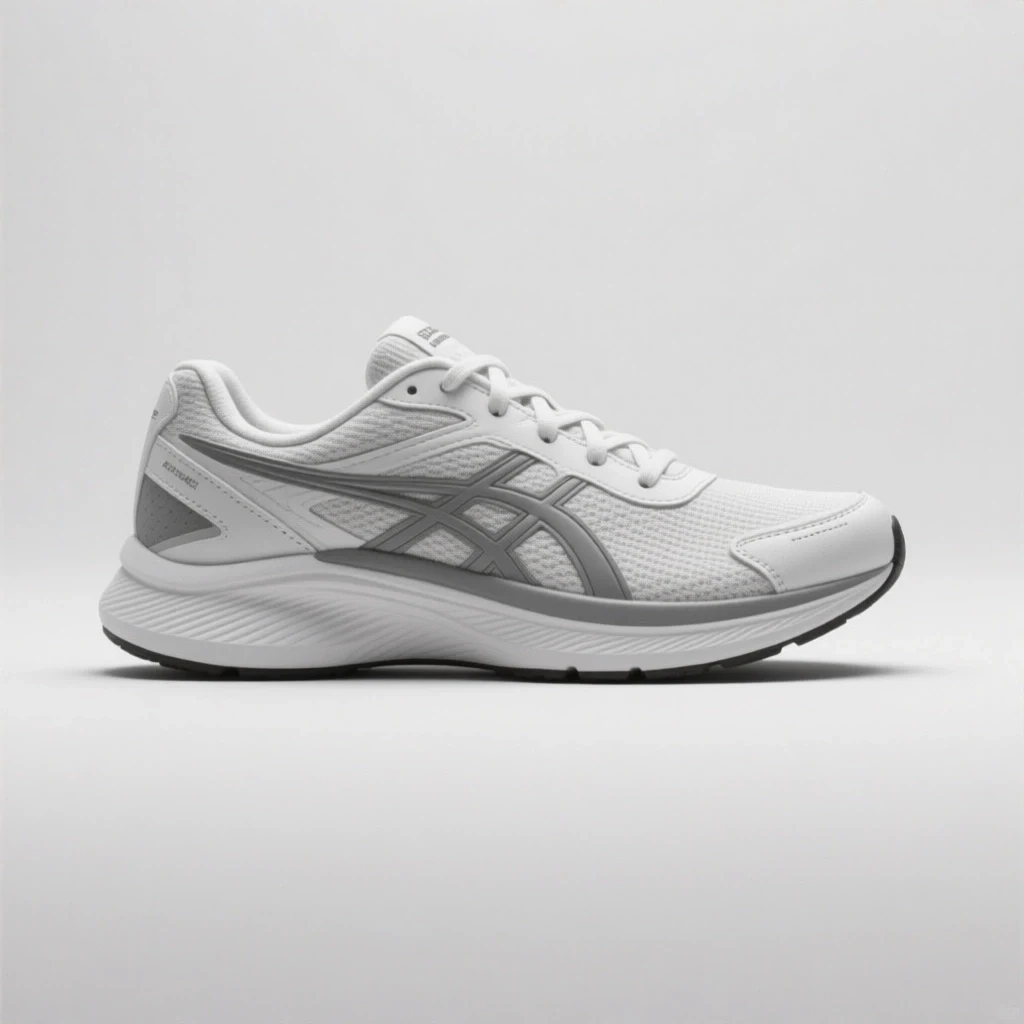
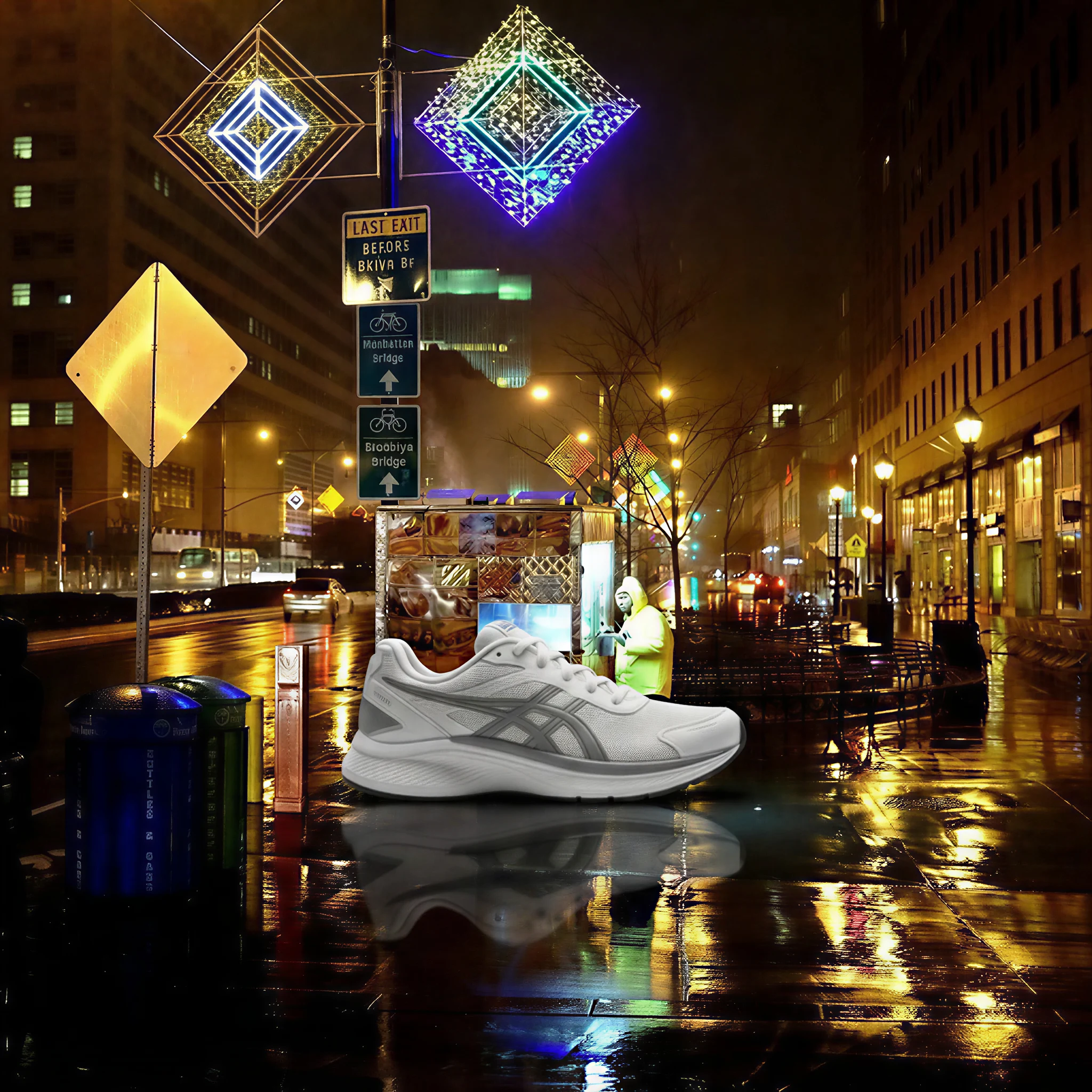
Two-reference product composite
Prompt: Place the sneaker onto the wet pavement in the street reference. Match the night lighting, add neon reflections, and preserve the product.
Google fast multi-reference editor
Use it when you need to combine references, test variants, or restyle an image without slowing down the creative session.
Your generated image will appear here.
Enter a prompt and click 'Generate Image' — or start from an example:
Examples
Drag the handle to compare each source and result, or open the viewer for a closer look.
Multi-image edit
Prompt: Place the sneaker onto the wet pavement in the street reference. Match the night lighting, add neon reflections, and preserve the product.

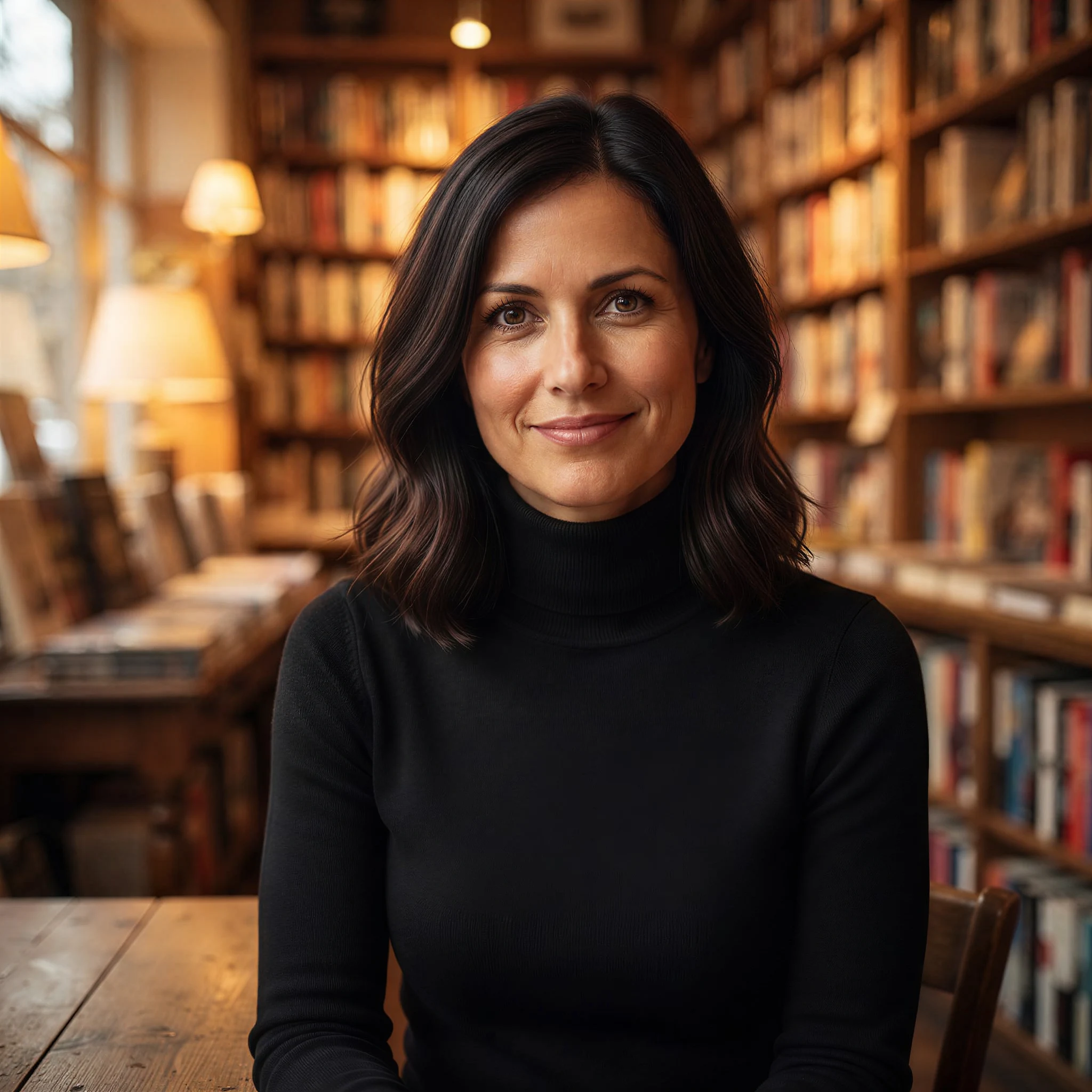
Portrait restyle
Prompt: Change the blazer to a black turtleneck and move the woman into a warm bookstore. Keep her face, hairstyle, skin tone, and expression the same.
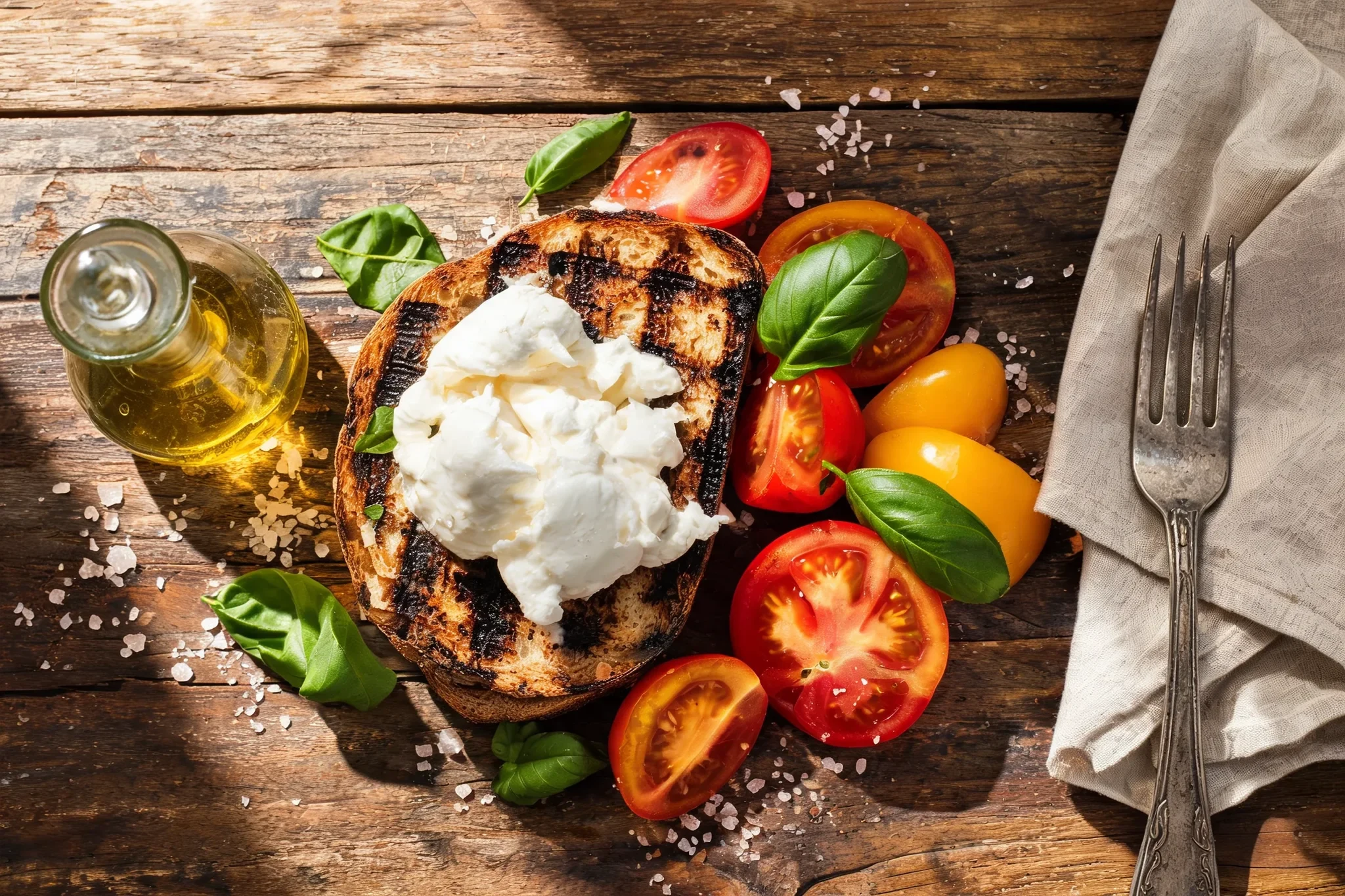
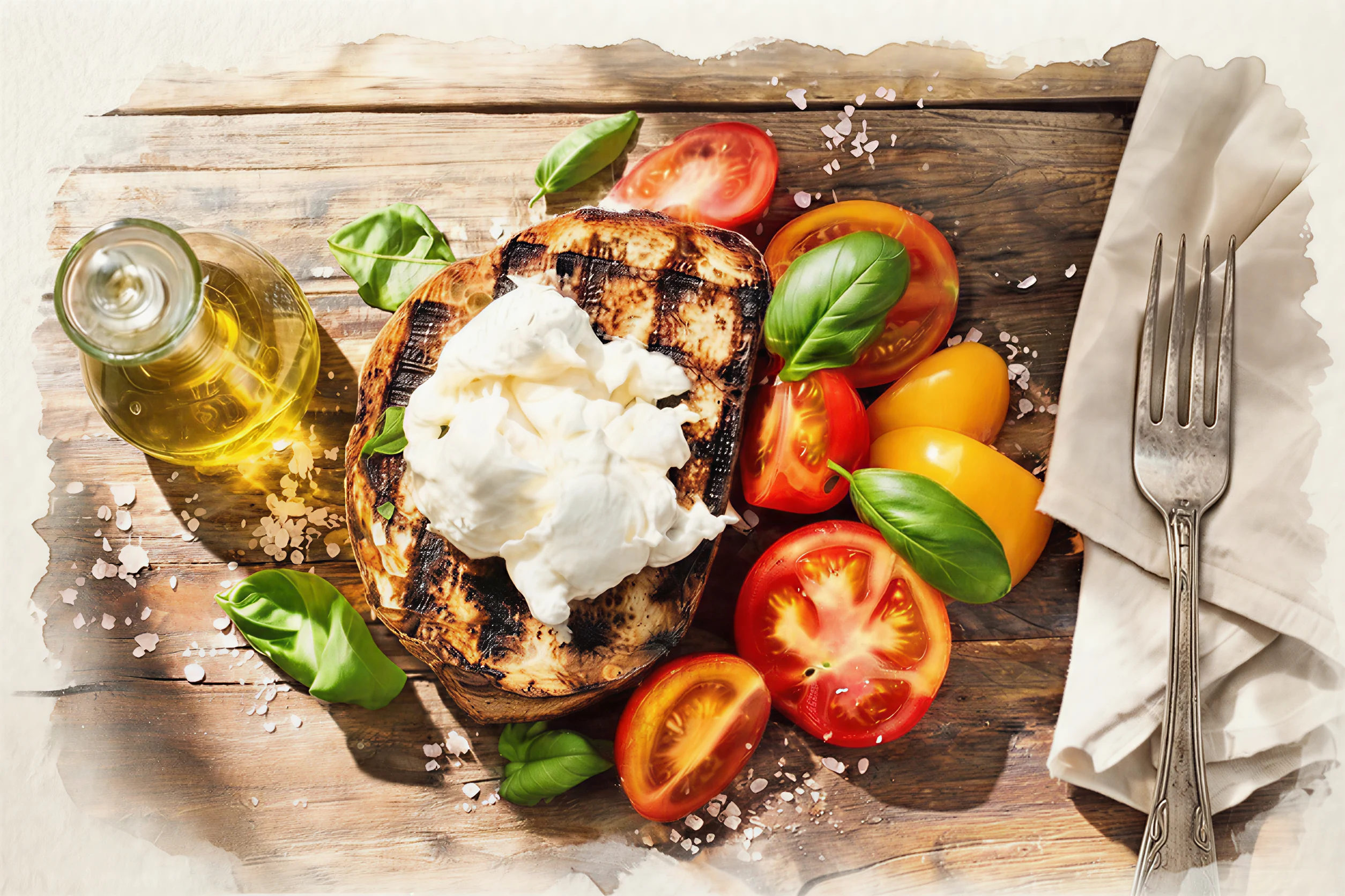
Style transfer
Prompt: Repaint the lunch photo in the loose watercolor style of the second reference. Keep the composition and add paper texture, pigment bleeds, and hand-painted edges.
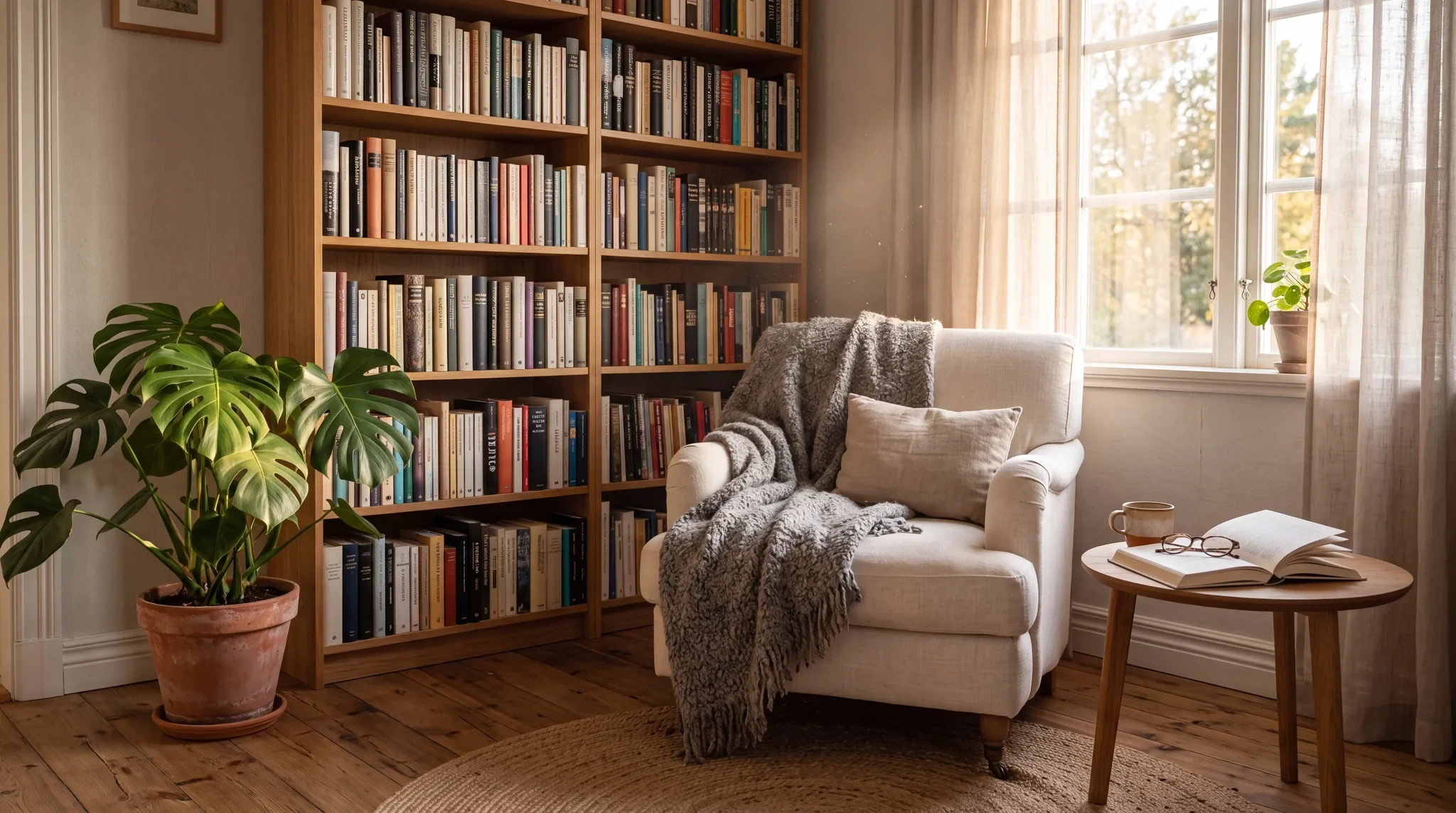
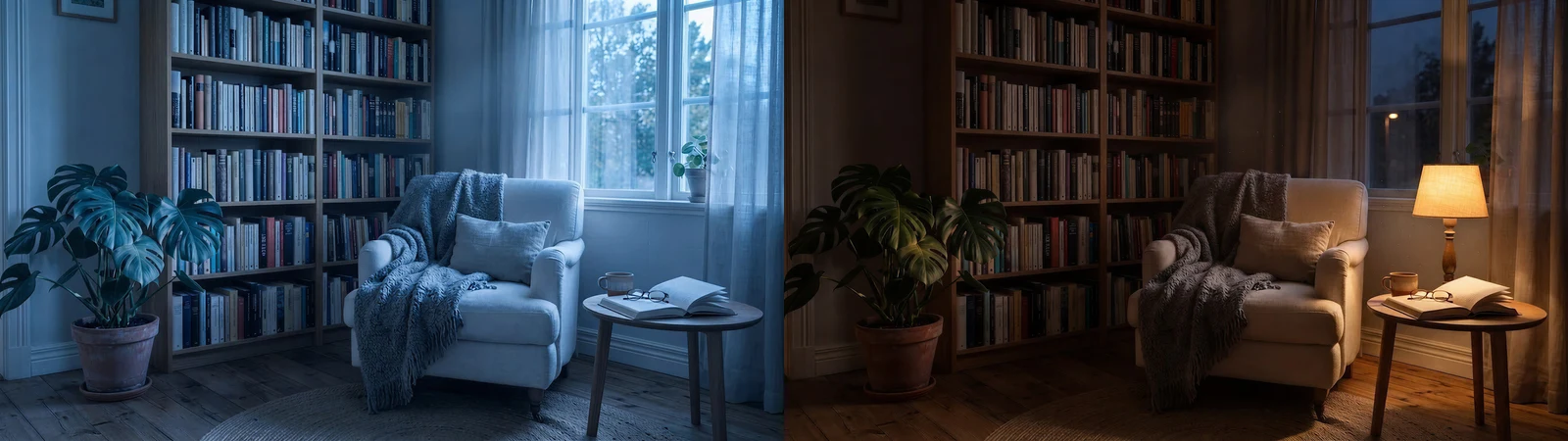
Fast iteration
Prompt: Create cool early-morning and warm late-evening lighting variants. Keep every object, book, and fabric in exactly the same place.
Model context
Nano Banana 2 Edit is useful when an edit depends on more than one source: a product plus a background, a person plus a new wardrobe, or a photo plus a style reference.
Its advantage is speed. It lets you test whether a composite or restyle works before sending the direction to a slower precision editor.
Model strengths
Use it when you need to combine references, test variants, or restyle an image without slowing down the creative session.
Prompt guide
Say which image provides the subject, background, style, lighting, or product detail.
Use only the images needed for the edit. Extra references make the instruction easier to confuse.
Use the model for comparison: morning versus evening, studio versus lifestyle, or two styling options.
If the winning version needs exact copy or fine label repair, finish with a more precise editor.
It is best at fast multi-reference edits, product composites, portrait restyles, and visual variants.
It can preserve identity when the face reference is clear and the prompt says which features must remain unchanged.
Use fewer references and assign each one a role in the prompt: subject, background, style, product, or lighting.
Avoid it for high-stakes text replacement or tiny product-label changes that need precise proofreading.