Text editing
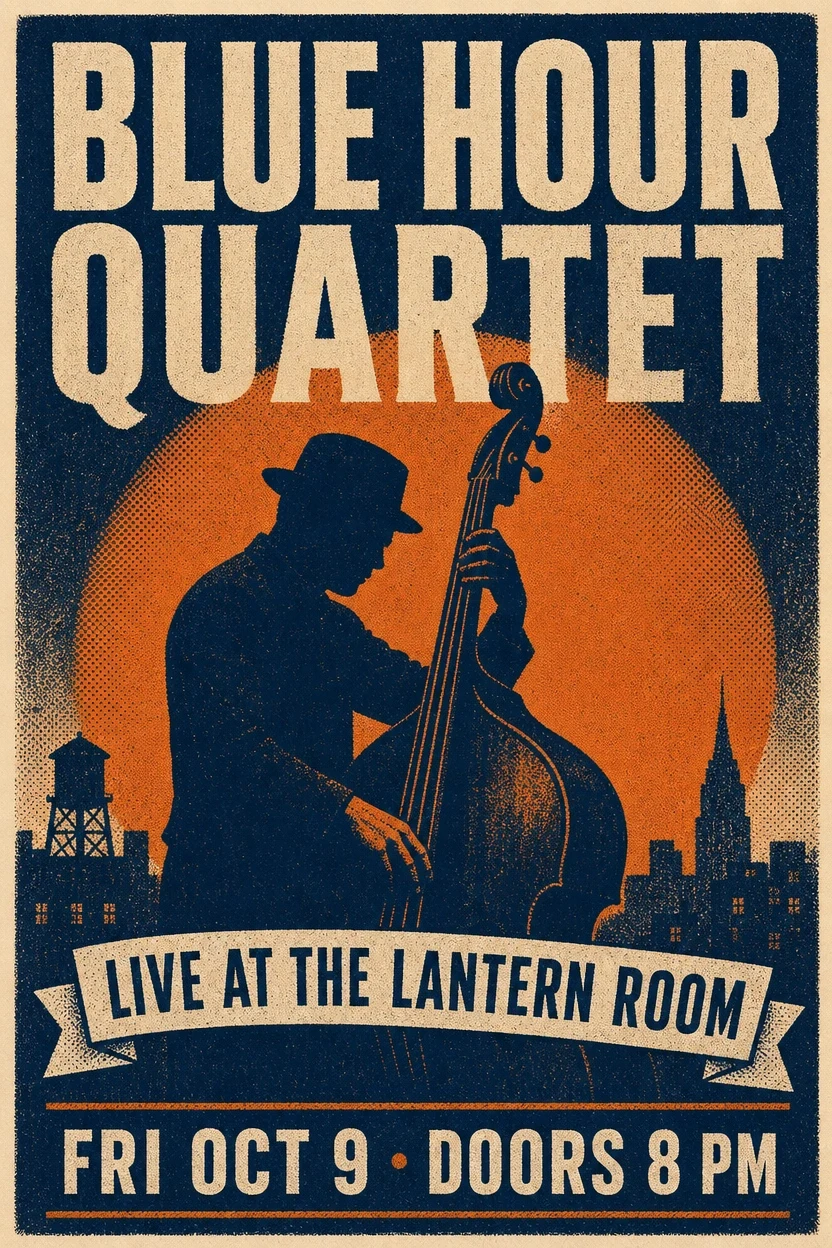
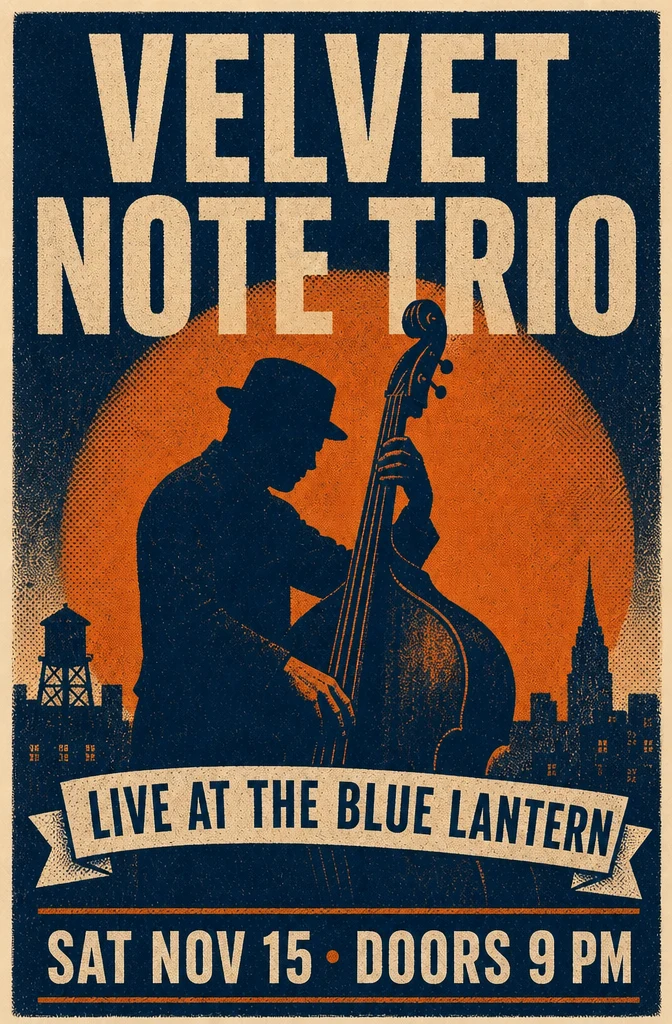
Poster copy replacement
Prompt: Change the band name to "VELVET NOTE TRIO," the date to "SAT NOV 15 - DOORS 9 PM," and the venue to "LIVE AT THE BLUE LANTERN." Keep every other element unchanged.
OpenAI precision image editor
Use it when the edit involves text, layout, labels, or product details that should remain controlled rather than loosely restyled.
Your generated image will appear here.
Enter a prompt and click 'Generate Image' — or start from an example:
Examples
Drag the handle to compare each source and result, or open the viewer for a closer look.
Text editing
Prompt: Change the band name to "VELVET NOTE TRIO," the date to "SAT NOV 15 - DOORS 9 PM," and the venue to "LIVE AT THE BLUE LANTERN." Keep every other element unchanged.
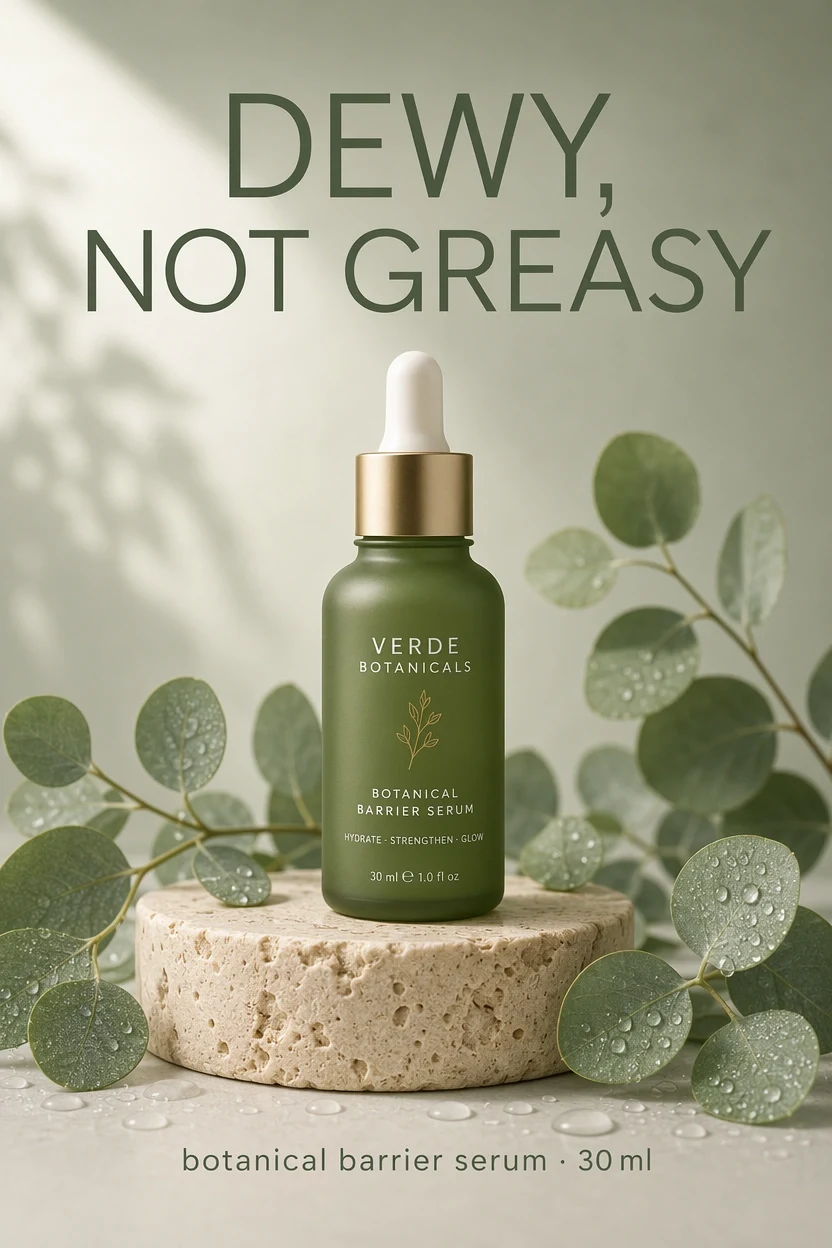
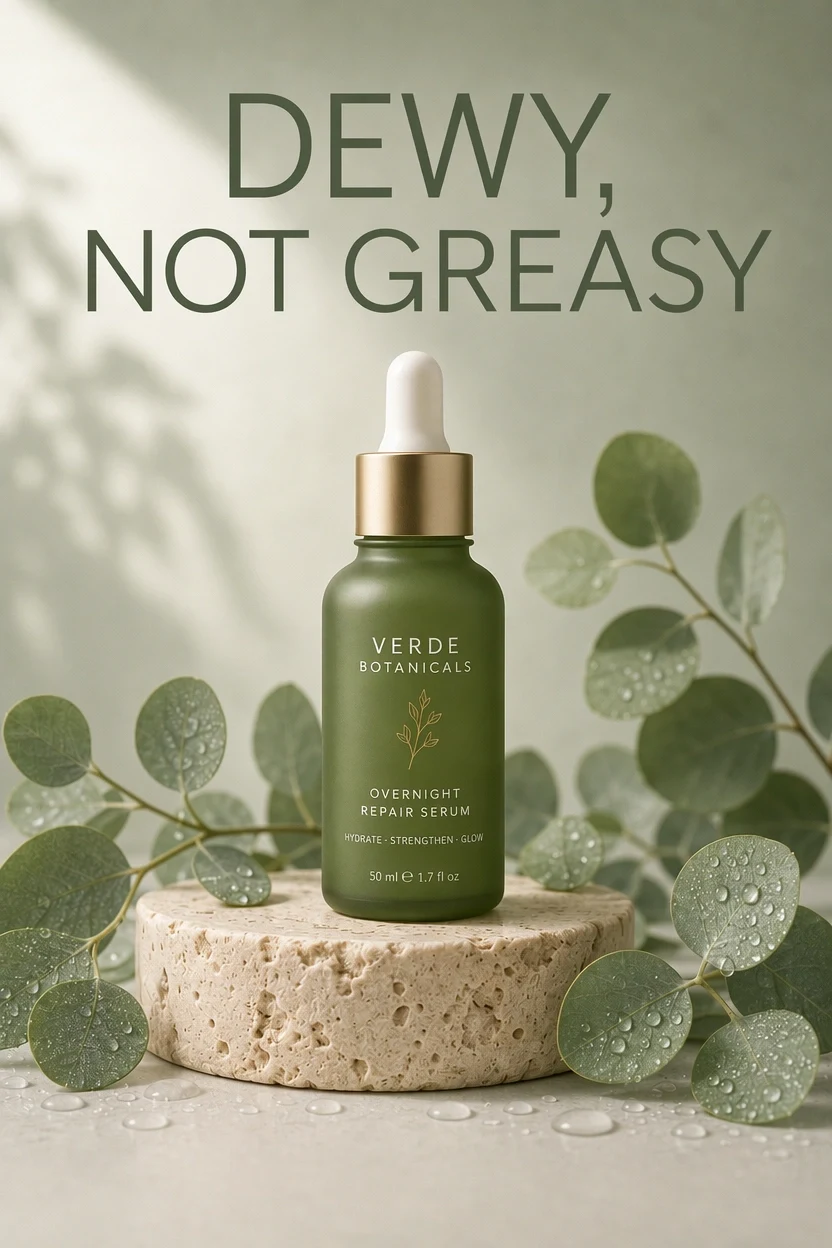
Ad editing
Prompt: Change the bottle label to "OVERNIGHT REPAIR SERUM" and the size to "50 ml." Keep the headline, bottle, pedestal, leaves, droplets, and lighting unchanged.
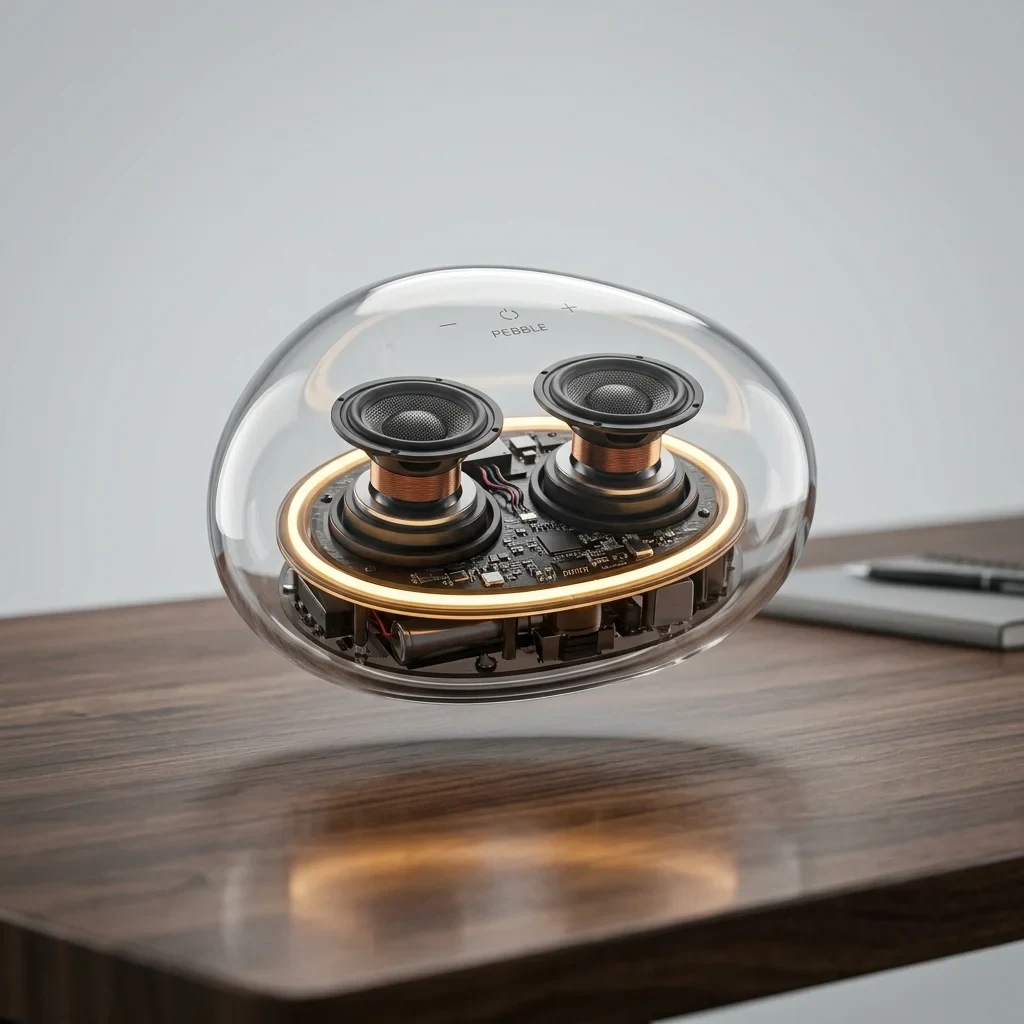
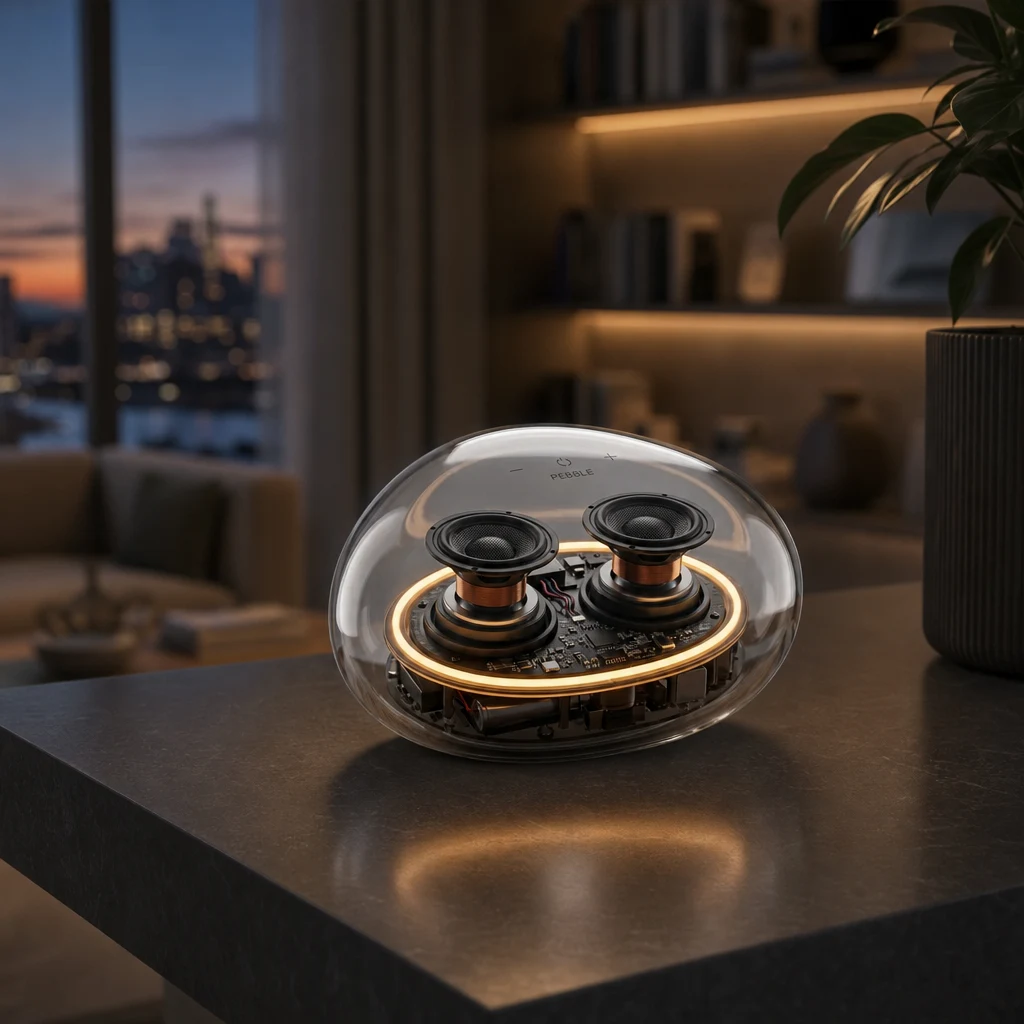
Background replacement
Prompt: Place the transparent speaker on a dark slate shelf in a modern living room at dusk. Preserve the product and add a realistic contact shadow and faint reflection.
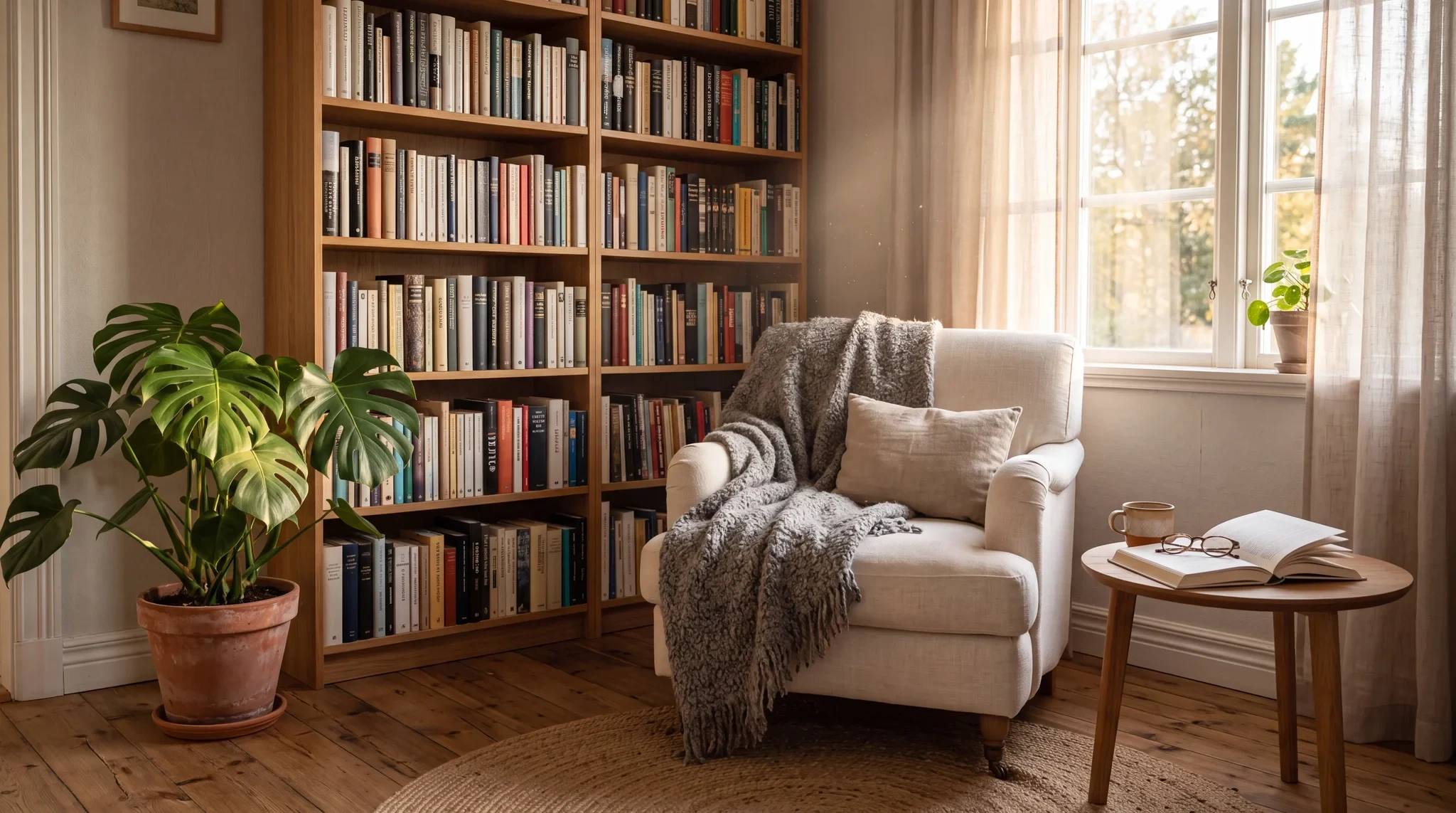
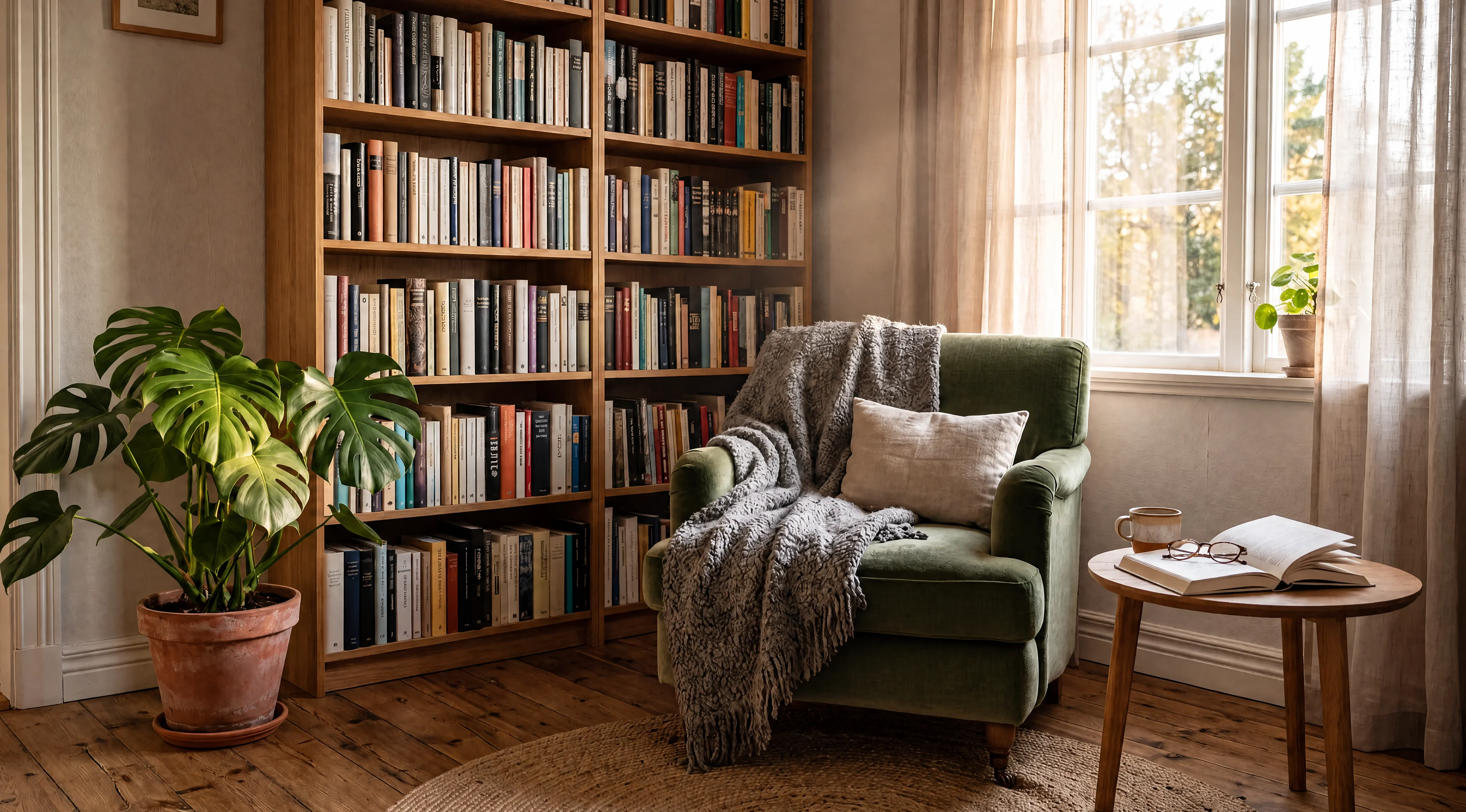
High-resolution edit
Prompt: Change only the off-white linen armchair to deep sage-green velvet. Preserve its shape, folds, throw, and every other part of the room.
Model context
GPT Image 2 Edit is the editing counterpart to a typography-aware generation model. It is valuable when the request changes specific copy, product labels, materials, or backgrounds while the rest of the composition should remain stable.
On RenderFlow AI, it belongs on production edits where the before image matters and the output needs to preserve what was already working.
Model strengths
Use it when the edit involves text, layout, labels, or product details that should remain controlled rather than loosely restyled.
Prompt guide
Start with the copy, object, material, or background that changes. Do not bury the instruction under style language.
Say what must stay unchanged: product shape, face, artwork, lighting, camera angle, and layout.
Put every replacement string in quotes and keep it short enough to proofread at full size.
If one label fails, simplify that label instead of rewriting the whole brief.
Use it for precise edits to posters, labels, ads, products, backgrounds, and materials where preserving the source image matters.
It is one of the better options for text-aware edits, but every output still needs proofreading before publishing.
State the change first, then explicitly list what must remain unchanged. The preservation instruction is part of the edit.
Use Nano Banana 2 Edit for fast multi-reference remixing and Qwen Image 2.0 Edit for bilingual text or layout edits.